01. Edit your form online
Type text, add images, blackout confidential details, add comments, highlights and more.

Type text, add images, blackout confidential details, add comments, highlights and more.

Draw your signature, type it, upload its image, or use your mobile device as a signature pad.

Send it via email, link, or fax. You can also download it, export it or print it out.
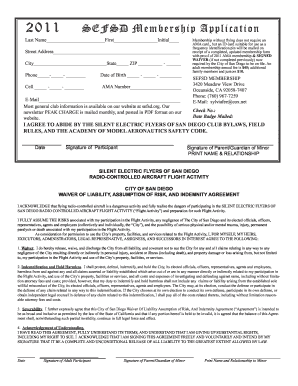
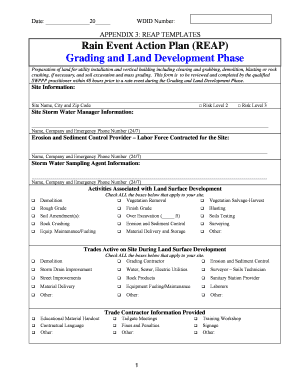
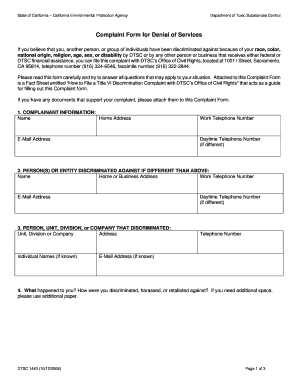
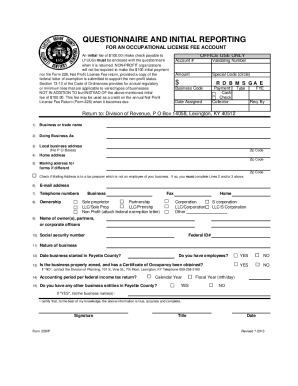
Digital transformation has redefined how we approach paperwork, leading to the increasing popularity of completing forms online. At its core, "form online" refers to any form that can be accessed, filled out, and submitted digitally over the internet. This shift from traditional paper forms to digital formats offers numerous advantages, including improved efficiency, greater accessibility, and ecological benefits through reduced paper usage. Online forms are designed with interactivity in mind, allowing users to input, modify, and submit data conveniently from anywhere with internet access. This makes them an essential tool for both individuals and businesses in today's digitally connected world.
Completing a form online involves a sequence of steps that are generally more straightforward than handling traditional paper forms. Here is a typical process:
Access the Form: Begin by visiting the relevant website or platform where the form is hosted. For instance, accessing a "form online" at DocHub involves either uploading your own document or starting with a blank template.
Fill Out the Form: Use the interactive fields designed for input. These may include text boxes, checkboxes, and dropdown menus. The integrated Form Fields manager simplifies this by guiding you through each section.
Review Entries: Before submitting the form, review all your entries to ensure accuracy and completeness. Online platforms often allow you to easily navigate through fields for quick edits.
Submit the Form: Follow the platform's submission process, which may include clicking a 'Submit' button, attaching additional files, or entering an email address for confirmation.
Receive Confirmation: After submission, a confirmation message or email is typically sent to acknowledge receipt of your form, providing a sense of assurance and traceability.
Utilizing an online form effectively requires understanding its features and capabilities. Forms available online, such as those from DocHub, are equipped with tools that make the process seamless. Users can:
Edit Documents: Modifications such as adding text, inserting images, or annotating can be done directly within the form. This provides the flexibility to customize forms to meet specific needs.
Collaborate in Real-Time: Online forms allow multiple users to access and edit documents simultaneously. Comments can be added by each contributor, and permissions can be set to control editing and signing capabilities.
Add Electronic Signatures: With options for creating legally binding electronic signatures, users can easily sign documents or request signatures from others, enhancing the efficiency of form submissions.
Digital forms share common elements that ensure their functionality and ease of use:
User-Friendly Interface: Designed to be intuitive, most online forms present information clearly, guiding users through each step of the process.
Interactive Fields: Elements such as text boxes and dropdown menus facilitate data entry, with some platforms providing automatic error detection to ensure form accuracy.
Security Features: SSL encryption and password protections are often implemented to keep user data safe, particularly when dealing with sensitive information.
Accessibility Options: Many platforms support multiple file formats and offer mobile compatibility, allowing form completion from various devices.
Online forms are utilized across various domains:
Business Applications: Companies use digital forms for HR onboarding, client surveys, and internal reporting to streamline operations and gather data efficiently.
Government Services: Many government agencies offer forms online, such as tax filings or permit applications, to reduce processing times and improve public service efficiency.
Educational Institutions: Online forms facilitate enrollment processes, feedback collection, and exam registrations, contributing to a more streamlined educational experience.
Legal compliance is a crucial aspect of using forms online. Digital forms must adhere to regulations such as the ESIGN Act, ensuring that electronic signatures are legally enforceable. When using online forms for official purposes, it's essential to:
Verify Legal Requirements: Ensure that the online platform complies with relevant laws for electronic transactions.
Use Secure Platforms: Choose services like DocHub that offer encrypted submissions to protect sensitive data.
Obtain Necessary Consents: When forms collect personal information, obtaining consents as required by privacy laws is imperative.
The transition to online forms brings about several advantages:
Efficiency: Reducing the time needed for form processing and submission makes operations faster and more efficient.
Cost-Effectiveness: Eliminating the need for printing and physical storage cuts down costs significantly.
Accessibility: Forms online can be accessed and submitted from anywhere, removing geographical barriers and enabling remote participation.
Understanding specific terminology enhances the use of online forms:
SSL Encryption: A security protocol ensuring that data transferred between the user and the server is encrypted and secure.
OAuth 2.0: An authentication protocol that allows secure access to resources without exposing user credentials.
Electronic Signature: A digital mark indicating acceptance of the terms within a document, legally binding under laws like the ESIGN Act.
These essential elements of completing and utilizing forms online illustrate why they are an indispensable tool in modern digital interactions. By streamlining processes and enhancing security, online forms effectively bridge the gap between convenience and compliance.
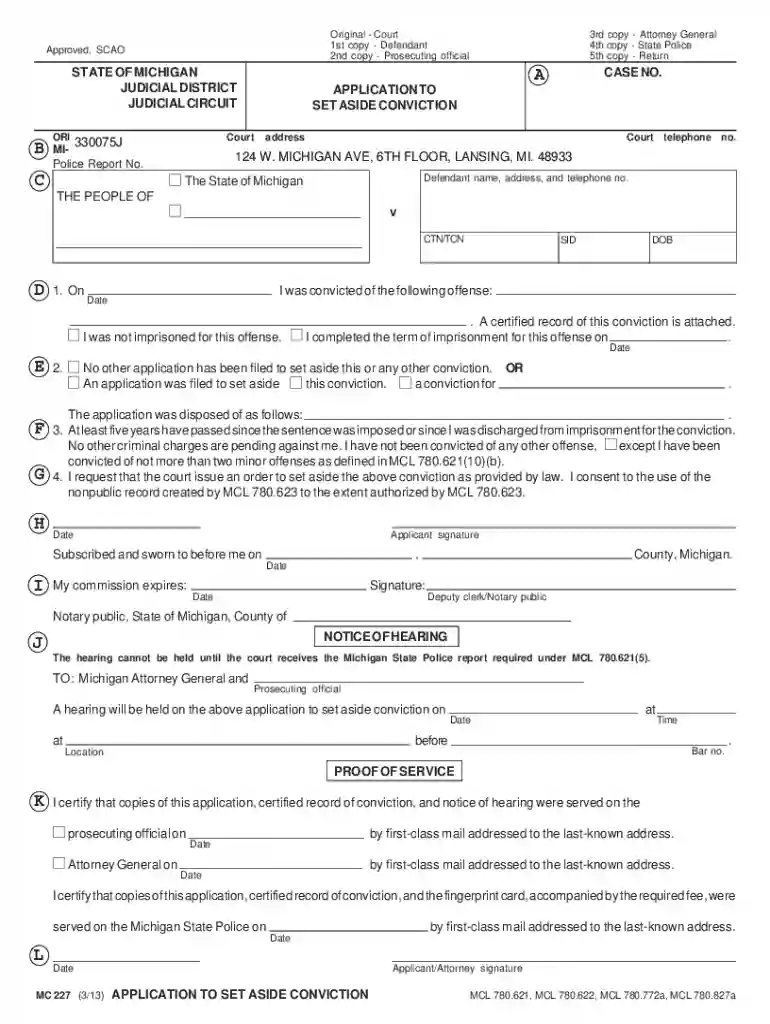
We've got more versions of the Michigan Application to Set Aside Conviction form. Select the right Michigan Application to Set Aside Conviction version from the list and start editing it straight away!
At DocHub, your data security is our priority. We follow HIPAA, SOC2, GDPR, and other standards, so you can work on your documents with confidence.