




01. Edit your form online
Type text, add images, blackout confidential details, add comments, highlights and more.

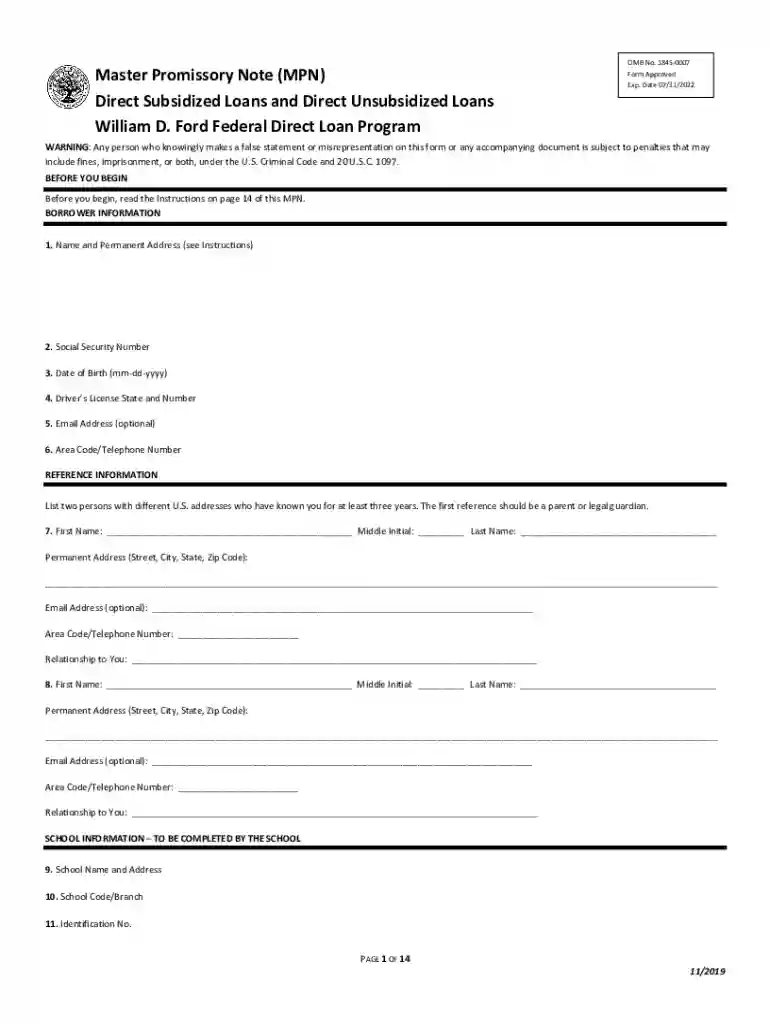
Type text, add images, blackout confidential details, add comments, highlights and more.

Draw your signature, type it, upload its image, or use your mobile device as a signature pad.

Send it via email, link, or fax. You can also download it, export it or print it out.
Forms that users complete online refer to electronic documents designed to gather and process information directly through an internet connection. These forms are accessible via web-based platforms that support workflows such as editing, signing, and submitting documents without necessitating paper, physical presence, or manual delivery. Online forms facilitate efficient data management, reducing the need for physical storage and processing by digitizing the entire lifecycle of the document.
Online forms often include various fillable fields like text boxes, checkboxes, and dropdown menus, allowing users to provide information in a structured manner. The digitization of forms supports a broad range of applications, from business transactions to governmental services, by ensuring that data is collected accurately and can be easily transmitted across digital systems. The primary goal of forms online is to streamline processes, enhance data accuracy, and improve user interaction with documents.
Access the Platform: Start by navigating to the document management platform, such as DocHub, where the online form is hosted. Ensure that the platform is secure and the form is the correct version for your needs.
Open the Form: Locate the desired form by browsing the available templates or uploading it from your device or cloud storage. Make sure it opens correctly in the editor.
Review Instructions: Carefully read any instructions or guidance provided to understand the requirements for filling out the form. This stage is crucial for ensuring all necessary fields are completed accurately.
Fill Out the Form: Use the fillable fields within the form to provide necessary information. This may include typing text, checking boxes, selecting options from dropdown menus, or signing the document electronically.
Review the Completed Form: Verify that all information entered is accurate and complete. Double-check for errors or omissions that might obstruct processing later.
Submit or Save the Form: Once satisfied, you can either directly submit the form online if the service offers a submission feature or save it for future submission or reference.
Completing an online form involves several imperative steps to ensure accuracy and effectiveness. Here’s a detailed guide:
Prepare Necessary Information: Before beginning, gather all required documentation and information you’ll need to complete the form. This might include personal identification, reference numbers, or other documentation relevant to the specific form.
Digital Signature: If your form requires a signature, utilize the platform’s electronic signature tools. Options might include drawing your signature digitally or uploading an image of your handwritten signature.
Field Validation: As you fill out form fields, ensure they are validated according to the criteria set by the form. Some fields may have character limitations or formats that need to be adhered to.
Use Autofill Options: If applicable, leverage autofill capabilities of modern browsers or password managers to fill repetitive fields efficiently and reduce the chance of error.
Save Progress Regularly: Some forms allow you to save your progress. Regularly saving your work can prevent data loss from accidental closure of the browser window or internet connectivity issues.
Online forms must adhere to legal standards to ensure compliance and authenticity:
Compliance with Regulations: Forms online should comply with laws like the ESIGN Act, which provides legal standing for electronic signatures and documents within the United States. Compliance guarantees the admissibility of digital forms and signatures in legal contexts.
Privacy Considerations: Ensure the platform hosting the form incorporates robust privacy measures to protect user data. This can involve data encryption, secure login protocols, and clear privacy policies.
Authorization and Consent: Users must provide informed consent before submitting online forms. Platforms should ensure that users fully understand their rights regarding the data being collected.
Digital forms serve numerous demographics and industries due to their adaptability and convenience. Common users include:
Individuals: People often use online forms for personal transactions such as job applications, tax filings, and service enrollments.
Businesses: Organizations employ forms to manage internal processes, including HR functions, client onboarding, and contract management.
Government Agencies: Public sector entities provide online forms to facilitate services such as permit applications, census data collection, and benefits enrollment.
Educational Institutions: Schools and universities utilize online forms for student admissions, financial aid applications, and course evaluations.


Online form platforms often support integration with various software tools to enhance versatility:
Document Management Systems: Compatibility with systems like Google Drive, Dropbox, and OneDrive allows seamless importing and exporting of forms.
Tax Software: Some online forms can be used in conjunction with tax software like TurboTax, enabling users to streamline tax preparation and submission processes.
Accounting Tools: Integration with QuickBooks or similar accounting platforms can facilitate forms related to financial transactions and business record-keeping.
CRM Systems: Integration with Customer Relationship Management systems enables businesses to automatically update customer data collected through online forms.
Online forms can be adapted to a variety of practical use cases, including:
Job Applications: Candidates fill and submit application forms online, providing a streamlined experience for applicants and employers alike.
Customer Feedback Surveys: Businesses can gather insights and actionable feedback from customers through digital surveys.
Patient Registration Forms: Healthcare providers utilize online forms for registering new patients, reducing wait times and improving data accuracy.
Event Registrations: Organizers use online forms to handle participant registrations and manage event logistics efficiently.
When comparing digital forms to their paper-based counterparts, several advantages and considerations emerge:
Efficiency and Speed: Digital forms provide instant submission capabilities, reducing wait times for processing and saving resources on physical storage and handling.
Environmental Impact: By minimizing paper usage, digital forms contribute to environmentally sustainable practices.
Accessibility: Online forms can be accessed from multiple devices and locations, making it easier for users to complete and submit required information on their schedule.
Security: Digital forms, when designed with robust security measures, offer enhanced protection against unauthorized access and data breaches compared to handling physical documents.
We've got more versions of the Master Promissory Note (MPN) Form form. Select the right Master Promissory Note (MPN) Form version from the list and start editing it straight away!
At DocHub, your data security is our priority. We follow HIPAA, SOC2, GDPR, and other standards, so you can work on your documents with confidence.


