




Here's how it works

01. Edit your mortgage foreclosure online
Type text, add images, blackout confidential details, add comments, highlights and more.

02. Sign it in a few clicks
Draw your signature, type it, upload its image, or use your mobile device as a signature pad.

03. Share your form with others
Send ocwen loan modification application via email, link, or fax. You can also download it, export it or print it out.
How to use or fill out ocwen form modification with our platform

- Click ‘Get Form’ to open the ocwen form modification in the editor.
- Begin by filling out your Loan Number at the top of the form. This is essential for identifying your application.
- In Section 1, provide detailed Borrower(s) information including names, Social Security Numbers, and contact details.
- Move to Section 2 and complete the Property Information section. Indicate whether you intend to keep or sell the property.
- In Section 3, describe your current employment status and provide income documentation as required in Section 6.
- Complete Sections 7 and 8 by detailing your monthly housing expenses and any miscellaneous expenses you may have.
- Finally, review all sections for accuracy, sign where indicated, and submit your completed form along with any required documents.
Start using our platform today to easily fill out your ocwen form modification for free!
Fill out ocwen form modification online
It's free
It's free
See more ocwen form modification versions
We've got more versions of the ocwen form modification form. Select the right ocwen form modification version from the list and start editing it straight away!
| Versions | Form popularity | Fillable & printable |
|---|---|---|
| 2002 | 4.9 Satisfied (43 Votes) |
Security and compliance
At DocHub, your data security is our priority. We follow HIPAA, SOC2, GDPR, and other standards, so you can work on your documents with confidence.
Learn more


Related forms
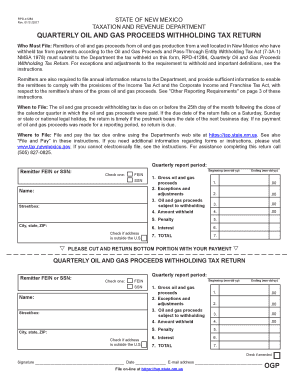
Withholding oil gas
The document outlines the procedures and requirements for filing the Quarterly Oil and Gas Proceeds Withholding Tax Retu ...
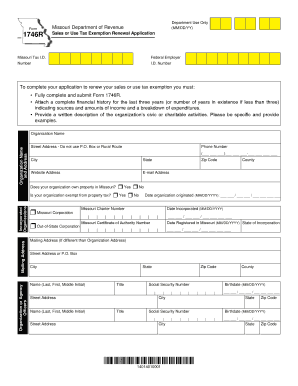
Missouri form 1746
The document is a Sales or Use Tax Exemption Renewal Application (Form 1746R) for organizations in Missouri. It outlines ...
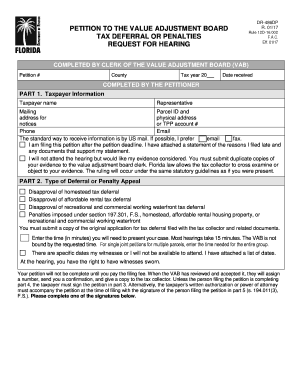
Petition tax deferral
The document is a petition form for the Value Adjustment Board (VAB) regarding tax deferral or penalties. It includes se ...
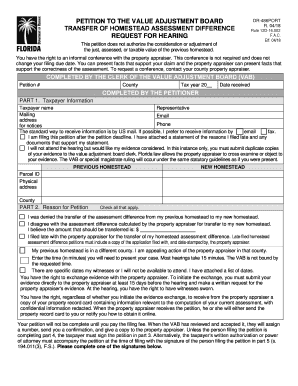
Florida homestead request hearing
The document is a petition form for the Value Adjustment Board (VAB) regarding the transfer of homestead assessment diff ...

Florida dr communications services tax
The document is a guide for filing the Florida Communications Services Use Tax Return (Form DR-700019), which is used to ...
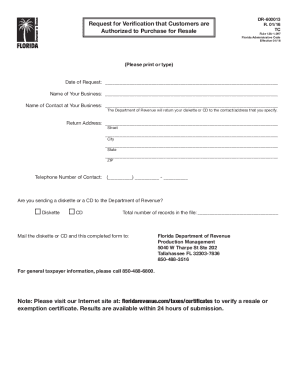
Florida authorized resale form
The document is a request form for verification that customers are authorized to purchase items for resale, governed by ...
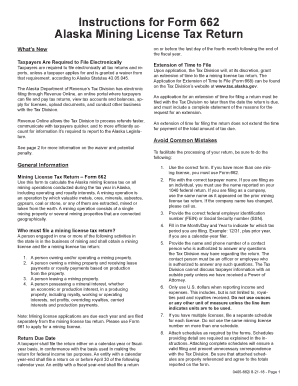
662i instructions 662 mining tax download
The document provides detailed instructions for completing Form 662, the Alaska Mining License Tax Return. It outlines t ...

Smoke Control System Maintenance Checklist - ehs ucf
The document is a checklist for the UCF Smoke Control System, detailing the components and testing procedures for smoke ...