






Definition and Meaning of "Form Online"
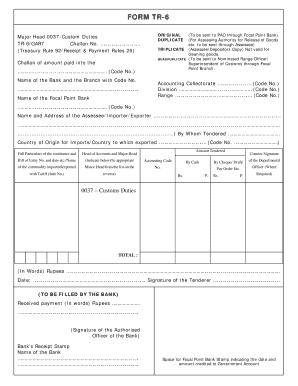
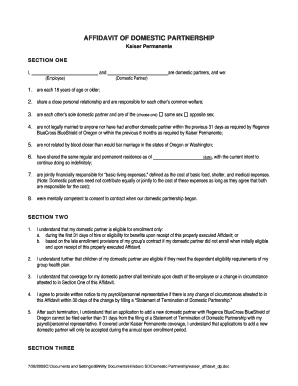
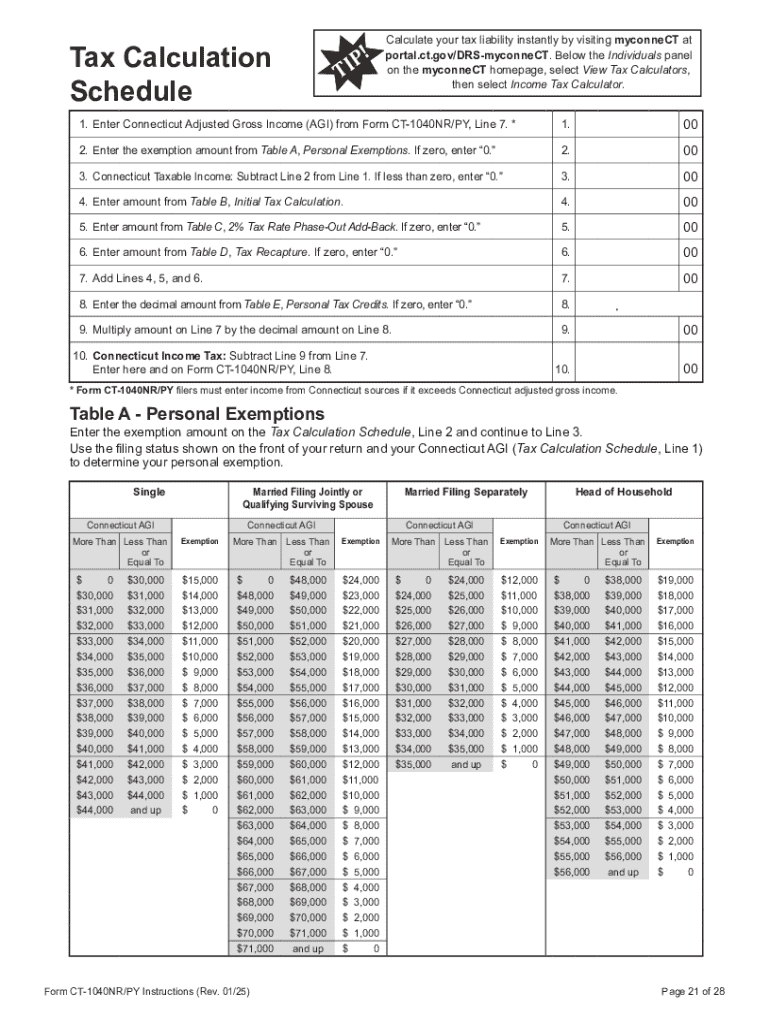
The term "form online" refers to the digital version of traditional paper forms that have been converted into an electronic format for ease of completion, submission, and processing over the internet. These forms are designed to streamline various document-handling tasks by enabling users to fill out, edit, and submit them digitally. Unlike paper forms, online forms can be accessed and completed from any location with internet access, providing significant flexibility and convenience. They are commonly used for a wide range of applications, including tax filings, legal documents, employment applications, and business transactions.
How to Use the Form Online
Using a form online involves several straightforward steps that begin with accessing the relevant platform or website hosting the form. Once there, users can typically select the desired form from a list of available options. The form itself provides interactive fields that can be filled out with pertinent information directly on the webpage. Users can type responses, select options from dropdown menus, and use checkboxes to indicate their choices. Many platforms also offer tools for inserting signatures digitally or uploading required attachments.
- Access the platform hosting the form.
- Select the form you need to complete.
- Fill out the interactive fields with the necessary information.
- Add any required attachments or digital signatures.
- Review the form for accuracy before submission.
- Submit the completed form through the platform.
Steps to Complete the Form Online
Completing a form online generally involves a series of logical steps that ensure all necessary information is accurately provided. These steps can vary slightly depending on the specific form or platform but typically include:
- Familiarize Yourself with the Form: Read through the entire form to understand what information is required.
- Gather Necessary Information: Before filling out the form, have all necessary documents and information ready.
- Fill Out the Form: Enter your information into each field, ensuring accuracy and completeness.
- Review Your Entries: Carefully check that all information entered is correct and complete.
- Attach Supporting Documents: Upload any required supporting documents or attachments.
- Submit the Form: Click the submit button to send your completed form to the appropriate entity.
Key Elements of the Form Online
An online form consists of several key elements that facilitate data collection and submission:
- Input Fields: Areas where users can input text, such as names, addresses, and other relevant data.
- Dropdown Menus: Allow users to select from pre-defined options.
- Checkboxes: Enable users to select one or multiple options within a question.
- Radio Buttons: Used for selecting a single option from multiple choices.
- Signature Fields: Interactive elements that enable users to provide a digital signature.
- File Uploads: Feature that allows for uploading necessary documents, such as identification or supplementary forms.
Who Typically Uses the Form Online
A wide range of individuals and businesses rely on online forms to facilitate various transactions and communications. Typical users include:
- Individual Taxpayers: For filing state and federal tax returns.
- Businesses: For regulatory filings, employee onboarding, and customer feedback.
- Students and Educators: For registration, applications, and survey purposes.
- Legal Entities: For processing legal documents such as contracts or agreements.
- Government Agencies: For citizen filings and service requests.


Legal Use of the Form Online
Online forms are recognized as legally valid documents provided they comply with applicable laws and regulations. Compliance often involves adherence to electronic signature laws, such as the ESIGN Act in the U.S., which governs the legal binding status of electronic signatures and records. It is crucial that users verify the legal requirements specific to their jurisdiction and ensure that necessary digital processes are followed for the form to maintain its legal standing.
Software Compatibility for Form Online
Online forms are designed to integrate smoothly with various software platforms to enhance user convenience and efficiency:
- Document Processing Software: Compatibility with word processors like Microsoft Word or Google Docs for easy document creation and modification.
- Tax Software: Integration with tax preparation software such as TurboTax or QuickBooks for hassle-free tax filings.
- Cloud Services: Seamless interaction with cloud storage services like Google Drive or Dropbox for easy access and storage of completed forms.
Form Submission Methods: Online vs. Paper
The choice between online and paper form submission often depends on the specific requirements of the form or preference of the user:
-
Online Submission:
- Provides instant delivery and confirmation.
- Offers digital tracking and audit trails.
- Eliminates the risks associated with mail, such as delays or loss.
-
Paper Submission:
- Necessary for forms requiring physical signatures not supported electronically.
- May be preferable in jurisdictions with limited internet access.
Ultimately, online forms present a modern solution that simplifies the form management process while maintaining the integrity and equivalence of traditional paper forms.