Definition & Meaning of Form Online
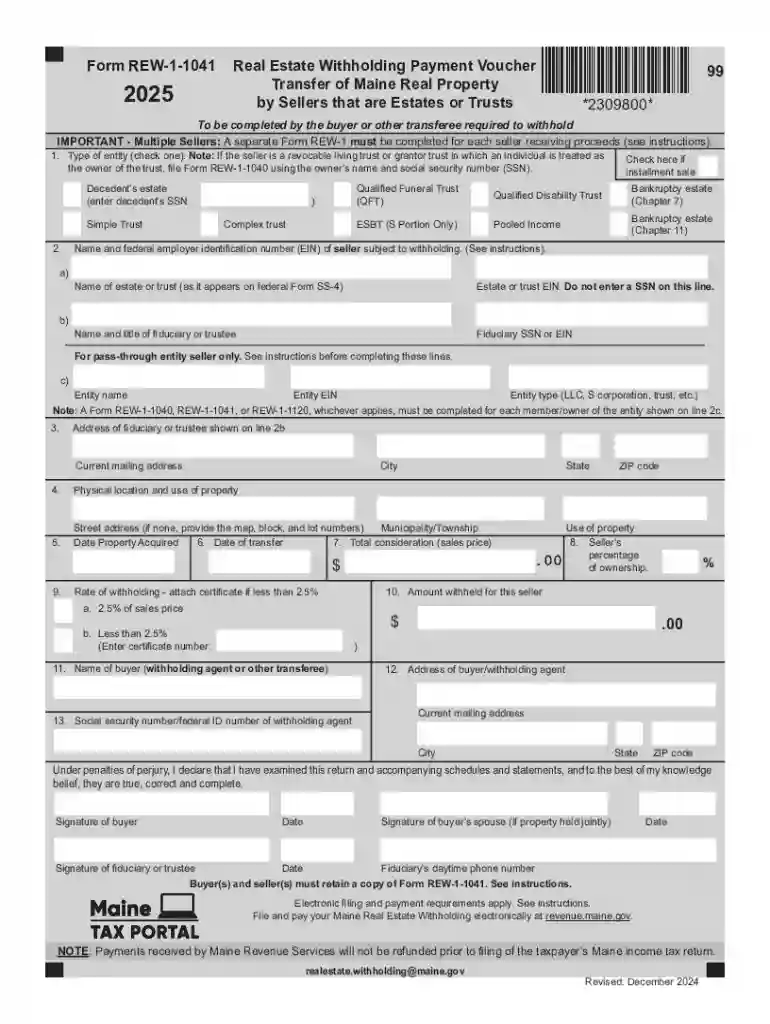
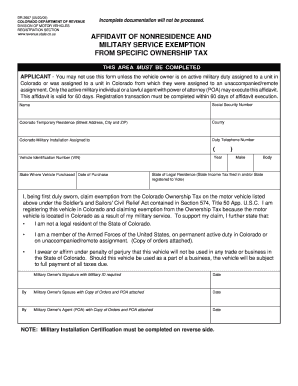
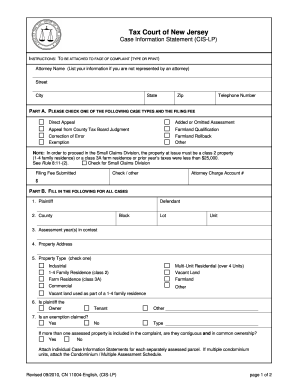
Form online refers to the digital version of documents that can be accessed, filled out, and submitted via the internet. These forms encompass various categories, including tax filings, applications, agreements, and more. The key feature is the ability for users to input data directly into the fields provided, offering a streamlined process compared to traditional paper forms. This format not only enhances user accessibility but also increases efficiency in data management and processing.
Key Features of Form Online
- Digital Access: Users can access these forms directly from any internet-enabled device, eliminating the need for physical paperwork.
- Interactive Fields: Forms include interactive components, such as text boxes, checkboxes, and dropdown menus, allowing for precise data entry.
- Streamlined Submission: Once completed, forms can be submitted instantly without the need for mailing or physical delivery.
How to Use the Form Online
Navigating and completing a form online involves several straightforward steps, ensuring users accomplish tasks efficiently while maintaining accuracy.
Step-by-Step Process
- Access the Form: Visit the relevant website or platform that hosts the form. Ensure you have a stable internet connection for uninterrupted access.
- Input Information: Fill in the required fields with the necessary information. Use the interactive tools available, like dropdown menus for selections and text boxes for open-ended entries.
- Review and Edit: Before submission, review the entered information for accuracy. Make necessary edits to rectify any errors or omissions.
- Submit the Form: Once satisfied with the data, use the provided button to submit the form. Look for confirmation of successful submission, which may be in the form of a notification or email.
Tools and Features
- Save Options: Many online forms offer a save feature, allowing users to pause their work and return later without losing progress.
- Instructions and Tips: Look for embedded guides or tips within the form, providing clarity and instruction for complex sections.
How to Obtain the Form Online
Accessing forms online involves heading to the issuing authority's or relevant service provider's website where such forms are hosted.
Finding the Right Form
- Official Websites: Start by visiting the official website of the institution or organization related to the form. Look for sections labeled Forms, Documents, or Resources.
- Search Functionality: Utilize search bars and filters on the website to swiftly locate the exact form needed.
- Registration or Login: Some platforms may require user registration or login to access and complete forms.
Assistance and Support
- Help Desks: Many platforms offer customer support or help desks to guide users through the form access process.
- FAQs and Guides: Make use of frequently asked questions and user guides that may accompany the form, offering additional insight and answers to common queries.
Steps to Complete the Form Online
Completing forms online involves following a methodical approach to ensure each section is accurately filled.
Detailed Completion Guide
- Read Instructions Thoroughly: Familiarize yourself with any instructions or guidelines that come with the form.
- Gather Necessary Documents: Ensure all required documents and information are on hand before beginning, such as identification numbers or financial statements.
- Accurate Data Entry: Carefully and accurately fill in all required fields, double-checking entries for correctness.
- Use Built-in Features: Utilize features like auto-fill and spell check that might be available to ease the completion process.
- Final Review: Conduct a thorough review of all provided information and confirm accuracy before proceeding to submission.
Common Challenges and Solutions
- Technical Issues: If encountering technical difficulties, check browser compatibility or contact technical support.
- Misplaced Data: Ensure auto-fill or previously saved information is correct and aligns with current requirements.
Why Should You Form Online
Adopting online forms comes with numerous advantages that simplify and enhance the completion process.
Benefits of Using Online Forms
- Efficiency: Reduces the time and resources spent on acquiring, filling out, and submitting physical forms.
- Accessibility: Forms can be accessed at any time from anywhere, increasing flexibility for users.
- Environmentally Friendly: Minimizes paper usage, contributing to eco-friendly practices and sustainability.
Scenarios Where Online Forms Excel
- Remote Work: Facilitates document management for teams and individuals working remotely.
- Real-time Updates: Allows for instant updates and notifications regarding status or changes.
Common User Groups
- Individuals: Anyone with personal or professional documentation needs, from tax filings to application forms.
- Businesses: Companies of all sizes for internal documentation, contracts, and regulatory compliance.
- Government Entities: For distributing and receiving essential documents like permits, licenses, and reports.
User Needs and Expectations
- Accuracy and Efficiency: Users expect quick and accurate processing of submitted information with seamless navigation.
- Secure Data Handling: High priority placed on the security and confidentiality of data entered online.
Legal Use of the Form Online
Using forms online can entail specific legal criteria and regulations, ensuring compliance and authenticity.
Key Legal Considerations
- Digital Signatures: Must comply with relevant statutes, such as the ESIGN Act in the United States, to ensure legality.
- Data Privacy Laws: Adhere to applicable data protection regulations like HIPAA or GDPR to safeguard user information.
Verification and Compliance
- Authentication Processes: Employ secure authentication to verify user identity and document integrity.
- Audit Trails: Maintain comprehensive records of submissions and changes for accountability and legal protection.
Key Elements of the Form Online
Understanding the structure and components of online forms is crucial for effective utilization.
Core Components
- Header and Title: Clearly indicates the form's purpose and relevant issuing body.
- Instructional Section: Offers guidance on how to complete various segments of the form.
- Submit Button: Facilitates the electronic submission of completed forms directly through the online platform.
Optional Components
- Attachments Section: Allows users to upload supplementary documents when needed.
- Feedback Mechanism: Provides a way for users to offer feedback on form experiences for improvements.