




Here's how it works

01. Edit your dochub com fillable form online
Type text, add images, blackout confidential details, add comments, highlights and more.

02. Sign it in a few clicks
Draw your signature, type it, upload its image, or use your mobile device as a signature pad.

03. Share your form with others
Send i 751 form pdf via email, link, or fax. You can also download it, export it or print it out.
How to use or fill out i 751 with our platform

- Click ‘Get Form’ to open the I-751 in the editor.
- Begin with Part 1, providing your personal information. Fill in your family name, given name, and middle name as required. Ensure accuracy in your country of birth and citizenship details.
- In Part 2, complete the biographic information section. Select your ethnicity and race accurately to reflect your identity.
- Proceed to Part 3, where you will indicate the basis for your petition. Choose whether you are filing jointly with a spouse or individually due to specific circumstances.
- Continue filling out Parts 4 and 5 regarding information about your spouse and children. Be thorough in providing their details as this is crucial for processing.
- Complete Parts 6 through 10, ensuring all signatures are obtained where necessary. Review each section carefully before submission.
Start using our platform today for free to simplify your I-751 form completion!
Fill out i 751 online
It's free
It's free
See more i 751 versions
We've got more versions of the i 751 form. Select the right i 751 version from the list and start editing it straight away!
| Versions | Form popularity | Fillable & printable |
|---|---|---|
| 2024 | 4.1 Satisfied (48 Votes) | |
| 2024 | 4.3 Satisfied (22 Votes) | |
| 2019 | 4.8 Satisfied (192 Votes) | |
| 2017 | 4.1 Satisfied (102 Votes) | |
| 2016 | 4.4 Satisfied (207 Votes) | |
| 2015 | 4.3 Satisfied (77 Votes) | |
| 2013 | 4.2 Satisfied (68 Votes) | |
| 2011 | 4.3 Satisfied (59 Votes) | |
| 2009 | 4.2 Satisfied (26 Votes) | |
| 2005 | 4 Satisfied (22 Votes) |
Security and compliance
At DocHub, your data security is our priority. We follow HIPAA, SOC2, GDPR, and other standards, so you can work on your documents with confidence.
Learn more


Related forms

AS IS Residential Contract for Sale and Purchase This is an "as is" contract form This form may be u
AS IS Residential Contract for Sale and Purchase This is an "as is" contract form This form may be u
The document is an 'AS IS' Residential Contract for Sale and Purchase, approved by the Florida Realtors and the Florida ...
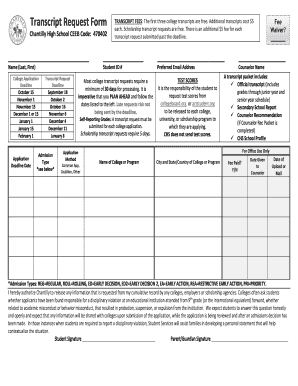
Transcript Request Form - Chantilly High School
The document is a Transcript Request Form for Chantilly High School, detailing the process and fees associated with requ ...

Lasvegasjusticecourt Us - Fill and Sign Printable Template
The document is a notice from the Las Vegas Justice Court confirming the appointment of legal counsel for a specific cri ...
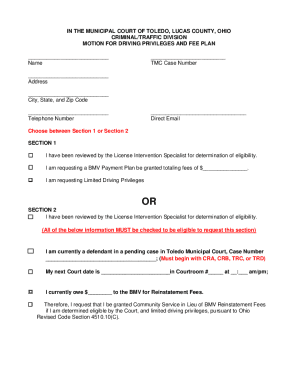
Ohio Traffic Tickets & ViolationsDMV
The document is a motion submitted to the Toledo Municipal Court in Ohio, requesting either limited driving privileges o ...
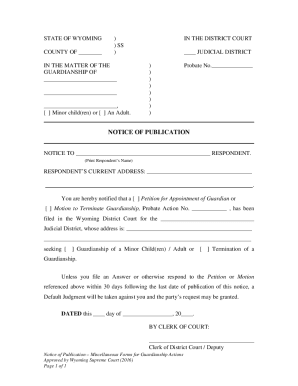
Wyoming Guardianship Notice of Publication
This document is a legal notice from the State of Wyoming regarding a guardianship case. It informs the respondent about ...
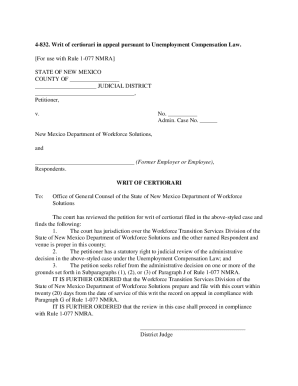
FORM 4-831 PETITION FOR WRIT OF CERTIORARI IN
The document is a writ of certiorari related to an appeal under the Unemployment Compensation Law in New Mexico. It outl ...

T Shirt Quilt Order Form Feb 12
The document is an order form for T-Shirt quilts from Jersey Girl Quilts, detailing various quilt sizes, pricing options ...
Sample Petition For Declaration of Nullity of Marriage
The document is an application checklist for individuals seeking a declaration of nullity or dissolution of marriage thr ...