
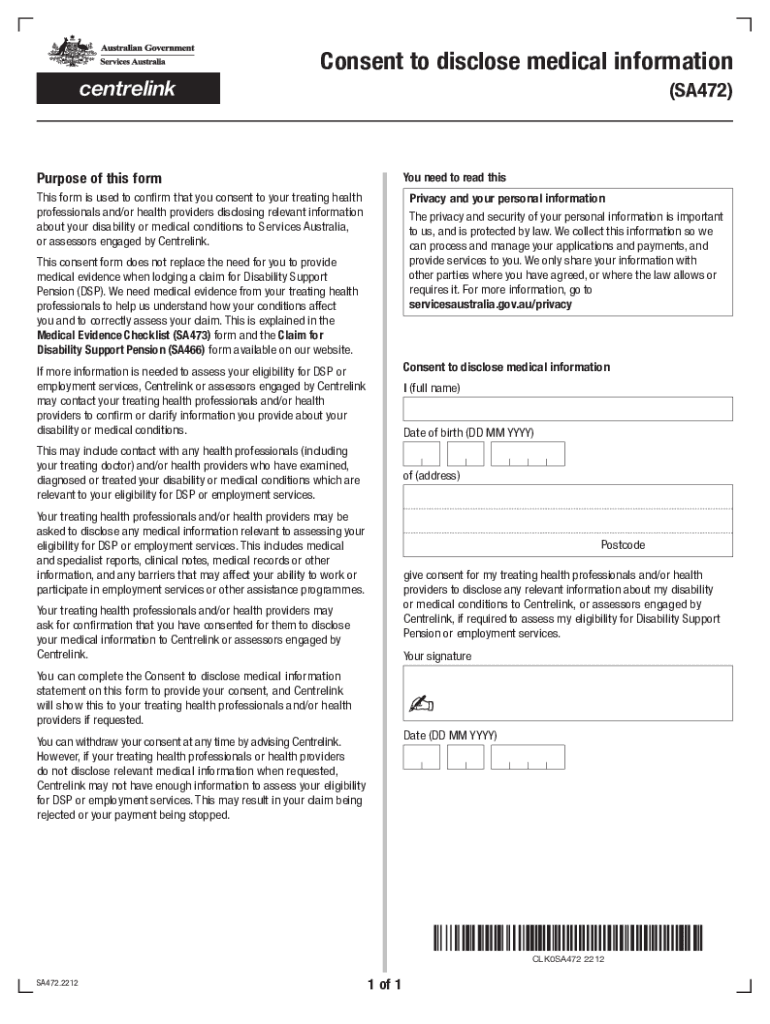







Understanding "Form Online"
"Form online" refers to digital forms that can be accessed, completed, and submitted via internet-based platforms. These forms streamline the traditional paperwork process, offering convenience and efficiency. Digital forms have become prevalent in various sectors, including healthcare, finance, and government services. They enable users to provide required information in a structured and standardized manner, often including elements like text fields, checkboxes, and dropdown menus.
How to Use the Form Online
Using an online form typically involves accessing it through a web browser, filling out the necessary fields, and submitting it electronically. Users can navigate the form using a series of tabs or sections, with each part designed to capture specific pieces of information. Often, these forms include instructions or tooltips to guide users through the completion process, ensuring accuracy and completeness.
- Access the Form: Available on the relevant service provider's website.
- Enter Required Information: Fill in fields such as name, address, and other personal details.
- Review & Edit: Check for errors or omissions before final submission.
- Submit: Once complete, click to send it to the relevant authority or organization.
Steps to Complete the Form Online
Filling out an online form involves a systematic approach to ensure all parts are completed accurately:
- Verification: Ensure you have all necessary documents or information ready.
- Identification: Start with personal data, such as full name and contact information.
- Details: Enter specific details requested by the form, such as employment information or financial data.
- Confirmation: Review your entries, make any necessary corrections.
- Submission: Finalize and send it, often receiving a confirmation or reference number.
Who Typically Uses the Form Online
Various individuals and organizations utilize these forms based on need:
- Individuals: For personal applications, such as tax filings or job applications.
- Businesses: To submit regulatory forms or internal documentation.
- Government Entities: For official transactions and public services.
- Educational Institutions: For admissions, registrations, or grant applications.
Each user may depend on online forms for different reasons, including ease of access and more efficient processing.


Key Elements of the Form Online
Online forms consist of essential components to ensure data is captured effectively:
- Input Fields: For entering text, numbers, or dates.
- Check and Radio Boxes: For options that allow multiple or single selections.
- Dropdown Lists: Provide a list of options to choose from.
- Submit Button: Finalizes the process.
These elements facilitate user interaction, ensuring that data is submitted in a structured form that software can process efficiently.
State-Specific Rules for the Form Online
Some forms include regulations that vary by state. Users must be aware of these variations, especially for forms related to taxes, legal documentation, or healthcare:
- Tax Forms: May have specific stipulations per state tax laws.
- Healthcare Forms: Differ based on state medical guidelines or program participation requirements.
- Regulatory Forms: Customizations based on state legislation.
Users should verify any state-specific guidelines or requirements to ensure compliance and accuracy.
Differences Between Digital and Paper Versions
Compared to their paper counterparts, online forms offer several distinct advantages:
- Accessibility: Available 24/7 from any device with internet access.
- Efficiency: Fast processing and submission without physical delivery delays.
- Environmentally Friendly: Reduces paper consumption.
- Security: Often incorporates encryption to protect sensitive data.
However, the choice between digital and paper forms may depend on personal preference, availability of technology, or legal requirements for physical documentation.
Eligibility Criteria for Using Form Online
Before accessing or submitting an online form, confirm your eligibility:
- Personal Information: Valid identification may be required.
- Residency Requirements: Some forms are specific to certain regions or states.
- Age Restrictions: Age may determine eligibility for specific processes or services.
Checking one's eligibility beforehand ensures a smooth process, preventing unnecessary rejection or delays.

Required Documents to Complete Form Online
Completing an online form may necessitate having certain documents available:
- Identification: Such as a driver's license or passport.
- Financial Records: Bank statements or proof of income.
- Supporting Documents: Employment letters, tax returns, or medical records.
Having these documents on hand facilitates accurate and efficient form completion, ensuring all required information is provided upfront.


