




Here's how it works

01. Edit your case judge online
Type text, add images, blackout confidential details, add comments, highlights and more.

02. Sign it in a few clicks
Draw your signature, type it, upload its image, or use your mobile device as a signature pad.

03. Share your form with others
Send cafc101 via email, link, or fax. You can also download it, export it or print it out.
How to use or fill out cafc101 with our platform

- Click ‘Get Form’ to open the cafc101 in the editor.
- Begin by entering your full legal name in the designated fields for both the Petitioner and Respondent sections. Ensure accuracy as this information is crucial for court records.
- In Section 1, indicate whether you filed the original petition by checking the appropriate box. This helps clarify your role in the case.
- Proceed to fill out the date of the last custody judgment and select its type from the options provided in Section 3.
- List all children included in the last custody judgment, ensuring to provide their names and ages accurately in Section 4.
- Complete Sections 5 through 8 by providing details about child support obligations and any changes that have occurred since the last judgment.
- Fill out your personal information, including mailing address and employment status, ensuring that all fields are completed as required.
- Finally, review all entries for accuracy before saving or printing your completed form for submission.
Start using our platform today to easily complete your cafc101 form online for free!
Fill out cafc101 online
It's free
It's free
Security and compliance
At DocHub, your data security is our priority. We follow HIPAA, SOC2, GDPR, and other standards, so you can work on your documents with confidence.
Learn more


Related forms
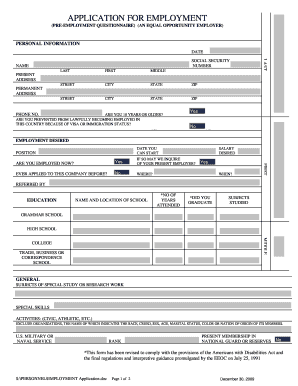
APPLICATION FOR EMPLOYMENT (PRE-EMPLOYMENT QUESTIONNAIRE) (AN EQUAL OPPORTUNITY EMPLOYER) PERSONAL I
APPLICATION FOR EMPLOYMENT (PRE-EMPLOYMENT QUESTIONNAIRE) (AN EQUAL OPPORTUNITY EMPLOYER) PERSONAL I

Recommended Resume Template - Texas Tech University

First Holy Communion Registration Form 2016-2017 - Our Lady of
6. 2016 FOR OFFICE USE ONLY Copy of Baptismal Certificate Parish Registration form Workshop One Workshop Two Date ...

E X T E N S I O N O F T I M E TO F I L E
The document outlines the application process for an automatic extension of time to file business income tax returns in ...
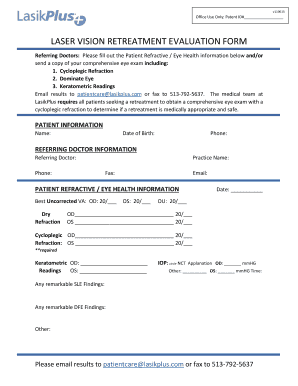
Laser vision retreatment evaluation form
The document is a Laser Vision Retreatment Evaluation Form intended for referring doctors to provide essential patient r ...

Employee Attendance Policy Sample Template
The document outlines the revised Attendance and Punctuality Policy agreed upon by AHS and SEIU, detailing employee resp ...
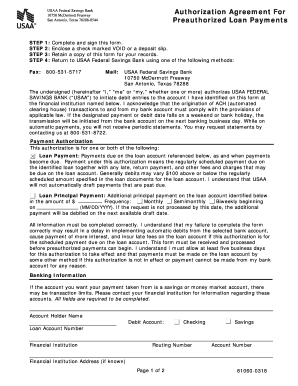
Authorization Agreement For Preauthorized Loan Payments Use this form to set up and authorize automa
Authorization Agreement For Preauthorized Loan Payments Use this form to set up and authorize automa
The document is an Authorization Agreement for Preauthorized Loan Payments from USAA Federal Savings Bank, allowing the ...

FRS-M81 Rev 5-11 Refund application Final 6-7-11docx
The document is a request form for a refund of employee contributions from the Florida Retirement System (FRS) Pension P ...