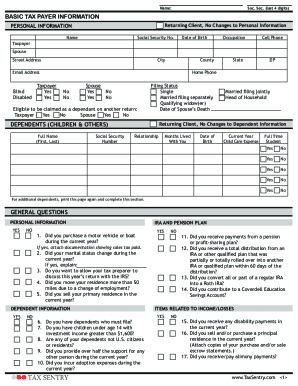
Type text, add images, blackout confidential details, add comments, highlights and more.
02. Sign it in a few clicks
Draw your signature, type it, upload its image, or use your mobile device as a signature pad.
03. Share your form with others
Send it via email, link, or fax. You can also download it, export it or print it out.
How to use or fill out cafc101 form with our platform
Ease of Setup
DocHub User Ratings on G2
Ease of Use
DocHub User Ratings on G2
Click ‘Get Form’ to open the cafc101 form in the editor.
Begin by entering your information in the designated fields. Fill in your full name, Social Security number (last four digits), and mailing address. Indicate whether you are the petitioner or respondent.
Next, provide details about the other party involved, including their full name, Social Security number (last four digits), and contact information.
In the 'Service Information' section, specify how you wish to serve the other party. Choose from options like personal service or service by publication if necessary.
Proceed to fill out case information, including the judgment date and child support details. Be thorough in explaining any changes affecting custody since the last judgment.
Complete additional sections regarding children's information and any other relevant custody proceedings. Ensure all questions are answered completely.
Finally, review your entries for accuracy before signing and submitting your form. If needed, attach any required documents as specified.
Start using our platform today to easily complete your cafc101 form online for free!
Motion to modify child custody and support CAFC101Motion to modify custody formsForm CAFC067Petition to modify custody formMotion to modify child support formMissouri child support modification formsCustody application formChild Custody forms PDF Missouri
Security and compliance
At DocHub, your data security is our priority. We follow HIPAA, SOC2, GDPR, and other standards, so you can work on your documents with confidence.
Patent Eligibility, Prior Art, Obviousness, and Disclosure 2025
This program will provide tea-leaf style insight from both USPTO and CAFC. 101-eligibility issue is a long echo, with effects felt for decades; we have highRead more
Cookie consent notice
This site uses cookies to enhance site navigation and personalize your experience.
By using this site you agree to our use of cookies as described in our Privacy Notice.
You can modify your selections by visiting our Cookie and Advertising Notice.