




Here's how it works

01. Edit your form 47pa online
Type text, add images, blackout confidential details, add comments, highlights and more.

02. Sign it in a few clicks
Draw your signature, type it, upload its image, or use your mobile device as a signature pad.

03. Share your form with others
Send form 47 pa via email, link, or fax. You can also download it, export it or print it out.
How to use or fill out form 47pa with our platform

- Click ‘Get Form’ to open it in the editor.
- Begin by filling out Part A, selecting the appropriate visa class you are applying for. Ensure you only tick one box.
- In Part B, if applicable, withdraw any previous parent visa applications by signing and dating the request.
- Complete Part C with your sponsor's details, ensuring that a completed form 40 is attached.
- Proceed to Part D and answer questions regarding your immigration status and history accurately.
- Fill out Parts E through K with personal information, including details about your partner and children. Make sure to provide accurate passport information.
- In Part P, calculate the Visa Application Charge (VAC) based on the current fees listed on the department’s website.
- Finally, review all sections for completeness before submitting your application through our platform for a smooth process.
Start using our platform today to simplify your form completion process!
Fill out form 47pa online
It's free
It's free
Security and compliance
At DocHub, your data security is our priority. We follow HIPAA, SOC2, GDPR, and other standards, so you can work on your documents with confidence.
Learn more


Related forms

EXECUTIVE HOME AND MOTOR COVER - MUA
The document is a proposal form for personal insurance covering executive home and motor vehicle insurance. It includes ...
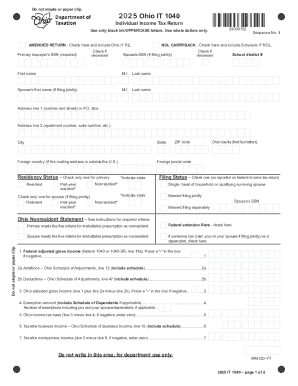
Ohio Form It 1040Fill Out and Use This PDF
The document is the 2025 Ohio IT 1040 Individual Income Tax Return form, which outlines the necessary steps and informat ...

Mexican train rules
The document outlines the rules for playing Mexican Train, a domino game that can be played with various sizes of domino ...
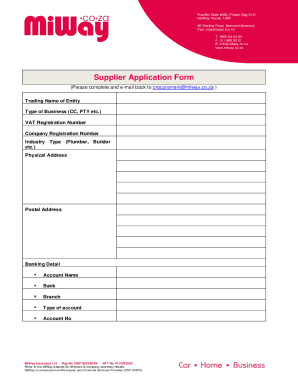
Miway co zasitefilesdocumentsSupplier Application Form - MiWay
The document is a Supplier Application Form for MiWay Insurance Ltd, requiring detailed information about the applicant' ...
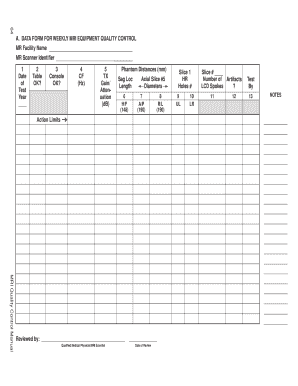
Mri quality control manual
The document is a data form used for weekly quality control testing of MRI equipment, detailing various parameters to be ...
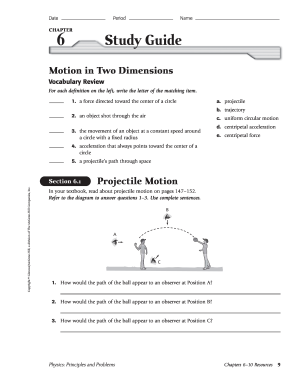
Chapter 6-10 Resources Physics Principles and Problems
The document is a study guide focused on the concepts of motion in two dimensions, specifically projectile motion and un ...
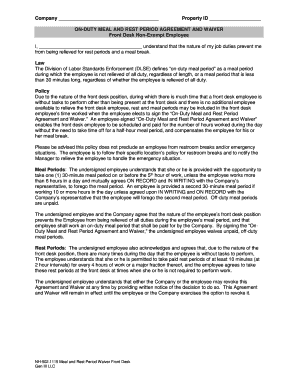
ON-DUTY MEAL AND REST PERIOD AGREEMENT AND WAIVER
The document is an 'On-Duty Meal and Rest Period Agreement and Waiver' for front desk non-exempt employees at a company. ...

Lifestyle activity log
The document is an 'Active Lifestyle Activity Log' designed for participants to track their physical activities and heal ...