




Here's how it works

01. Edit your 3830 2 online
Type text, add images, blackout confidential details, add comments, highlights and more.

02. Sign it in a few clicks
Draw your signature, type it, upload its image, or use your mobile device as a signature pad.

03. Share your form with others
Send form 3830 002 via email, link, or fax. You can also download it, export it or print it out.
How to use or fill out 3830 2 form with our platform

- Click ‘Get Form’ to open the 3830 2 form in the editor.
- In Section 1, enter the assessment year dates. Fill in the start date as September 1 of the current year and the end date as September 1 of the following year.
- For Section 2, confirm that you and all related parties owned ten or fewer mining claims on September 1 of the current year by checking the appropriate box.
- Complete Section 3 by ensuring that you have performed all required assessment work for each claim listed prior to filing this waiver.
- List all mining claims, mill sites, and tunnel sites in Section 7. Ensure each entry includes the BLM recordation serial number and claim or site name.
- Fill in your name and mailing address in the owner(s) section. Make sure to include signatures where indicated.
- Review all entries for accuracy before submitting. Ensure compliance with deadlines mentioned in the instructions.
Start using our platform today to fill out your forms online for free!
Fill out 3830 2 form online
It's free
It's free
See more 3830 2 form versions
We've got more versions of the 3830 2 form form. Select the right 3830 2 form version from the list and start editing it straight away!
Security and compliance
At DocHub, your data security is our priority. We follow HIPAA, SOC2, GDPR, and other standards, so you can work on your documents with confidence.
Learn more


Related forms
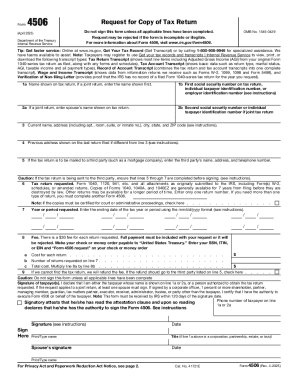
IRS FORM 4506-T REQUEST OF TAX RETURN has
Form 4506 is a request form from the IRS for taxpayers to obtain copies of their tax returns. It outlines the necessary ...
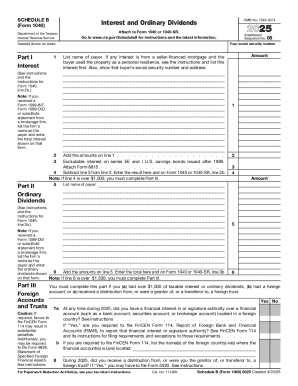
2025 Schedule B (Form 1040) Interest and Ordinary Dividends
Schedule B (Form 1040) is a tax form used to report interest and ordinary dividends for the year 2025. It includes secti ...
Publication 557
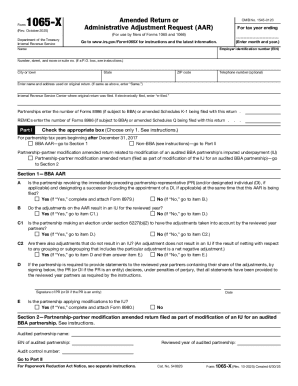
Form 1065-X (Rev October 2025)
Form 1065-X is an amended return or administrative adjustment request for partnerships and REMICs, allowing them to corr ...
Publication 1321 (Rev 10-2025) Special Instructions For Bona Fide Residents Of Puerto Rico Who Must
Publication 1321 (Rev 10-2025) Special Instructions For Bona Fide Residents Of Puerto Rico Who Must
Publication 1321 provides special instructions for bona fide residents of Puerto Rico who need to file a U.S. Individual ...

Andy pioneer
The document contains a collection of various topics, primarily focusing on Briggs and Stratton engine models, including ...
10 Client Intake Form Templates for Service-Based
The document is a comprehensive client intake form for Therapy Solutions, designed to collect essential personal, contac ...

Vanderbilt Assessment Followup TEACHER
The document is a Vanderbilt Assessment Follow-up form for teachers to evaluate a student's behavior and performance in ...