
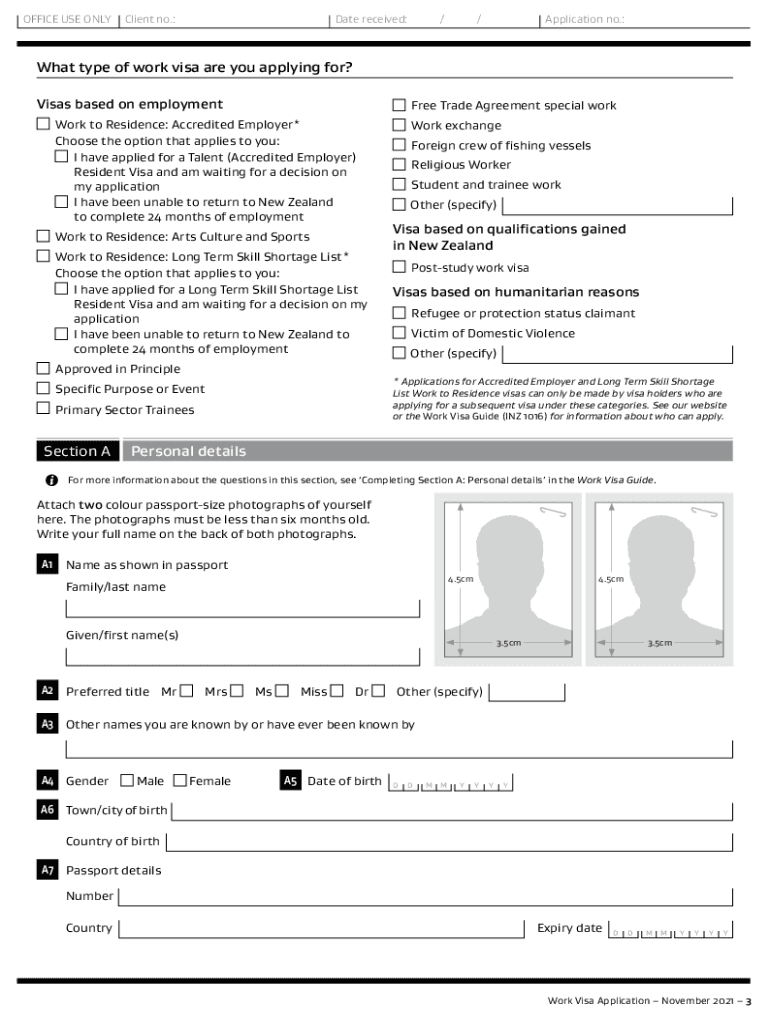




Here's how it works

01. Edit your inz 1015 application form online
Type text, add images, blackout confidential details, add comments, highlights and more.

02. Sign it in a few clicks
Draw your signature, type it, upload its image, or use your mobile device as a signature pad.

03. Share your form with others
Send inz 1015 via email, link, or fax. You can also download it, export it or print it out.
How to use or fill out INZ 1015 with our platform

- Click ‘Get Form’ to open the INZ 1015 application in the editor.
- Begin with Section A, where you will enter your personal details. Ensure you write clearly in CAPITAL LETTERS and attach two recent passport-sized photographs.
- In Section B, provide your contact details. If you have an email address, include it for faster communication.
- Proceed to Section C regarding your health. Answer all questions honestly, especially about tuberculosis and any medical conditions.
- In Section D, answer character-related questions. Be thorough as this information is crucial for your application.
- Complete Section E by detailing your employment history and qualifications relevant to the visa type you are applying for.
- If you have a job offer in New Zealand, fill out Section F with the employer's details and position offered.
- Finally, review all sections for accuracy before signing the declaration in Section G and submitting your application.
Start filling out your INZ 1015 form online today for free using our platform!
Fill out inz 1015 online
It's free
It's free
See more inz 1015 versions
We've got more versions of the inz 1015 form. Select the right inz 1015 version from the list and start editing it straight away!
| Versions | Form popularity | Fillable & printable |
|---|---|---|
| 2023 | 4.3 Satisfied (41 Votes) | |
| 2021 | 4.8 Satisfied (150 Votes) | |
| 2021 | 4.2 Satisfied (128 Votes) | |
| 2019 | 4.3 Satisfied (88 Votes) | |
| 2018 | 4 Satisfied (39 Votes) | |
| 2014 | 4.3 Satisfied (353 Votes) | |
| 2013 | 4.3 Satisfied (51 Votes) | |
| 2013 | 4 Satisfied (40 Votes) | |
| 2012 | 4 Satisfied (30 Votes) |
Security and compliance
At DocHub, your data security is our priority. We follow HIPAA, SOC2, GDPR, and other standards, so you can work on your documents with confidence.
Learn more


Related forms

Wisconsin Basic Will
A statutory Wisconsin basic will form that provides instructions and default legal language for distributing property, n ...
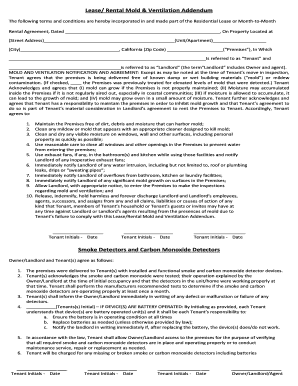
California Lease Rental Mold and Ventilation Addendum
This document is a rental agreement addendum covering mold prevention and ventilation responsibilities, smoke and carbon ...

Third Party Motor Claim Form
A Third Party Motor Claim Form for RAA Insurance used to collect details about an accident, the insured vehicle, drivers ...

As-Is Rider for Real Estate Contract
This document is an "As Is" rider to a real estate contract that states the property is sold in its current condition, l ...