




01. Edit your inz1015 online
Type text, add images, blackout confidential details, add comments, highlights and more.

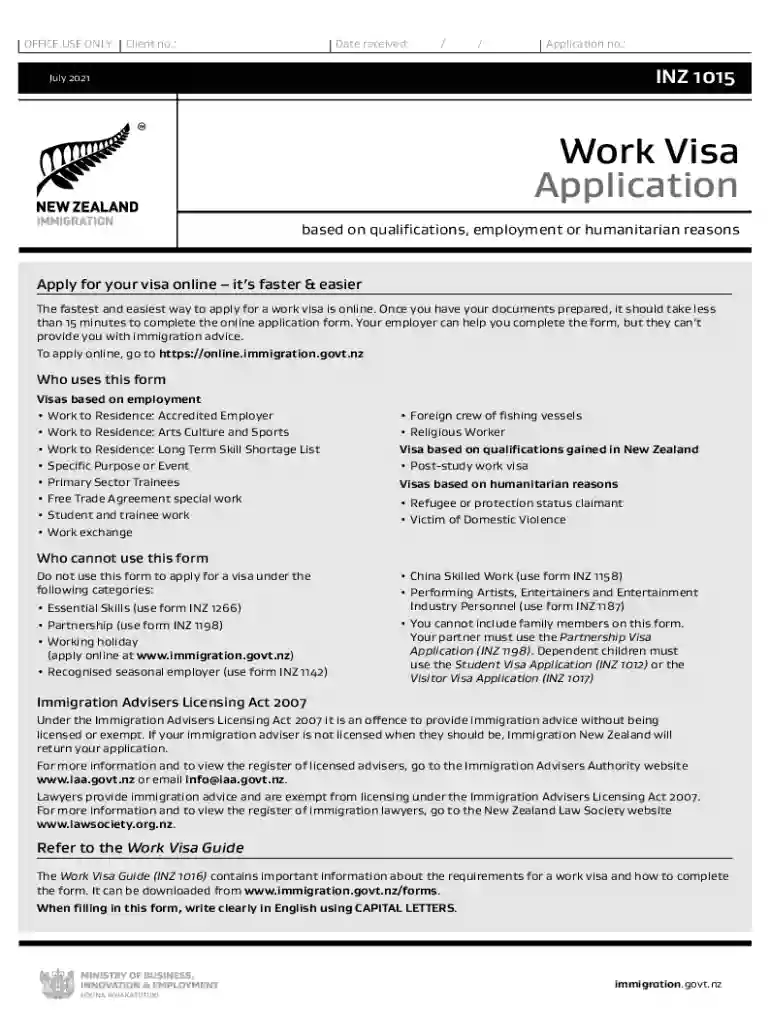
Type text, add images, blackout confidential details, add comments, highlights and more.

Draw your signature, type it, upload its image, or use your mobile device as a signature pad.

Send inz via email, link, or fax. You can also download it, export it or print it out.

Start filling out your INZ 1015 form online for free today!
We've got more versions of the inz1015 form. Select the right inz1015 version from the list and start editing it straight away!
At DocHub, your data security is our priority. We follow HIPAA, SOC2, GDPR, and other standards, so you can work on your documents with confidence.
Oct 18, 2019 Establishment Sanitation Requirements. The time limit for correction of each violation is specified in the narrative portion of this report.Read more
56 ****NUMERICAL VALUE ASSIGNMENTS. 82 ****ASCII CHARACTER VALUE ASSIGNMENTS. 171 U**MACROS FOR OFTEN USED COItE, OR COIlE SUBJECT TO REPEATED CHANGES.Read more
by M Robinson 2006 Cited by 20 The Air Traffic Control (ATC) productivity benefits attributed to the Corridor Integrated Weather System (CIWS) were assessed using real-time observationsRead more


