




Here's how it works

01. Edit your ciee job offer form online
Type text, add images, blackout confidential details, add comments, highlights and more.

02. Sign it in a few clicks
Draw your signature, type it, upload its image, or use your mobile device as a signature pad.

03. Share your form with others
Send ciee study abroad advisor salary via email, link, or fax. You can also download it, export it or print it out.
How to use or fill out ciee job offer with our platform

- Click ‘Get Form’ to open the ciee job offer in the editor.
- Begin by filling out the EMPLOYER INFORMATION section. Enter the company name, phone number, and address. Ensure all fields are completed as they are required for processing.
- Next, provide details about the job being offered in the JOB INFORMATION section. Include the student job title, wage per hour, and any additional information regarding tips or bonuses.
- In the HOUSING INFORMATION section, indicate whether housing is provided by checking 'Yes' or 'No'. If applicable, fill in the housing address and associated costs.
- Complete the TERMS AND CONDITIONS section by ensuring you understand and agree to all stipulations outlined. Sign and date where indicated.
- Finally, review all entered information for accuracy before submitting your completed form through our platform.
Start using our platform today to streamline your document editing and signing process for free!
Fill out ciee job offer online
It's free
It's free
Security and compliance
At DocHub, your data security is our priority. We follow HIPAA, SOC2, GDPR, and other standards, so you can work on your documents with confidence.
Learn more


Related forms
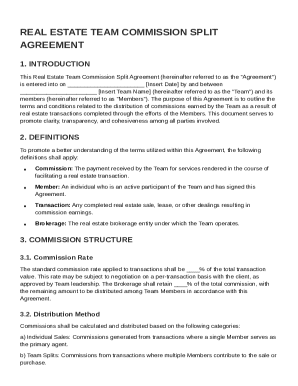
Real Estate Team Commission Split Agreement Template
The Real Estate Team Commission Split Agreement outlines the terms for distributing commissions earned from real estate ...
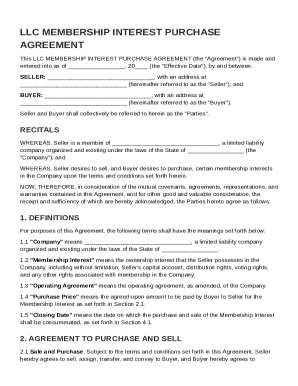
LLC Membership Interest Purchase Agreement Template
The LLC Membership Interest Purchase Agreement outlines the terms and conditions under which a Seller agrees to sell and ...
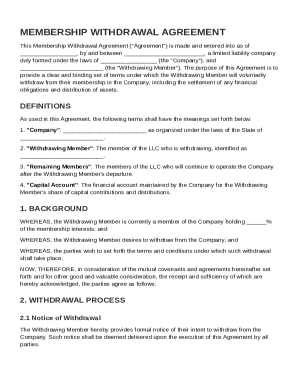
LLC Membership Withdrawal Agreement Template
The Membership Withdrawal Agreement outlines the terms and conditions under which a member voluntarily withdraws from a ...
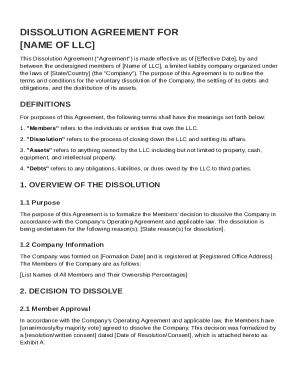
Dissolution LLC Agreement Template
The document is a Dissolution Agreement for a limited liability company (LLC), outlining the terms and conditions for it ...
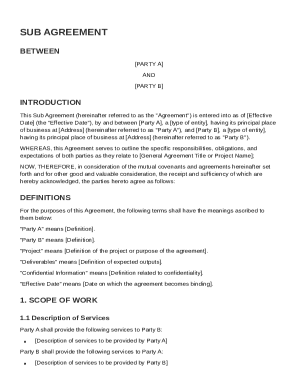
Sub Agreement Template
This Sub Agreement outlines the terms and conditions between Party A and Party B regarding their collaboration on a spec ...
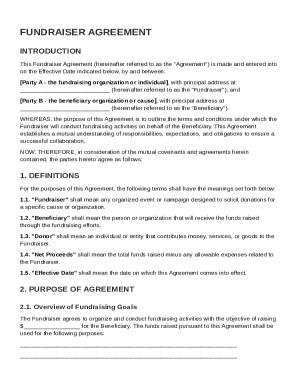
Fundraiser Agreement Template
The Fundraiser Agreement outlines the terms and conditions for fundraising activities conducted by a Fundraiser on behal ...
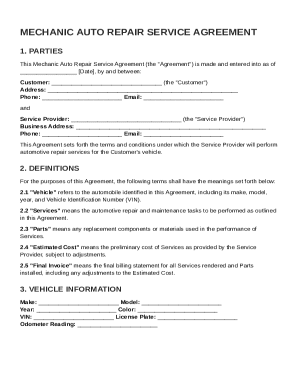
Mechanic Auto Repair Service Agreement Template
The Mechanic Auto Repair Service Agreement outlines the terms and conditions between a Customer and a Service Provider f ...
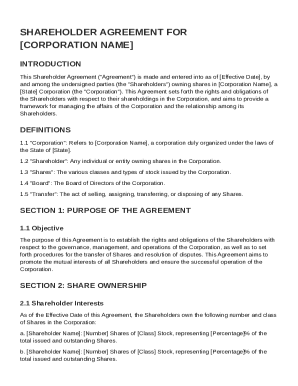
Corporation Shareholder Agreement Template
The document is a Shareholder Agreement for [Corporation Name], outlining the rights and obligations of shareholders reg ...