




Here's how it works

01. Edit your coles mastercard latitude online
Type text, add images, blackout confidential details, add comments, highlights and more.

02. Sign it in a few clicks
Draw your signature, type it, upload its image, or use your mobile device as a signature pad.

03. Share your form with others
Send it via email, link, or fax. You can also download it, export it or print it out.
How to use or fill out Coles Mastercard Account Cover PlusMyocardial with our platform

- Click ‘Get Form’ to open it in the editor.
- Begin with Section A, where you will provide your personal details. Fill in your loan/card account number, first name, surname, date of birth, and contact information.
- Next, answer all questions regarding your employment status and job-seeking registration. Ensure that you provide accurate information about your last day worked and the reason for stopping work.
- Proceed to Section B, which must be completed by Centrelink. This section certifies your job seeker registration status. Make sure to include the effective date and type of benefit.
- In Section C, have your employer complete their part. They will need to provide details about your employment status and reason for termination.
- Finally, read and sign the Privacy Consent and Declaration on the last page to authorize processing of your claim.
Start using our platform today for free to streamline your form completion process!
Fill out Coles Mastercard Account Cover PlusMyocardial ... online
It's free
It's free
See more Coles Mastercard Account Cover PlusMyocardial ... versions
We've got more versions of the Coles Mastercard Account Cover PlusMyocardial ... form. Select the right Coles Mastercard Account Cover PlusMyocardial ... version from the list and start editing it straight away!
Security and compliance
At DocHub, your data security is our priority. We follow HIPAA, SOC2, GDPR, and other standards, so you can work on your documents with confidence.
Learn more


Related forms
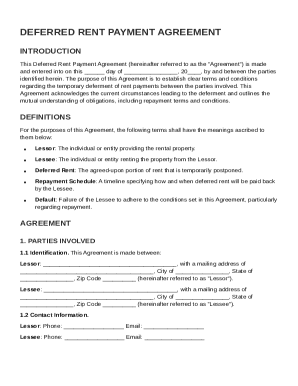
Deferred Rent Payment Agreement Template
The Deferred Rent Payment Agreement outlines the terms for temporarily deferring rent payments between a Lessor and Less ...
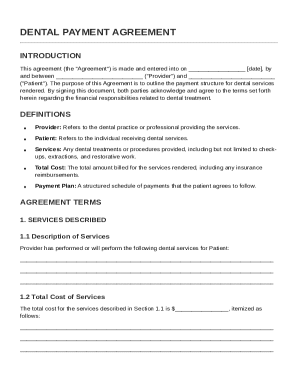
Dental Payment Agreement Template
The Dental Payment Agreement outlines the financial responsibilities between a dental provider and a patient regarding d ...
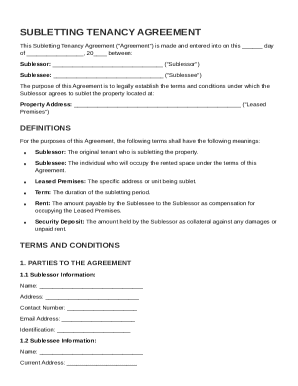
Subletting Tenancy Agreement Template
The Subletting Tenancy Agreement outlines the terms and conditions for a sublessor to sublet a property to a sublessee. ...
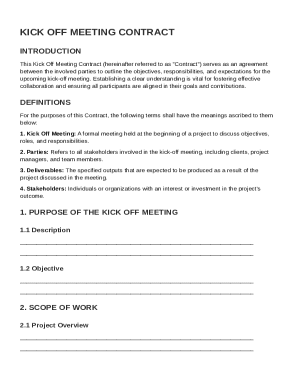
Kick Off Meet Contract Template
The Kick Off Meeting Contract outlines the agreement between parties involved in a project to establish objectives, resp ...
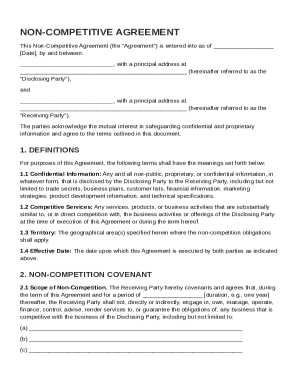
Non Competitive Agreement Template
The Non-Competitive Agreement outlines the terms between a Disclosing Party and a Receiving Party to protect confidentia ...
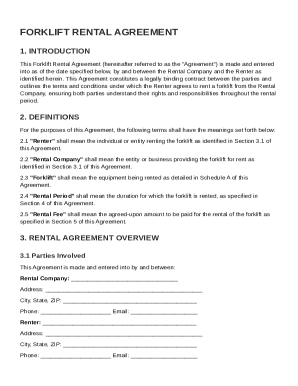
Forklift Rental Agreement Template
The Forklift Rental Agreement is a legally binding contract between a Rental Company and a Renter, outlining the terms a ...
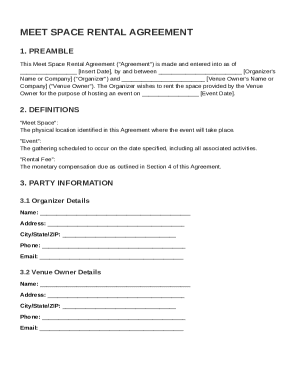
Meet Space Contract Template
The Meet Space Rental Agreement outlines the terms and conditions for renting a venue for an event, including details ab ...
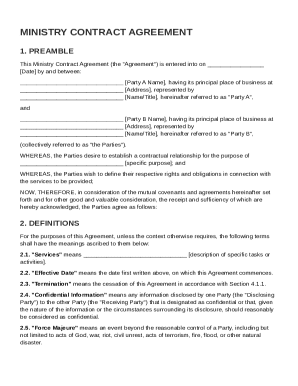
Ministry Contract Template
The Ministry Contract Agreement outlines the terms and conditions between two parties, referred to as Party A and Party ...