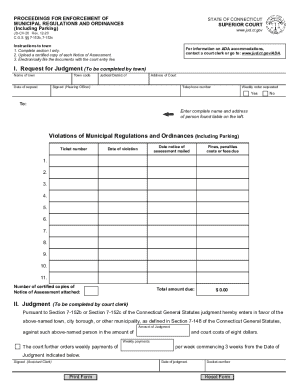
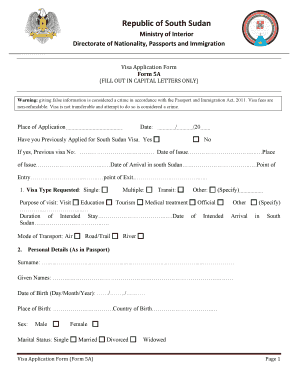
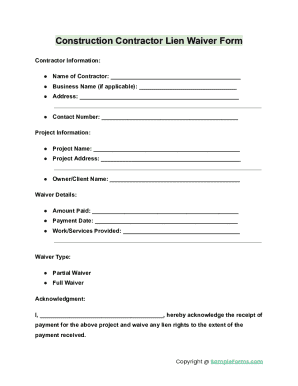
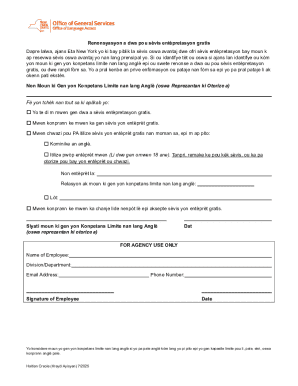
Here's how it works



How to use or fill out inspector sfn with our platform

- Click ‘Get Form’ to open the inspector sfn in the editor.
- Begin by entering your personal information in the designated fields. Ensure that all details are accurate to avoid any processing delays.
- Proceed to the inspection details section. Here, you will need to provide specifics about the inspection date, location, and type of inspection being conducted.
- Next, review any checklist items included in the form. Mark each item as completed or not applicable based on your findings during the inspection.
- Finally, sign and date the form electronically using our platform’s signature feature. This ensures your submission is valid and recognized.
Start filling out your inspector sfn today for free and streamline your workflow!
It's free
Got questions?
What is the best way to electronically sign my inspector sfn?
Many software solutions are available on the market for document modifying and signing. DocHub is one of the most widely used online solutions that comply with all data protection and compliance standards and ensures your eSigned paperwork is legally enforceable. All you need to try it out is to sign up for an account, add your inspector sfn, fill out the requested information, and click Sign. Generate your eSignature by typing, drawing it, uploading its picture to your form, or scanning a unique QR code.
How do you get inspector sfn?
You can find the latest and most relevant version of the inspector sfn in our DocHub forms library. Search it by categories or use the search field to get the exact template that fits your situation. You can open this form for editing once you find it.
Security and compliance
At DocHub, your data security is our priority. We follow HIPAA, SOC2, GDPR, and other standards, so you can work on your documents with confidence.
Learn more