
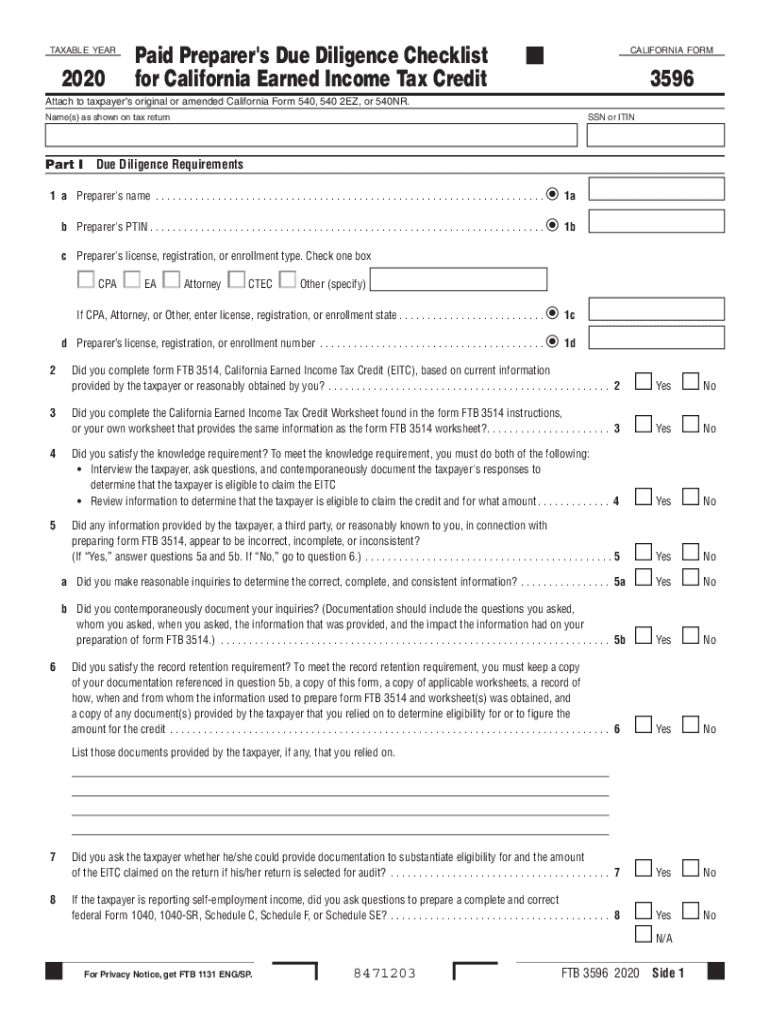




Here's how it works

01. Edit your 3596 cummins code online
Type text, add images, blackout confidential details, add comments, highlights and more.

02. Sign it in a few clicks
Draw your signature, type it, upload its image, or use your mobile device as a signature pad.

03. Share your form with others
Send cummins code 3596 via email, link, or fax. You can also download it, export it or print it out.
How to use or fill out 3596 with our platform

- Click ‘Get Form’ to open the 3596 in the editor.
- Begin by entering the taxpayer's name(s) as shown on their tax return at the top of the form.
- In Part I, fill in the preparer's name and PTIN. Ensure that you check the appropriate box for your license type and provide your license number.
- Answer the due diligence questions (questions 2-8) by selecting 'Yes' or 'No' based on your assessment of the taxpayer's eligibility for the California Earned Income Tax Credit.
- In Part II, confirm eligibility for claiming EITC and provide explanations where necessary. Document any relevant information provided by the taxpayer.
- Finally, certify that all answers are true and complete before submitting. Make sure to keep a copy of this form along with any supporting documents for record retention.
Start using our platform today to streamline your form completion process for free!
Fill out 3596 online
It's free
It's free
See more 3596 versions
We've got more versions of the 3596 form. Select the right 3596 version from the list and start editing it straight away!
Security and compliance
At DocHub, your data security is our priority. We follow HIPAA, SOC2, GDPR, and other standards, so you can work on your documents with confidence.
Learn more


Related forms

NEAP Application (Lump Sum) (39
The document outlines the application process for the National Electrical Annuity Plan's Lump Sum Benefit, detailing nec ...
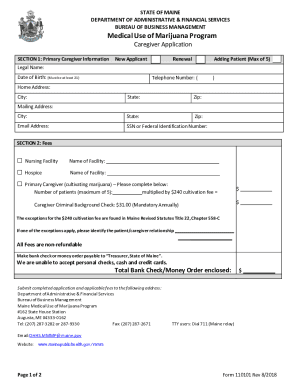
2425-A Registry identification cards and registration certificates
The document is an application form for the Medical Use of Marijuana Program in Maine, specifically for primary caregive ...
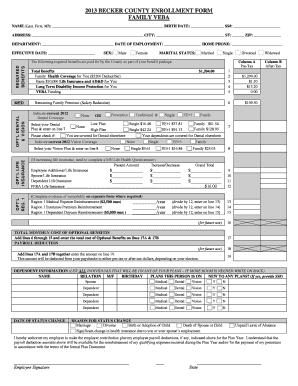
2013 BECKER COUNTY ENROLLMENT FORM FAMILY VEBA
The document is a 2013 enrollment form for Becker County employees to select and manage their benefits, including health ...

2005 Annual Report - Invest in Children - Cuyahoga County
The document outlines the achievements and initiatives of the 'Invest in Children' program in Cuyahoga County, which aim ...

Organizational Appointments - catawbacountync
The minutes from the Catawba County Board of Commissioners' regular session on December 6, 2004, detail various organiza ...

Job Opportunity, Broward County Aviation Department
The document is a Request for Letters of Interest (RLI) from the Broward County Aviation Department for Automated Retail ...
Financial Audit 2008 - Cuyahoga County Auditor
The Cuyahoga County Single Audit Report for the year ended December 31, 2008, prepared by Deloitte & Touche LLP, provide ...

Executive to enter into contracts with various
The document is a resolution from the County Council of Cuyahoga County, Ohio, authorizing the County Executive to enter ...