




01. Edit your form online
Type text, add images, blackout confidential details, add comments, highlights and more.

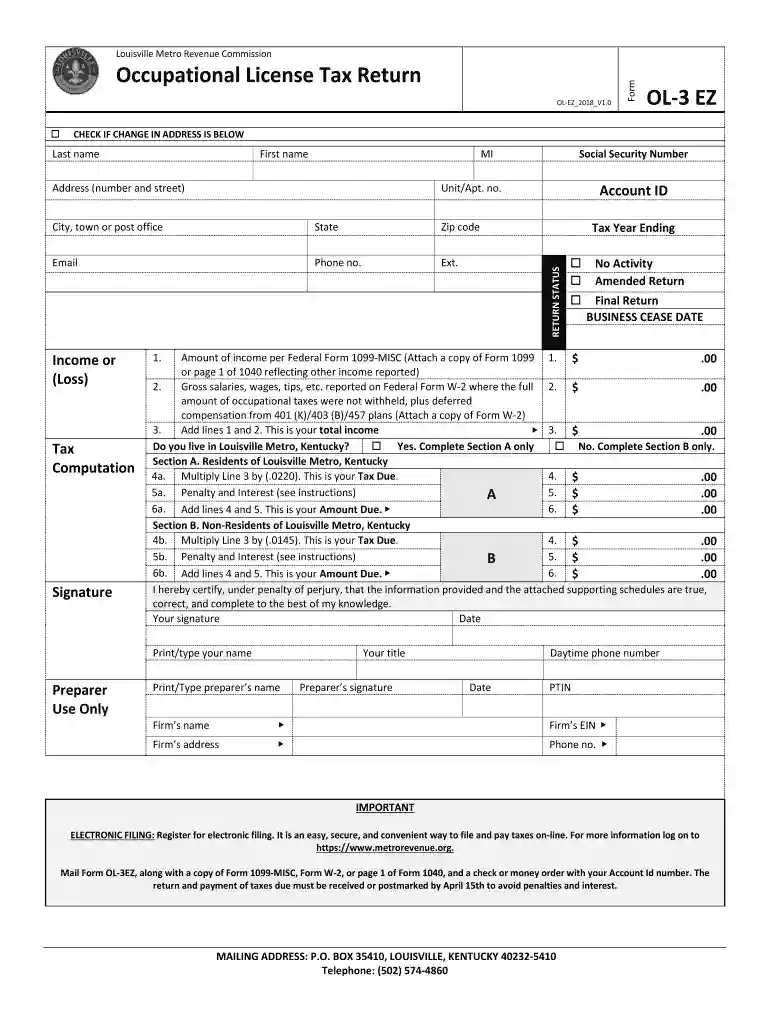
Type text, add images, blackout confidential details, add comments, highlights and more.

Draw your signature, type it, upload its image, or use your mobile device as a signature pad.

Send it via email, link, or fax. You can also download it, export it or print it out.

Start using our platform today to streamline your form completion process for free!
We've got more versions of the ol3 form. Select the right ol3 version from the list and start editing it straight away!
Electronic signatures are a great replacement for traditional signing, as they save time, effort, and costs people spend on printing, scanning, and paper delivery. You can eSign your ol3 utilizing a reliable and powerful online document processing tool like DocHub. It complies with main eSignature regulations (ESIGN and UETA), so all forms approved there are legally binding and have the same validity as manually signed ones.
You can get and edit your ol3 online by using DocHub. Its straightforward yet feature-rich design allows you to start productive work right after you register your account. Create your account and add your file, then our user interface will guide you via our stress-free form completion experience.
At DocHub, your data security is our priority. We follow HIPAA, SOC2, GDPR, and other standards, so you can work on your documents with confidence.
For this asynchronous online drawing course, the instructor will provide slide shows and online video instructions associated with each homework assignment.Read more
2: OL3 at RUN - Alarm (Overtorque Detection is always active and operation 4: OL3 at RUN - Fault (Overtorque Detection is always active and. DriveRead more


