



Here's how it works



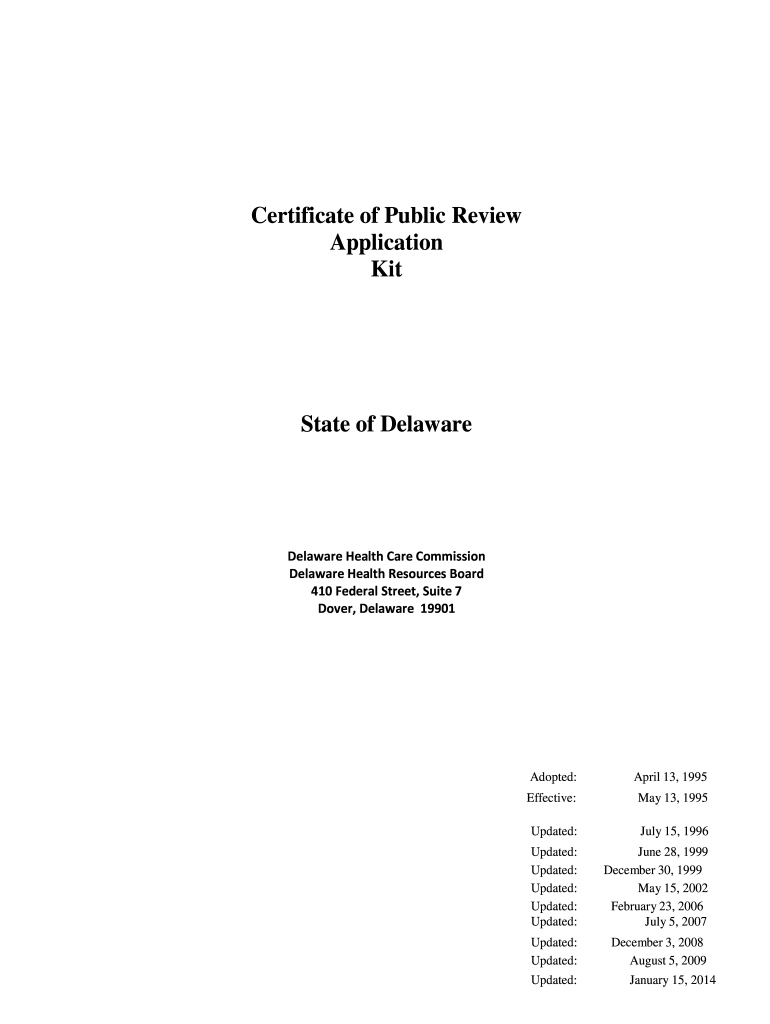
How to use or fill out Delaware Certificate of Public Review November 2008 2014-2019 form with our platform

- Click ‘Get Form’ to open the Delaware Certificate of Public Review in the editor.
- Begin with the Notice of Intent section. Fill in your name, address, and contact information. Indicate the type of ownership and anticipated date of filing.
- In the Application section, provide detailed background information about your project. Include a narrative that describes the need for your proposal and how it aligns with existing health care services.
- Complete the Review Considerations section by addressing each criterion outlined in the application. This includes discussing population needs, financial viability, and potential impacts on health care quality.
- For any attachments required, such as financial statements or implementation schedules, use our platform's upload feature to include these documents seamlessly.
- Finally, review all entries for accuracy before signing off on the certification statement at the end of the form.
Start filling out your Delaware Certificate of Public Review form today for free using our platform!
It's free
See more delaware certificate of public review november 2008 2014-2019 form versions
Got questions?
How do I sign my delaware certificate of public review november 2008 2014-2019 form online?
Sign in to your DocHub account and add your delaware certificate of public review november 2008 2014-2019 form to our editor using one of its upload methods - from your device, cloud storage, secure URL, or your DocHub folders if you have already managed your document before. Open our editor, click the Sign button in the top toolbar, and choose your signing method. You can upload an image of your handwritten signature, draw it, enter your name, or use a QR code as an alternative.
How do you edit delaware certificate of public review november 2008 2014-2019 form online?
With DocHub, you have several convenient methods to edit your delaware certificate of public review november 2008 2014-2019 form online. You can drag and drop the form and modify it straight at the DocHub site or use our browser extension to fill out your form right away. Additionally, you can modify your PDF on your phone, as DocHub works with all the available mobile platforms.
Security and compliance
At DocHub, your data security is our priority. We follow HIPAA, SOC2, GDPR, and other standards, so you can work on your documents with confidence.
Learn more


Related forms