




Here's how it works

01. Edit your po box 20541 atlanta ga 30320 online
Type text, add images, blackout confidential details, add comments, highlights and more.

02. Sign it in a few clicks
Draw your signature, type it, upload its image, or use your mobile device as a signature pad.

03. Share your form with others
Send po box 20541 via email, link, or fax. You can also download it, export it or print it out.
How to use or fill out loss prevention dept 930 with our platform

- Click ‘Get Form’ to open the loss prevention dept 930 document in the editor.
- Begin by filling in your member information, including your name, today's date, account number, and Visa card number. Ensure all fields are completed accurately.
- Provide your daytime phone number and preferred contact method (phone, mail, or email). This will help facilitate communication regarding your dispute.
- Enter the transaction date and specify both the dispute amount and total transaction amount. This information is crucial for processing your dispute efficiently.
- In the Disputed Item Details section, check the box that best describes your dispute type. Be sure to answer all required questions marked with an asterisk (*) for timely processing.
- If necessary, attach any supporting documents that validate your claim. You can do this easily using our platform's upload feature.
- Once all fields are filled out correctly, print the completed form. Don’t forget to sign and date it in the designated Signature section before submission.
Start using our platform today to streamline your document editing and ensure a smooth dispute process!
Fill out loss prevention dept 930 online
It's free
It's free
See more loss prevention dept 930 versions
We've got more versions of the loss prevention dept 930 form. Select the right loss prevention dept 930 version from the list and start editing it straight away!
Security and compliance
At DocHub, your data security is our priority. We follow HIPAA, SOC2, GDPR, and other standards, so you can work on your documents with confidence.
Learn more


Related forms

Wolfs 109 form
The document outlines the requirements and instructions for completing the W-9 form in Wyoming, which is necessary for i ...
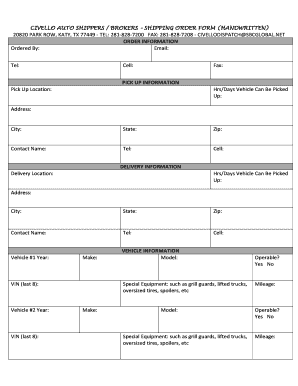
Standard written order template
The document is a handwritten shipping order form for Civello Auto Shippers/Brokers, detailing the necessary information ...

MO-1120ES - 2022 Declaration of Estimated Tax for Corporation Income Tax
The document outlines the requirements and procedures for corporations in Missouri to file estimated tax payments for Co ...
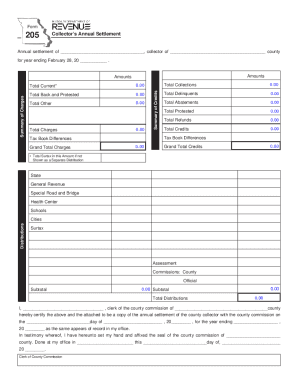
Fillable Online dor mo Form 205 - Collector's Annual Settlement Fax
The document is a Collector's Annual Settlement form for a county, detailing financial figures related to tax collection ...
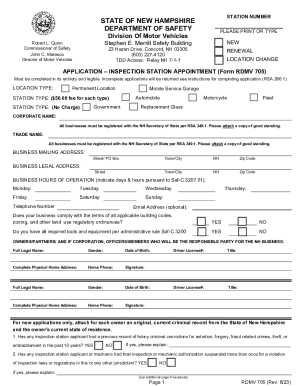
New Hampshire Inspection Station Appointment Application
The document provides detailed instructions for completing the application for an inspection station appointment (RDMV 7 ...
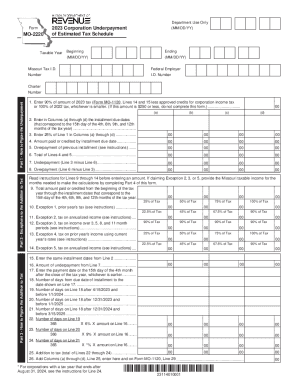
Part 2 - Exceptions to the Addition to Tax
The document is Form MO-2220, used by corporations in Missouri to calculate underpayment of estimated tax and any applic ...
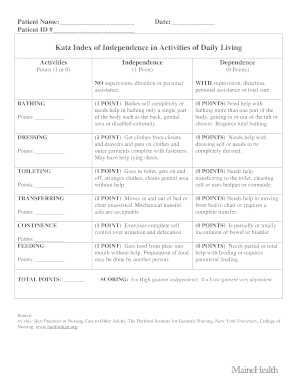
Katz assessment
The document provides an overview of two assessment tools used to evaluate the functional status of older adults: the Ka ...
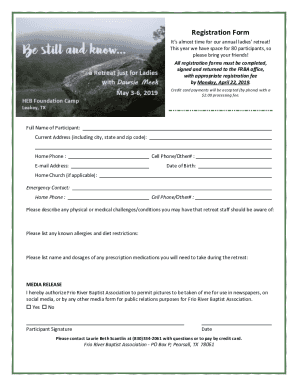
Retreat registration form template word
The document is a registration form for the annual ladies' retreat organized by the Frio River Baptist Association, allo ...