



Here's how it works
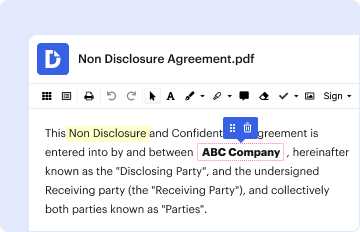
How to use or fill out U.S. Department Of Labor Issues Third Installment Of Qandamp;amp;As ... with DocHub

- Click ‘Get Form’ to open it in the editor.
- Begin by filling out Section 1, which requires the child's last name, first name, middle initial, and date of birth. Ensure all information is accurate.
- Next, provide the parent or legal guardian's details including their last name, first name, middle initial, phone number, and address.
- In Section 2, review the consent options carefully. Check the appropriate boxes based on whether you give consent for immunization or prefer alternative arrangements.
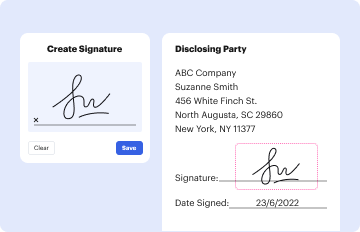
- Sign and date the form at the bottom to validate your consent. Make sure to print your name and indicate your relationship to the child.
Start using our platform today to streamline your document editing and signing process for free!
It's free
See more U.S. Department Of Labor Issues Third Installment Of Qandamp;amp;As ... versions
| Versions | Form popularity | Fillable & printable |
|---|---|---|
| 2018 | 4.4 Satisfied (31 Votes) |
Got questions?
How do I sign my h2b randomization list 2023 pdf on iOS?
With DocHub, you can easily approve your h2b randomization list 2023 pdf or any other paperwork on iOS, even without setting up additional applications. You can access your DocHub account from any web-connected browser and complete and sign your document in any way you like with just a few clicks.
How do you modify h2b randomization list 2024 from Google Drive?
If you store your files in Google Drive, there is no need to download your h2b randomization list 2024 on your computer and upload it back to our editor. A much simpler way is to set up a browser extension created by DocHub to streamline this flow. The extension allows editing PDFs in your internet browser. Alternatively, you can integrate your DocHub and Gmail accounts for more efficient modifying.
Security and compliance
At DocHub, your data security is our priority. We follow HIPAA, SOC2, GDPR, and other standards, so you can work on your documents with confidence.
Learn more