




Here's how it works

01. Edit your hardship license oregon online
Type text, add images, blackout confidential details, add comments, highlights and more.

02. Sign it in a few clicks
Draw your signature, type it, upload its image, or use your mobile device as a signature pad.

03. Share your form with others
Send oregon hardship license via email, link, or fax. You can also download it, export it or print it out.
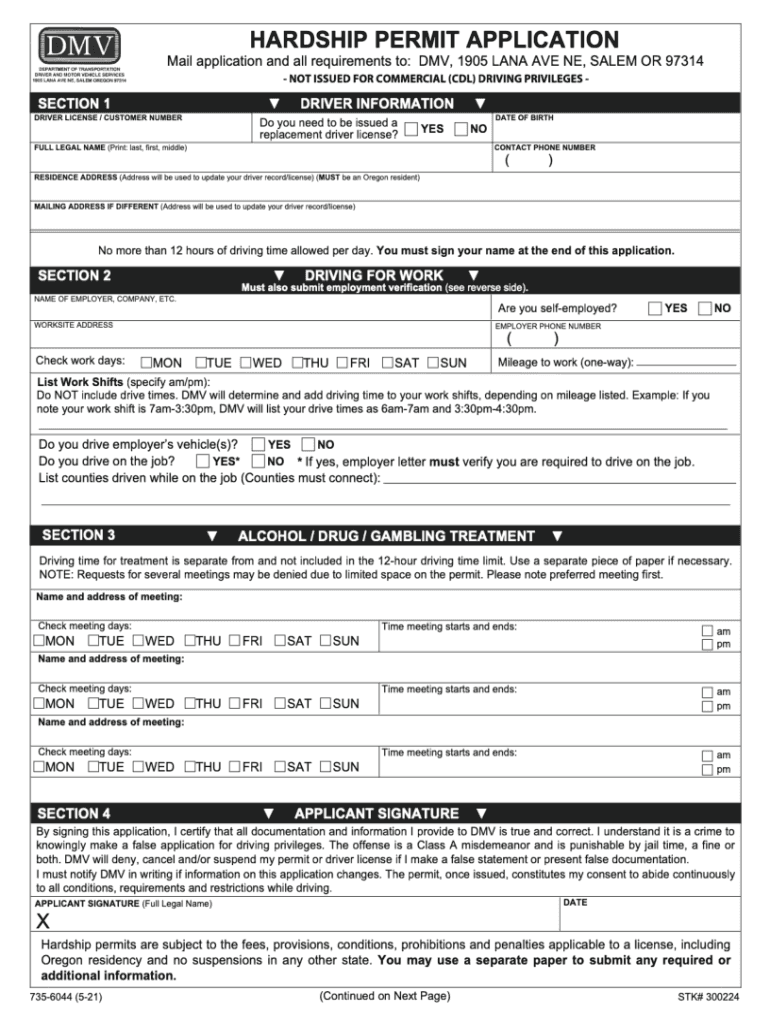
How to use or fill out Oregon DMV Hardship Application with DocHub

- Click ‘Get Form’ to open the Oregon DMV hardship application in our editor.
- Begin by entering your personal information in the designated fields, including your full name, address, and contact details. Ensure accuracy as this information is crucial for processing your application.
- Next, provide details regarding your hardship situation. This section typically requires a clear explanation of why you are applying for a hardship license. Be concise yet thorough to convey your circumstances effectively.
- In the following section, you may need to list any supporting documents you are submitting with your application. Use our platform’s upload feature to attach these files directly from your device or Google Drive.
- Finally, review all entered information for completeness and accuracy. Once satisfied, utilize the signing feature to electronically sign the document before submission.
Start using our platform today to fill out your Oregon DMV hardship application online for free!
Fill out oregon dmv hardship application online
It's free
It's free
See more oregon dmv hardship application versions
We've got more versions of the oregon dmv hardship application form. Select the right oregon dmv hardship application version from the list and start editing it straight away!
Security and compliance
At DocHub, your data security is our priority. We follow HIPAA, SOC2, GDPR, and other standards, so you can work on your documents with confidence.
Learn more


Related forms
Florida form bf03 department
The document is a Building Permit Application that outlines the necessary information and requirements for obtaining a b ...
How to register or to file itr in 1702 ex form
The document is the BIR Form No. 1702-EX, an Annual Income Tax Return specifically designed for corporations, partnershi ...
Ohio bond form
The document is a Performance and Payment Bond Form prescribed by the State of Ohio for public facility construction, ou ...

Ar exemption tax
The document is an Arkansas Sales and Use Tax Exemption Certificate, which certifies that the holder is exempt from sale ...
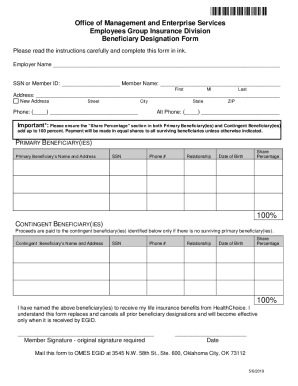
Beneficiary form pdf
The document provides instructions for completing the Beneficiary Designation Form for the HealthChoice Life Insurance P ...

Transcript release - Stautzenberger College - sctoday
The document is a transcript release form for Stautzenberger College, requiring personal information such as name, socia ...

Yale letter intent
The document is a Consortium Agreement Letter of Intent and Certification (LOI) required for subrecipients submitting pr ...
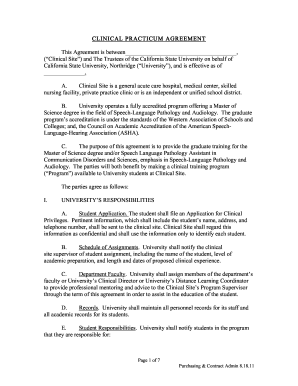
Masters in High Incidence Disabilities Practicum Experience
The document outlines the requirements and procedures for securing a Clinical Practicum Agreement for students in the Sp ...