




Here's how it works

01. Edit your va form 26 4555c online
Type text, add images, blackout confidential details, add comments, highlights and more.

02. Sign it in a few clicks
Draw your signature, type it, upload its image, or use your mobile device as a signature pad.

03. Share your form with others
Send 26 4555c via email, link, or fax. You can also download it, export it or print it out.
How to use or fill out va disabled with our platform

- Click ‘Get Form’ to open the va disabled application in the editor.
- Begin by filling out Section I, which requires your personal information. Enter your first name, middle initial, and last name, followed by your VA file number or Social Security number.
- Provide your contact details including cell phone number, daytime and evening telephone numbers, and email address. Ensure all information is accurate for effective communication.
- Indicate your grant application type by checking one of the options provided in Section I. This helps clarify the purpose of your request.
- In Section II, complete the mortgage information if applicable. Include lender details and loan data such as monthly installments and interest rates.
- Finally, review all sections for accuracy before signing in Section III. Your signature confirms that you understand the terms and conditions outlined in the form.
Start using our platform today to fill out your va disabled application easily and for free!
Fill out va disabled online
It's free
It's free
See more va disabled versions
We've got more versions of the va disabled form. Select the right va disabled version from the list and start editing it straight away!
Security and compliance
At DocHub, your data security is our priority. We follow HIPAA, SOC2, GDPR, and other standards, so you can work on your documents with confidence.
Learn more


Related forms
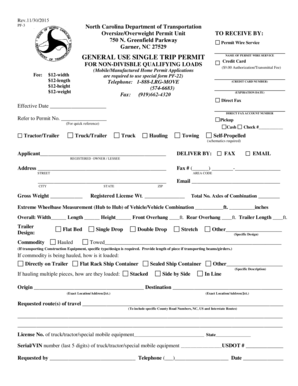
Nc single trip permit
The document is a General Use Single Trip Permit application from the North Carolina Department of Transportation for ov ...

Us bank application
The document is a U.S. Bank Quick Loan Application form designed for businesses seeking a quick loan secured by equipmen ...
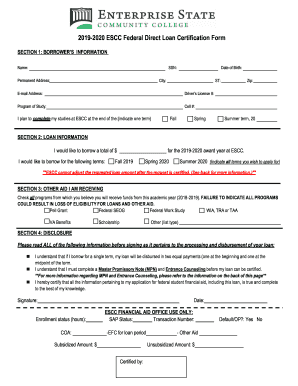
2019-2020 ESCC Federal Direct Loan Certification Form
The document is the 2019-2020 Federal Direct Loan Certification Form for ESCC, which collects borrower information, loan ...

Oak Springs Chapter Fort Defiance Agency-District
The document outlines the scholarship financial assistance application process for the Oak Springs Chapter, including re ...
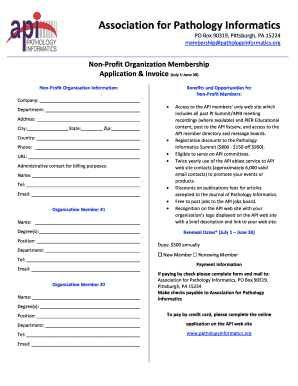
CDFI PROGRAM NACA PROGRAM
The document is an application and invoice for membership in the Association for Pathology Informatics, a non-profit org ...
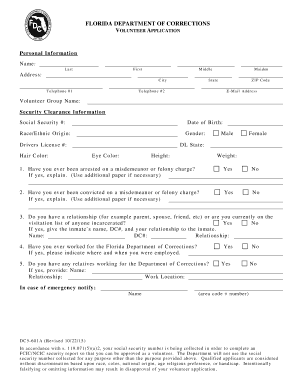
Florida corrections dc5
The document is a volunteer application form for the Florida Department of Corrections, collecting personal information, ...
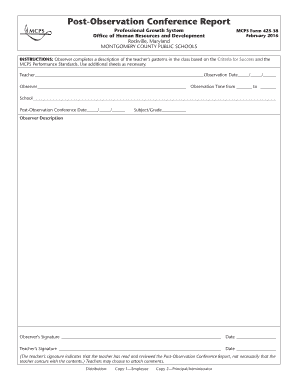
Schedule school year
The document is a Post-Observation Conference Report from the Montgomery County Public Schools, designed for observers t ...
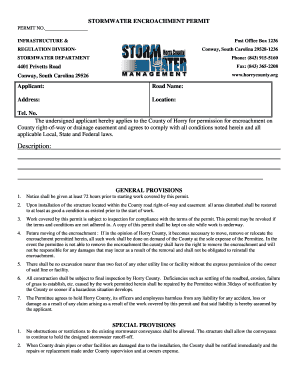
Stormwater form horry
The document is a Stormwater Encroachment Permit application for Horry County, South Carolina. It outlines the condition ...