



Here's how it works



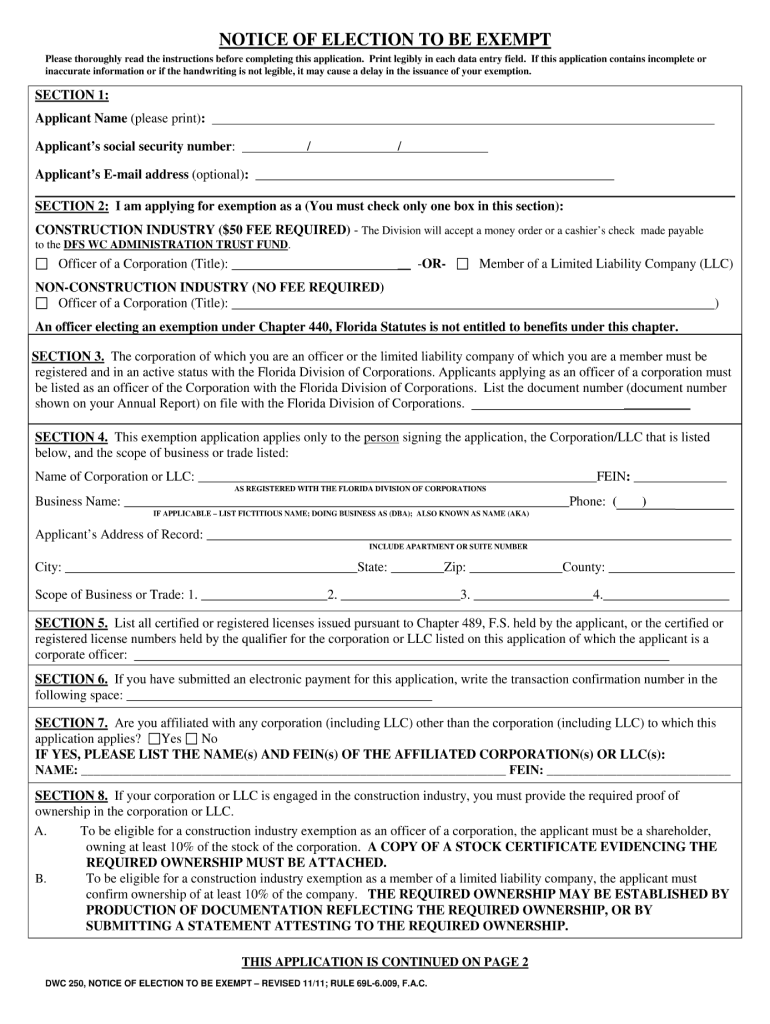
How to use or fill out dwc 250 form with our platform

- Click ‘Get Form’ to open the dwc 250 form in the editor.
- Begin by entering your personal information in the designated fields, including your name, address, and contact details. Ensure accuracy for effective communication.
- Next, navigate to the section regarding employment details. Fill in your employer's information and job title as required. This section is crucial for processing your claim.
- Proceed to the injury details section. Clearly describe the nature of your injury and any relevant dates. Providing comprehensive information here will aid in expediting your claim.
- Finally, review all entered information for completeness and accuracy before submitting. Utilize our platform’s editing tools to make any necessary adjustments easily.
Start using our platform today to fill out your dwc 250 form online for free!
It's free
See more dwc 250 form versions
Got questions?
How can I sign my notice of election to be exempt on iOS?
With DocHub, you can rapidly sign your notice of election to be exempt or any other document on iOS, even without setting up extra programs. You can access your DocHub account from any internet-connected browser and complete and sign your form in any preferred method with just a few clicks.
Do I need to set up software to modify my florida form dwc 250?
When you edit your florida form dwc 250 with DocHub, you merely need a steady internet connection and virtually any web browser installed on your device. No need to install any third-party software or research tutorials. Simply open a tab with DocHub, drag and drop your file, and edit it on the spot.
Is workers comp exempt required in Florida?
How many officers can be exempt from workers comp in Florida?
How to renew workers comp exemption certificate in Florida?
Security and compliance
At DocHub, your data security is our priority. We follow HIPAA, SOC2, GDPR, and other standards, so you can work on your documents with confidence.
Learn more