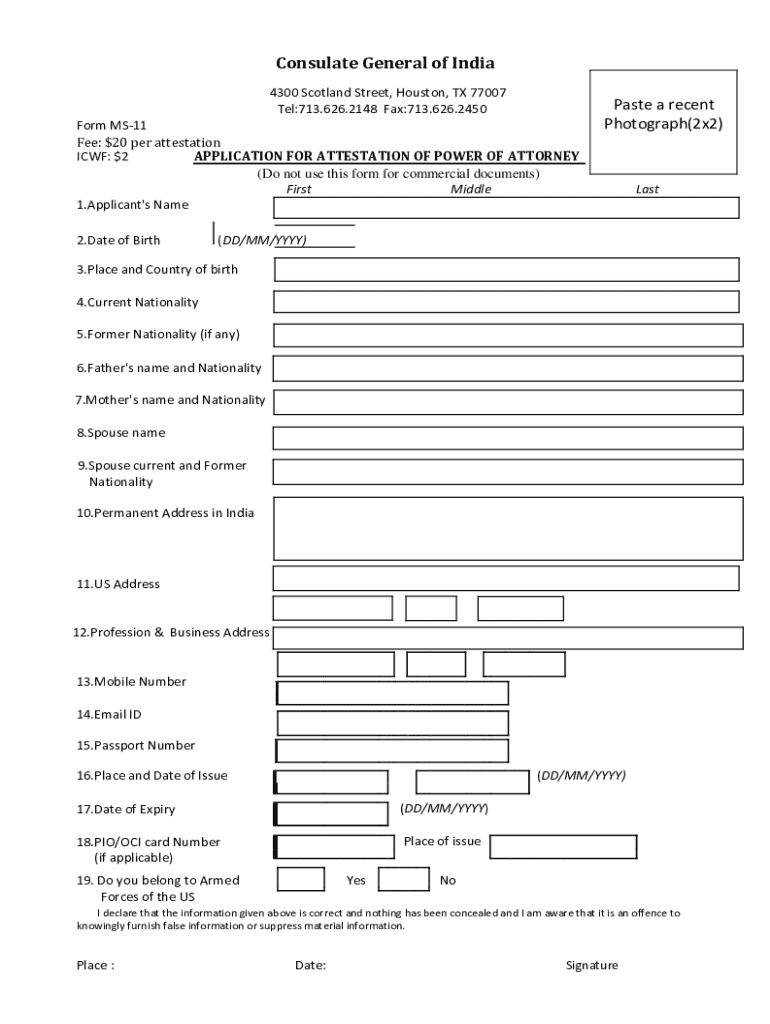







Definition and Meaning of "Form Online"
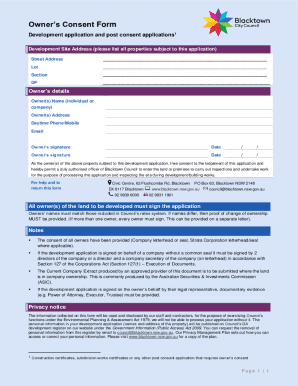
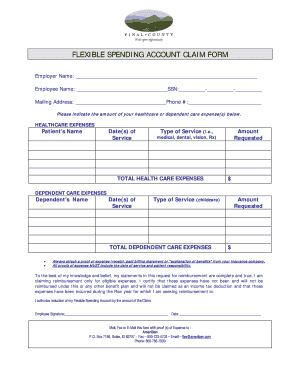
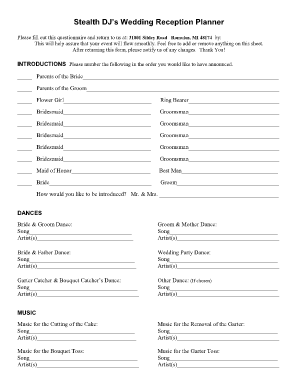
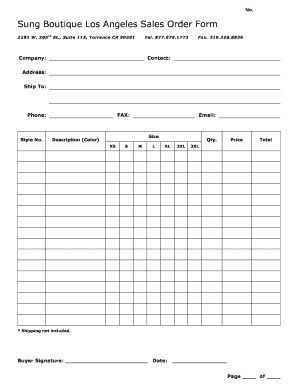
Online forms are digital documents designed to collect information efficiently and securely over the internet. These forms serve various functions, ranging from simple surveys to complex applications, and are used in multiple sectors including finance, education, healthcare, and legal fields. At their core, online forms facilitate the collection and submission of data without the need for physical paperwork, streamlining processes for both individuals and organizations.
- Types of Online Forms:
- Survey Forms
- Application Forms
- Registration Forms
- Feedback Forms
Online forms can be tailored with various fields such as multiple-choice questions, text inputs, dropdown menus, and file upload options, catering to the specific needs of the user.
How to Use the Form Online
Using an online form involves several key steps, ensuring that the process is both efficient and user-friendly. This section provides a comprehensive guide to navigating and completing online forms with ease.
-
Accessing the Form:
- Locate the form URL through a website or email link.
- Ensure you are using a secure internet connection to access the form.
-
Understanding the Fields:
- Familiarize yourself with the types of fields available, such as text boxes, radio buttons, and checkboxes.
- Pay close attention to required fields marked with an asterisk (*) to ensure the form can be submitted successfully.
-
Entering Information:
- Carefully input data into each field, verifying its accuracy before moving to the next section.
- Use dropdown menus and date pickers to simplify selection processes.
-
Reviewing and Submitting:
- Before submitting, review all entered information for accuracy. Look for confirmation prompts or verification steps that may be necessary.
- Submit the form by clicking the designated button. A confirmation message or email typically follows to verify successful submission.
Steps to Complete the Form Online
Successfully completing an online form involves adhering to a sequence of steps designed to enhance accuracy and efficiency.
-
Preparation:
- Gather necessary information and documents that the form might require, such as identification numbers, addresses, or reference documents.
-
Navigation:
- Move systematically through sections of the form, focusing on one field at a time.
-
Data Validation:
- Ensure that data entered matches the required format (e.g., phone numbers, dates).
-
Saving Progress:
- Save progress periodically to prevent data loss in case of technical issues.
-
Final Review:
- Perform a thorough final check before submission to catch any errors or omissions.
-
Confirmation:
- Look for confirmation of successful submission which often appears on the webpage or as an email notice.
Why Should You Form Online
Online forms offer numerous advantages over traditional paper forms, making them an attractive choice for both individuals and organizations.
- Convenience: Accessible from any location with internet access. No need to travel or mail documents.
- Speed: Expedited processing and response times lead to quicker outcomes and decisions.
- Cost-Effectiveness: Reduces expenses related to printing, mailing, and storage.
- Environmentally Friendly: Minimizes paper usage and contributes to sustainability efforts.
Online forms also offer enhanced analytical capabilities, allowing for easy tracking and analysis of collected data through integrated software tools.
Important Terms Related to Form Online
Understanding key terms associated with online forms helps clarify their functionality and guide effective usage.
- SSL Encryption: A security protocol ensuring data transfer between user and website is encrypted and secure.
- OAuth 2.0: An authorization framework that enables secure access to a user’s data without exposing passwords.
- Captcha: A verification system used to differentiate between human users and automated bots.
- Responsive Design: Ensures the form adapts to different device screens, facilitating use on both mobile and desktop platforms.
These terms underpin the technological framework of online forms, enhancing their security, accessibility, and usability.
Legal Use of the Form Online
The legal acceptance of online forms has grown significantly, with electronic forms and signatures holding validity across various transactions and jurisdictions.
- Electronic Signatures (E-Sign Act): Grant legal status to electronic signatures in the United States, allowing documents signed online to be as enforceable as those signed on paper.
- Compliance: Industry-specific regulations might require adherence to specific standards, such as HIPAA for medical forms or GDPR for data protection in Europe.
As legal frameworks evolve, the use of online forms continues to expand into areas previously dominated by paper documentation.
State-Specific Rules for the Form Online
States may have individual requirements or adaptations for online forms, depending on local legislation and administrative processes.
- Regional Variations: Some states mandate additional verification processes or specific field types for certain form submissions.
- Form Customization: Depending on the state's digital transformation level, online forms might differ in their integration with state databases or systems.
Understanding state-specific rules is crucial for ensuring that online forms comply with local legal standards and requirements.
Key Elements of the Form Online
Online forms are composed of various elements crucial to their functionality and effectiveness. Recognizing these components contributes to a smoother form completion experience.
- Input Fields: Spaces for entering specific types of information.
- Instructions: Directions supplied to help users complete the form accurately.
- Mandatory Fields: Essential fields that must be completed for the form to be valid.
- Submit Button: Final action to send data for processing.
These elements combine to create a structured and user-friendly environment for data collection, making online forms an efficient tool for multiple applications.