




Here's how it works

01. Edit your 3 day notice to perform covenant or quit pdf online
Type text, add images, blackout confidential details, add comments, highlights and more.

02. Sign it in a few clicks
Draw your signature, type it, upload its image, or use your mobile device as a signature pad.

03. Share your form with others
Send notice to perform covenant or quit via email, link, or fax. You can also download it, export it or print it out.
How to use or fill out 3 day notice to perform or quit with our platform

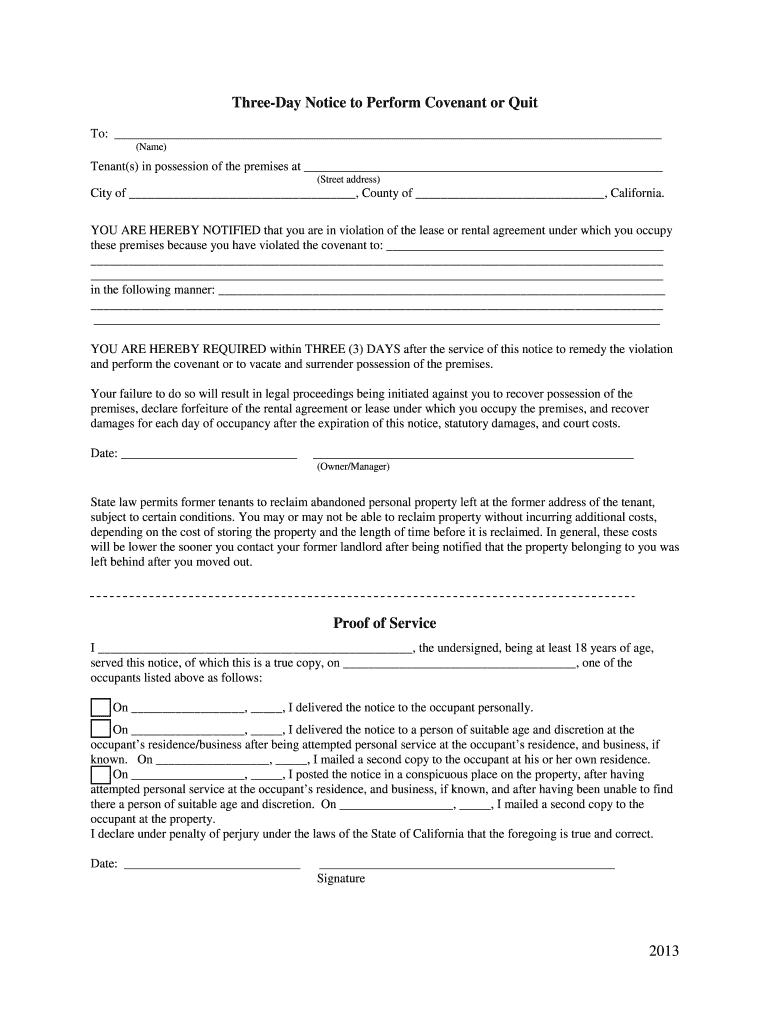
- Click ‘Get Form’ to open the 3 Day Notice to Perform Covenant or Quit in the editor.
- Begin by filling in the tenant's name and address in the designated fields. Ensure accuracy as this information is crucial for legal purposes.
- In the section regarding the lease violation, clearly state the specific covenant that has been breached. Provide detailed descriptions of how the violation occurred.
- Indicate the date by which the tenant must remedy the violation or vacate. This should be three days from when they receive this notice.
- Complete the owner/manager signature section, ensuring you include your name and date of signing for authenticity.
- Lastly, fill out the proof of service section, detailing how and when you served this notice to ensure compliance with legal requirements.
Start using our platform today to easily complete your 3 Day Notice and streamline your document management!
Fill out 3 day notice to perform or quit online
It's free
It's free
See more 3 day notice to perform or quit versions
We've got more versions of the 3 day notice to perform or quit form. Select the right 3 day notice to perform or quit version from the list and start editing it straight away!
Security and compliance
At DocHub, your data security is our priority. We follow HIPAA, SOC2, GDPR, and other standards, so you can work on your documents with confidence.
Learn more


Related forms
Developteam ocfl net
The document is a Wastewater Capacity Application form from the Orange County Customer Service Division, outlining the p ...
Fillable Online Request a Domestic Wire Transfer - Charles
The document is an application form for the registration of a foreign limited liability company in Missouri, issued by t ...
Medical id card pdf download
The document provides instructions for creating an emergency medical card, detailing two methods: filling out a digital ...
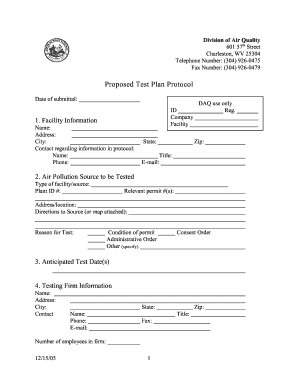
Proposed Test Plan Protocol - dep wv
The document outlines a proposed test plan protocol for air quality testing, detailing the necessary information regardi ...

NURSE AIDE TEMPORARY EMERGENCY WAIVER - OK
The document outlines the application process for a Nurse Aide Temporary Emergency Waiver in Oklahoma, detailing eligibi ...
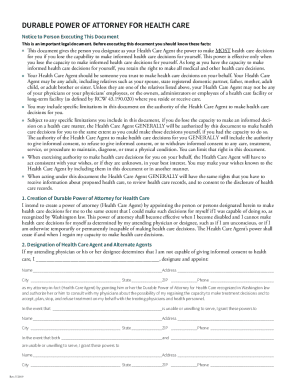
2019 WA Durable Power of Attorney for Health Care
The document is a Durable Power of Attorney for Health Care, which allows an individual to designate a trusted person as ...

Maine byob permit form
The document is an application form for a Bring Your Own Beverage (B.Y.O.B.) function in the State of Maine, issued by t ...

Iowa pocketbook
The document outlines the role and responsibilities of a notary public in Iowa, emphasizing their function as impartial ...