




01. Edit your modification letter online
Type text, add images, blackout confidential details, add comments, highlights and more.

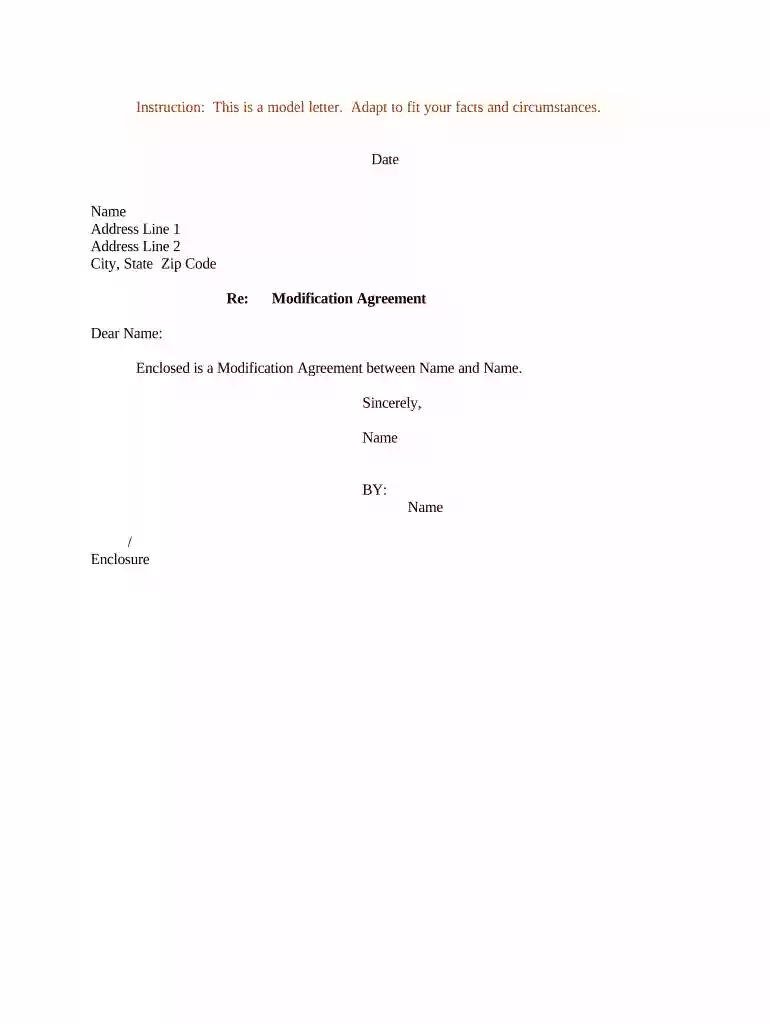
Type text, add images, blackout confidential details, add comments, highlights and more.

Draw your signature, type it, upload its image, or use your mobile device as a signature pad.

Send it via email, link, or fax. You can also download it, export it or print it out.

Start using our platform today to streamline your document editing and signing process for free!
At DocHub, your data security is our priority. We follow HIPAA, SOC2, GDPR, and other standards, so you can work on your documents with confidence.



In Stogner v. Stogner,1 the Louisiana Supreme Court issued a decision on modification of child support judgments. Stogner made two important holdings.Read more
Heres what to expect when you request for a modification of your child support order. Click here to learn the steps in the modification journey.Read more


