




Here's how it works

01. Edit your new uk passport photo page online
Type text, add images, blackout confidential details, add comments, highlights and more.

02. Sign it in a few clicks
Draw your signature, type it, upload its image, or use your mobile device as a signature pad.

03. Share your form with others
Send united passport application via email, link, or fax. You can also download it, export it or print it out.
How to use or fill out united passport kingdom with our platform

- Click ‘Get Form’ to open the united passport kingdom in the editor.
- Begin by entering your personal details in the designated fields. This includes your full name, date of birth, and nationality. Ensure that all information is accurate to avoid delays.
- Next, move on to the address section. Fill in your current residential address, including street name, city, and postal code. Double-check for any typos.
- In the identification section, provide your previous passport number if applicable. If this is your first application, indicate 'N/A' where necessary.
- Finally, review all sections for completeness and accuracy before submitting. Use our platform’s tools to sign electronically if required.
Start using our platform today for free and streamline your passport application process!
Fill out united passport kingdom online
It's free
It's free
See more united passport kingdom versions
We've got more versions of the united passport kingdom form. Select the right united passport kingdom version from the list and start editing it straight away!
Security and compliance
At DocHub, your data security is our priority. We follow HIPAA, SOC2, GDPR, and other standards, so you can work on your documents with confidence.
Learn more


Related forms

School Year Childs ID - Skyline Cap Headstart - skylinecap
The document is an Individual Student Folder for a child enrolled in the Skyline CAP Head Start program, detailing essen ...

Sisseton wahpeton oyate enrollment
The document is a youth enrollment application for the Heipa District of the Lake Traverse Reservation, requiring person ...

Navmc 11627
The document outlines the prerequisites and prescreening checklist for attendees of the Marine Corps Instructor of Water ...

(ROI) Consent form - Broward Health - browardhealth
The document is an authorization form for the release of confidential medical information, detailing the patient's right ...
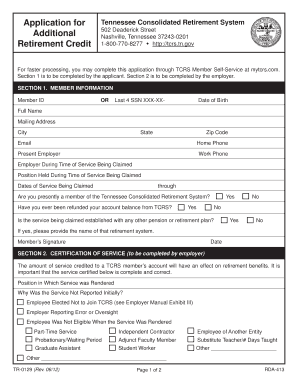
TCRS Overview and Self-Service - Tennessee Treasury - TN
The document is an application form for Additional Retirement Credit from the Tennessee Consolidated Retirement System ( ...