
Manage and change RPT to PDF for free


Change RPT to PDF for free
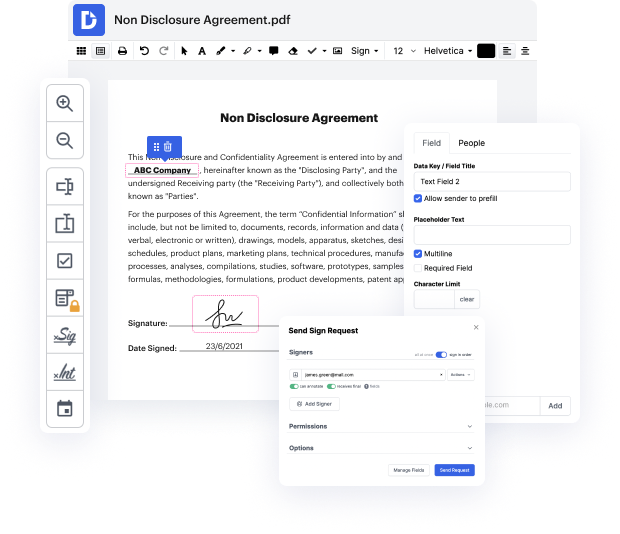
Once in a while, you need to handle significantly less well-known document formats in your daily document routines. With DocHub, you can change RPT to PDF without the need of searching for third-party platforms to convert your file. Enhance your document workflows, generate, edit convert file types, and send them for authorization all in one place.
How can you change RPT to PDF online
- Go to the DocHub website and register an account or sign in.
- Add your file and wait for it to open in our online editor.
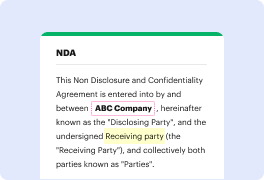
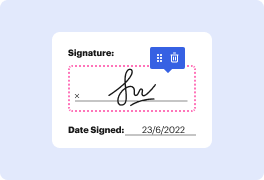
- Begin working on your file, include fields, modify text, and so on.
- Prepare your file for others to complete.
- Click on Done and change RPT to PDF.
- Deliver your document to your recipients for approval.
Forget complicated and puzzling software program and outdated online solutions to change your document efficiently and quickly. Try out DocHub’s various document managing features available for you at any moment. Join right now and try your free trial version.
PDF editing simplified with DocHub






Drive efficiency with the DocHub add-on for Google Workspace
How to Manage and change RPT to PDF for free
Today, Kevin explains how to edit a PDF file for free, without needing to purchase an app that may add watermarks. He outlines four criteria for a PDF editor: being free or already included in apps, not adding watermarks, allowing editing, and enabling signature insertion. There are apps available that meet all these requirements, making it easy to edit PDF files without any additional costs.

Got questions?
How do I convert RTP to PDF?
How do I open an RPT file as a PDF?
How can I change a file to PDF for free?
Can I convert RPT to PDF?
How do I view the contents of an RPT file?
How do I open an RPT file without Crystal report?
How do I convert RTP to PDF?
How do I open an RPT file for free?
See why our customers choose DocHub


Security and compliance
At DocHub, your data security is our priority. We follow HIPAA, SOC2, GDPR, and other standards, so you can work on your documents with confidence.
Learn more


