
Your JPG reduce size below 1 mb with no software download


JPG reduce size below 1 mb: learn how to do it online
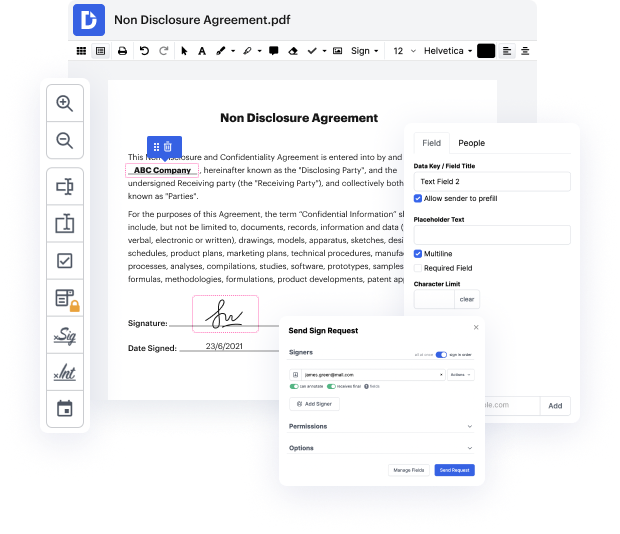
Whether you want to create a CV to apply for a job or generate a proposal for your client, you want the highest file quality possible. Very often you get a file that’s too big to put online or send via email. One possible solution is to divide the it into workable pieces. Nevertheless, if this option isn’t acceptable, you can simply resolve your “.JPG reduce size below 1 mb” query using a solution like ours.
Read our quick tutorial below and learn how to reduce the file size quickly.
- Add your file or drag and drop it into the import zone.
- Find the newly uploaded document in your Dashboard.
- Select to open it in the editor and check top toolbar.
- Select the option “Joint Photographic Experts Group file format reduce size below 1 mb”.
- Choose the desired file size.
- Hit Compress PDF and wait until the session is completed.
- Download or share the file and keep testing other features.
Apart from the JPG reduce size below 1 mb, our solution enables you to change, certify, annotate, and safeguard files - all within a single and safe solution. The interface is straightforward and easy to understand: you can work out how any feature works in seconds. On top of that, you can upload as many files as you need and work together on them with your team. Try it out now and start working with your documents in a whole new way.
PDF editing simplified with DocHub






Drive efficiency with the DocHub add-on for Google Workspace
Got questions about kompres jpg dibawah 1 mb?
How do I compress a picture to make it smaller MB?
How do you reduce the MB size of a JPEG photo?
How do I make a JPEG less than 1 MB?
What do I do if my JPEG is too big?
How do I resize a JPEG in MB?
How do I resize a JPG to smaller?
How do I make a picture smaller in MB?
See why our customers choose DocHub


Security and compliance
At DocHub, your data security is our priority. We follow HIPAA, SOC2, GDPR, and other standards, so you can work on your documents with confidence.
Learn more


