
Discard Time Transcript For Free with DocHub and make the most of your documents


A tried and tested way to Discard Time Transcript For Free
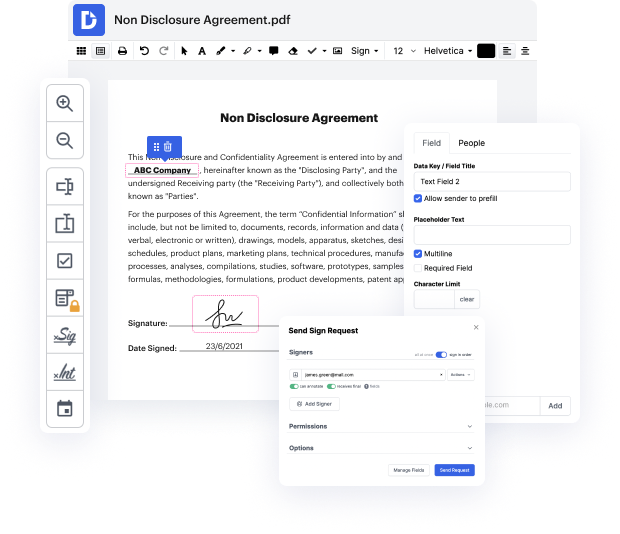
Working with documents can be a daunting task. Each format comes with its peculiarities, which often results in complex workarounds or reliance on unknown software downloads to avoid them. The good news is, there’s a solution that will make this task more enjoyable and less risky.
DocHub is a super straightforward yet full-featured document editing program. It has various tools that help you shave minutes off the editing process, and the option to Discard Time Transcript For Free is only a small part of DocHub’s functionality.
- Select how you want to add your file – pick any available option to add.
- In the editor, organize to view your document as you like for smoother navigation and editing.
- Check the top toolbar by hovering your cursor over its tools.
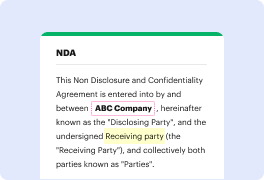
- Find the option to Discard Time Transcript For Free and apply edits to your uploaded file.
- In the topper-right corner, hit the menu symbol and select what you want to do further with your document.
- Hit the person icon to send it out to your colleagues or send the document as an attached file.
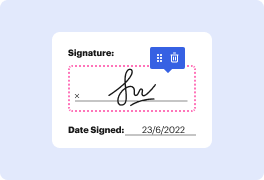
No matter if if you need a one-off edit or to tweak a huge document, our solution can help you Discard Time Transcript For Free and make any other desired changes easily. Editing, annotating, certifying and commenting and collaborating on files is simple using DocHub. Our solution is compatible with different file formats - select the one that will make your editing even more frictionless. Try our editor free of charge today!
PDF editing simplified with DocHub






Drive efficiency with the DocHub add-on for Google Workspace
How to remove timestamps from youtube transcript
Automatically add timestamps to any transcript for free using the Descript application. No need for hotkeys. Requires Descript for Windows or Mac. Get a hundred free minutes of automatic transcription using the referral link provided. Add timestamps easily without manual configuration.

Got questions about remove timestamps from transcript?
How do I toggle off timestamps on YouTube transcript?
How do I remove my transcript from YouTube?
How do I download a full transcript from YouTube?
Do transcripts need timestamps?
How to download YouTube transcript without timestamp 2022?
How do I remove all timestamps in Word?
How do I toggle off timestamps on YouTube transcript?
How do I toggle my time stamp on YouTube?
Why do some YouTube videos have transcripts?
How do I remove a time from my transcript?
See why our customers choose DocHub


Security and compliance
At DocHub, your data security is our priority. We follow HIPAA, SOC2, GDPR, and other standards, so you can work on your documents with confidence.
Learn more


