
Convert PDF to slideshow in Android in no time


How to convert PDF to slideshow in Android with DocHub
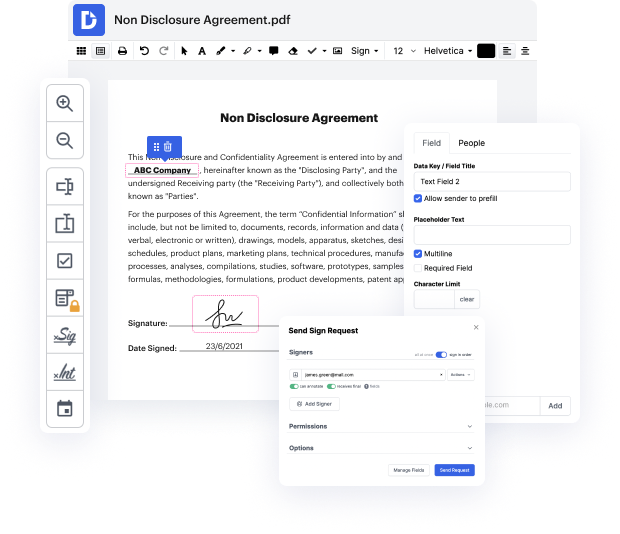
DocHub is an innovative platform that streamlines document editing, signing, distribution, and forms completion, making it easy to get your documents done efficiently. With its deep integration with Google Workspace, users can effortlessly import, export, modify, and sign documents directly from Google apps, ensuring smooth business processes and interactive workflows. Whether you are using iOS 17, iOS 18, or iOS 19, our online editor allows you to convert PDF to slideshow in Android for free, enabling you to create engaging presentations quickly.
Follow the steps to convert your PDF to a slideshow
- Open the DocHub website on your browser and log in to your account.
- Upload the PDF file you wish to convert to a slideshow by selecting the upload option.
- Once the file is uploaded, navigate to the editing tools and select the option to convert the document.
- Adjust the settings as needed to optimize the slideshow format, such as slide transitions or duration.
- Preview the slideshow to ensure everything appears as intended before finalizing.
- Once satisfied, download the converted slideshow file or share it directly through your preferred platform.
Start converting your PDFs to engaging slideshows today with DocHub!
PDF editing simplified with DocHub






Drive efficiency with the DocHub add-on for Google Workspace
Got questions about how to make a pdf slideshow?
How do you make a slideshow from a PDF?
Can you run a PDF as a slideshow?
How do I convert a PDF to a slide show?
How do I convert a PDF to Google Slides for free?
How do you upload a PDF as a slide?
How do I convert a PDF to PowerPoint on Android?
Can I turn a PDF into a slideshow?
How do I convert a PDF to a picture on Android?
See why our customers choose DocHub


Security and compliance
At DocHub, your data security is our priority. We follow HIPAA, SOC2, GDPR, and other standards, so you can work on your documents with confidence.
Learn more


