
Convert PDF to readable text on Computer quickly



How to convert PDF to readable text on Computer with DocHub
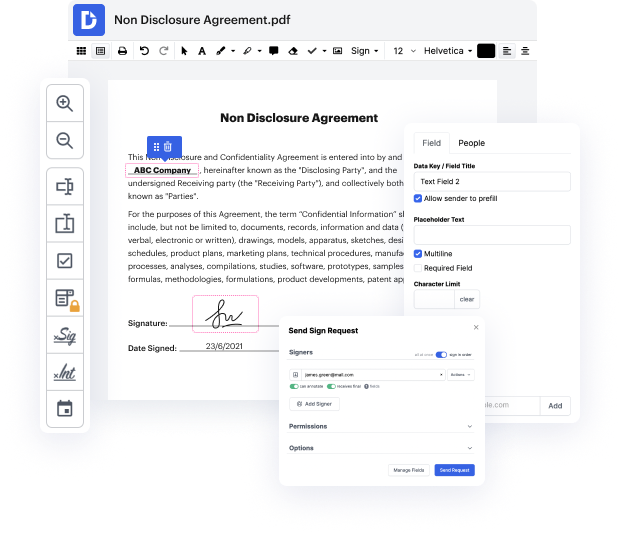
DocHub is an innovative platform that simplifies document management, allowing users to edit, sign, and share documents effortlessly. With its deep integration with Google Workspace, our editor offers a seamless experience for importing, exporting, and modifying documents directly from Google apps. Whether you need to convert PDF to readable text on Computer or complete forms, DocHub makes the process efficient and user-friendly. Best of all, you can access these features online for free, enhancing your productivity.
Follow the steps to convert PDF to readable text on your Computer
- Begin by opening the DocHub website in your web browser and logging into your account. If you don't have an account yet, consider registering for free.
- Once logged in, locate the option to upload your PDF file. You can either drag and drop the file into the designated area or use the upload feature to select it from your computer.
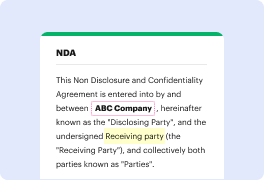
- After the PDF is uploaded, utilize the text recognition feature to convert the document into readable text. This will enable you to edit and highlight the text as needed.
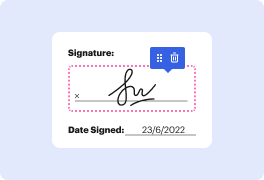
- Make any necessary edits or annotations using the available tools in the editor. You can add comments, highlight important sections, or even fill out forms directly within the document.
- Once you are satisfied with your changes, proceed to download the document in your desired format, or you can also choose to print it or share it directly via email.
Start converting your PDFs today for free with DocHub and streamline your document management!
PDF editing simplified with DocHub






Drive efficiency with the DocHub add-on for Google Workspace
How to convert PDF to readable text on Computer
Kevin, a Microsoft employee, demonstrates how to edit a PDF using Microsoft Word. He opens a PDF certificate on his desktop but realizes he cannot edit the text. Kevin mentions the difficulties of editing PDFs and discusses giving certificates to employees. He expresses the desire to edit the recipient's name and add a date to the certificate.

Got questions?
Why wont my computer read PDF files?
How do I extract text from a PDF on my computer?
How do I get my computer to read text from a PDF?
How do I convert a PDF file to a machine readable format?
How do I get a PDF to Read Aloud?
How to convert a PDF file into text?
How do I make my computer read a PDF to me?
How do I make a PDF text readable?
See why our customers choose DocHub


Security and compliance
At DocHub, your data security is our priority. We follow HIPAA, SOC2, GDPR, and other standards, so you can work on your documents with confidence.
Learn more


