
Online file converter: convert PDF to PAR within moments



How to best convert PAR and redact it online
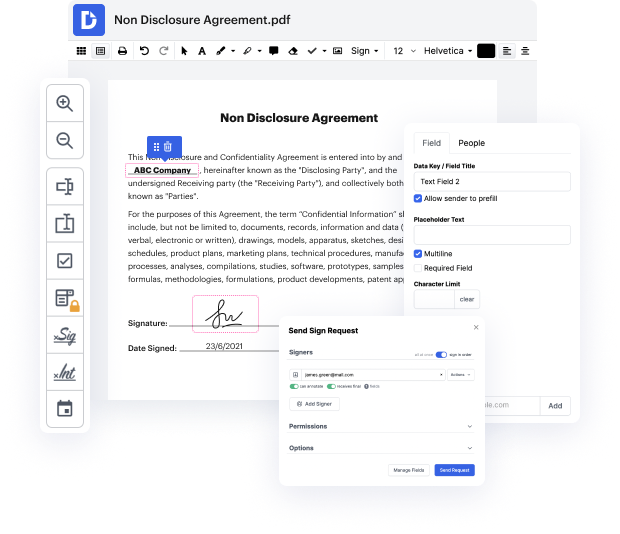
Subject to the tasks performed, there's often a need to have one file in different formats. In addition, it needs to be done quickly and with a reliable service. Our straightforward and multi-functional online service with a conversion function is the best. There's no reason to look for a different tool. Our up-to-date editor can quickly and securely convert PAR and modify your document as required.
Follow the steps below to convert PAR effectively:
- Click on the conversion link and open it in your favourite browser.
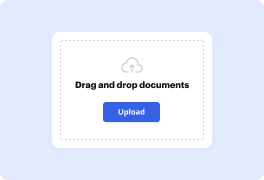
- Drag and drop the file to the upload area or browse for it from your device.
- Choose the file from the cloud or use other upload options on the page.
- Wait while the processing finishes, and start changing your document.
- Use the upper toolbar to insert text, symbols, pictures, and comments.
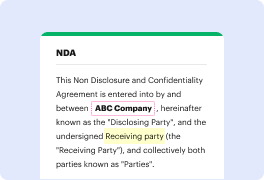
- Draw elements, highlight or whiteout confidential data in the template using the corresponding tools.
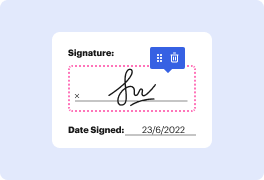
- Create electronic signatures or request them from other people using the Sign option.
- Manage pages in the template if necessary and redact the document name on the top.
- Download or export the form to the cloud and find the service convert PAR.
It’s the easiest and quickest way to convert PAR and redact paperwork with the same tool online. With no setups required, you can access our editor anywhere from any internet-connected device. Give it a try now!
PDF editing simplified with DocHub






Drive efficiency with the DocHub add-on for Google Workspace
How to pdf par
[Music] Centrex today Im going to show you that how you can convert your PDF file in AutoCAD okay no need any software no need to visit any website just only you can import your PDF file then you can convert so lets see the procedure what we will do now I have here as you can see one PDF file its open now you can see this Whites PDF Im going to close this one just I open to show you only okay so lets go to Ill show you two ways okay how to convert that one okay so just go here to take a new sheet click open as you can see we have a new sheet so Ill make off for f7 to off the grid now just you can type import import okay this is the desktop file and just click to open and you can you can see here you have to check this three uncheck boxes join line and work segments whatever work we have in our file the pins should be joined and what solid feels too hatches apply line weight properties okay just check these three boxes this is by default okay click OK now you can see here okay n

Got questions about convert pdf to pdfa service automation?
How do I insert a PDF into a project?
What can you convert a PDF file to?
Can you convert PDF to project file?
Is there a completely free PDF Converter?
Can you open a PDF in MS project?
How do I convert a PDF to PS?
How do I convert a PDF to regular?
Can I convert a project exported as PDF back to a project MPP file?
See why our customers choose DocHub


Security and compliance
At DocHub, your data security is our priority. We follow HIPAA, SOC2, GDPR, and other standards, so you can work on your documents with confidence.
Learn more


