
The easiest way to compress file PNG 180 kb


Compress file PNG 180 kb in no time
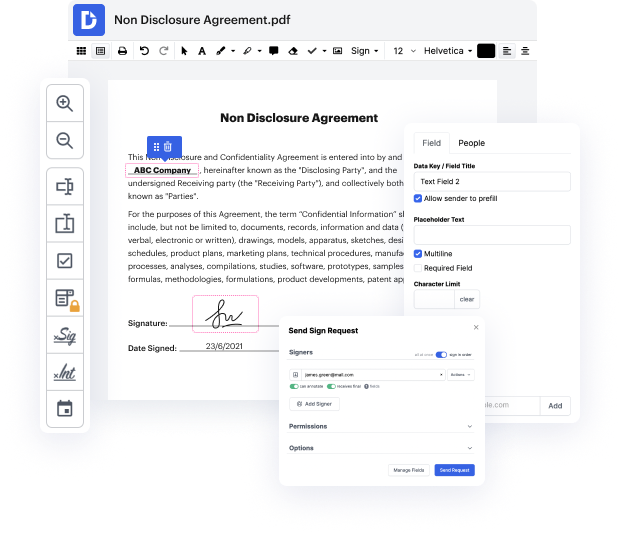
When it comes to document editing instruments, the easier they are to use in day-to-day tasks, the more successful your workflow is. If you need to compress file .PNG 180 kb, make sure your editing solution provides you with access to this function in a moment. Consider incorporating DocHub into your day-to-day document workflow to boost productivity and simplify operations. It is a comprehensive instrument for online file editing. Use its functions to create, edit, share, and team up on documents and easily compress file Portable Network Graphic format 180 kb within minutes. The tool has a simple and intelligible interface, so any user can easily find a way around its features right away. All you need to start working is a user profile.
- Go to the DocHub website and start your signup by clicking Sign up.
- Give your account details. Enter your email address and make up a strong password.
- Submit the details to finish your signup. You will be redirected to the dashboard page, where you can compress file PNG 180 kb straight away. Drag the file in to open it in the editing mode.
- Make all of the changes needed in the document.
- Finish editing and save the file. You may store it in your profile or simply download it.
It is never complicated to compress file .PNG 180 kb with DocHub. This instrument can improve your individual and group work on different document editing tasks. Try out more functions to optimize your workflow and increase productivity.
PDF editing simplified with DocHub






Drive efficiency with the DocHub add-on for Google Workspace
Got questions about compress png to 180kb?
How do I reduce the size of a PNG image?
How do I reduce the KB size of a PNG?
How do I reduce the KB size of a photo?
How do I convert a photo to 180 KB?
How do I reduce a picture to 150KB?
How do I reduce the MB size of a photo?
How do I reduce the size of a photo to 180KB?
How do I make a PNG 100 KB?
See why our customers choose DocHub


Security and compliance
At DocHub, your data security is our priority. We follow HIPAA, SOC2, GDPR, and other standards, so you can work on your documents with confidence.
Learn more


