
Change phone certificate easily


How to easily Change phone certificate and enhance your workflow
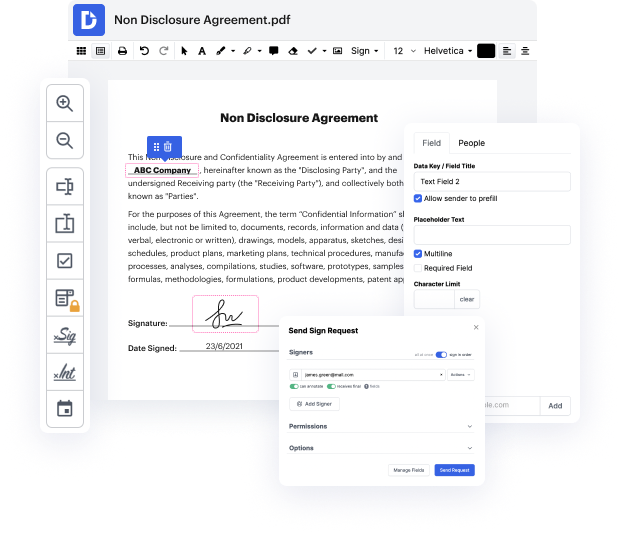
Document editing comes as a part of numerous occupations and careers, which is why tools for it should be reachable and unambiguous in their use. A sophisticated online editor can spare you a lot of headaches and save a considerable amount of time if you want to Change phone certificate.
DocHub is an excellent demonstration of an instrument you can grasp right away with all the valuable features at hand. Start editing immediately after creating an account. The user-friendly interface of the editor will enable you to find and employ any feature in no time. Experience the difference using the DocHub editor the moment you open it to Change phone certificate.
Simply follow these steps to get started on editing your paperwork:
- Go to the DocHub page and click on Sign up to create an account.
- Give your current email address and set up a security password to finish the registration.
- Once done with the signup, you will be forwarded to your dashboard. Select the New Document button to add the file you need to edit.
- Drag and drop the document from your gadget or link it from your cloud storage space.
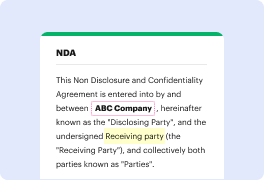
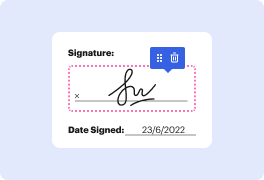
- Open the document in the editor and use its toolbar to Change phone certificate.
- All the changes in the document will be saved automatically. Upon completing the editing, just go to your Dashboard or download the file on your gadget.
Being an important part of workflows, file editing should stay straightforward. Utilizing DocHub, you can quickly find your way around the editor making the required adjustments to your document without a minute wasted.
PDF editing simplified with DocHub






Drive efficiency with the DocHub add-on for Google Workspace
How to how to edit certificate in mobile
The video tutorial shows how to access and download a COVID vaccine certificate using the Aarogya Setu app. It explains that the certificate can be downloaded from any mobile device, even if it is not linked to the vaccinated person's account. By logging into the Aarogya Setu app from the unlinked mobile device, users can download the certificate of vaccination.

Got questions about drag and drop the document the file on your gadget?
Where are certificates in iPhone settings?
How do I edit an existing certificate?
Where are digital certificates stored on iPhone?
What happens if I remove all certificates from my phone?
How do I change my certificate details?
How do I remove old certificates from my iPhone?
How do I update my Android security certificate?
How do I edit certificates on my iPhone?
See why our customers choose DocHub


Security and compliance
At DocHub, your data security is our priority. We follow HIPAA, SOC2, GDPR, and other standards, so you can work on your documents with confidence.
Learn more


