
Create your Termination Letter from scratch
Start Building Now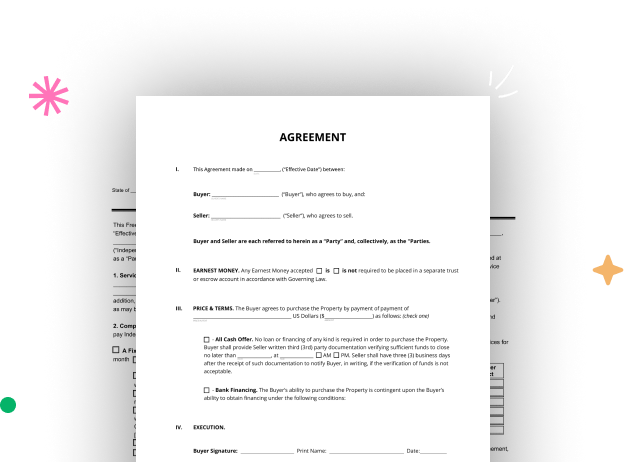




Here's how it works
A brief tutorial on how to set up a polished Termination Letter
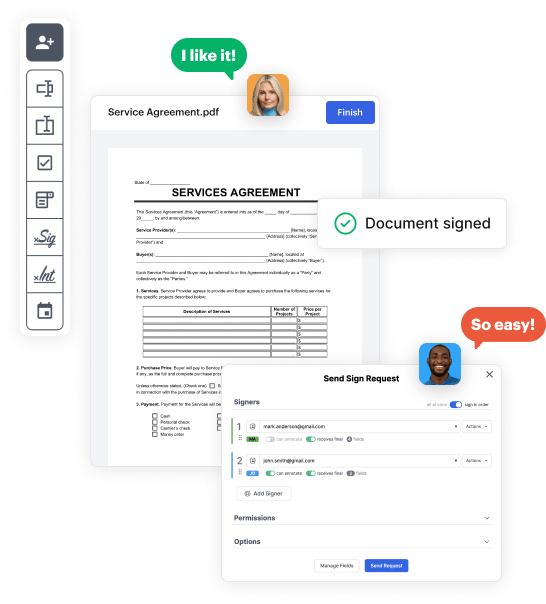
Step 1: Sign in to DocHub to create your Termination Letter.
First, log in to your DocHub account. If you don't have one, you can easily register for free.
Step 2: Go to the dashboard.
Once you’re in, go to your dashboard. This is your main hub for all document-centric processes.
Step 3: Start new document creation.
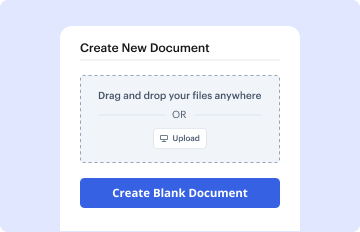
In your dashboard, click on New Document in the upper left corner. Opt for Create Blank Document to create the Termination Letter from a blank slate.
Step 4: Add template elements.
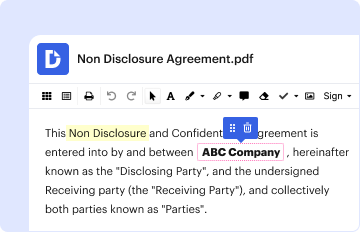
Place different fields like text boxes, images, signature fields, and other elements to your template and designate these fields to intended users as needed.
Step 5: Adjust your template.
Personalize your form by inserting directions or any other necessary tips leveraging the text tool.
Step 6: Go over and adjust the form.
Meticulously go over your created Termination Letter for any inaccuracies or necessary adjustments. Utilize DocHub's editing capabilities to enhance your template.
Step 7: Send out or download the template.
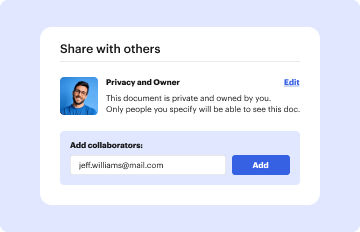
After completing, save your copy. You can opt to retain it within DocHub, export it to various storage options, or forward it via a link or email.
