
Create your Settlement Letter from scratch
Start Building Now




Here's how it works
Craft Settlement Letter from scratch with these step-by-step guidelines
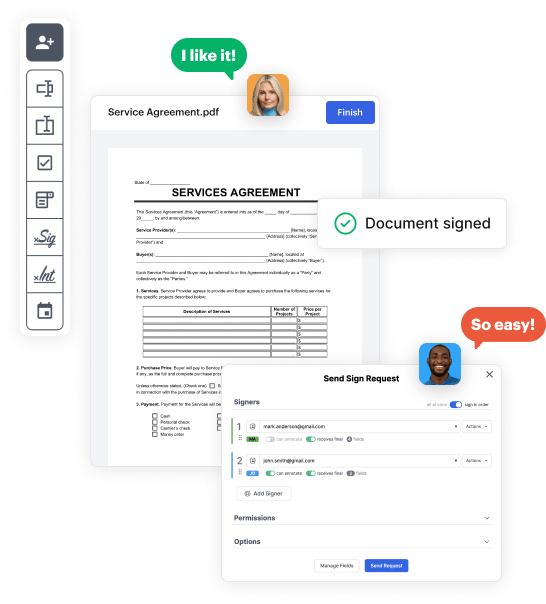
Step 1: Start off by launching DocHub.
Begin by registering a free DocHub account using any offered sign-up method. Just log in if you already have one.
Step 2: Register for a 30-day free trial.
Try out the entire collection of DocHub's advanced features by signing up for a free 30-day trial of the Pro plan and proceed to build your Settlement Letter.
Step 3: Build a new blank doc.
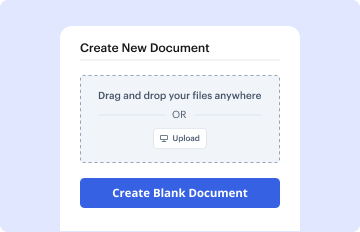
In your dashboard, choose the New Document button > scroll down and hit Create Blank Document. You will be redirected to the editor.
Step 4: Arrange the view of the document.
Use the Page Controls icon marked by the arrow to toggle between two page views and layouts for more convenience.
Step 5: Begin by inserting fields to design the dynamic Settlement Letter.
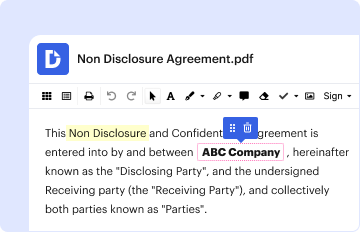
Explore the top toolbar to add document fields. Insert and arrange text boxes, the signature block (if applicable), insert images, etc.
Step 6: Prepare and configure the added fields.
Configure the fields you added per your preferred layout. Modify each field's size, font, and alignment to ensure the form is user-friendly and neat-looking.
Step 7: Finalize and share your document.
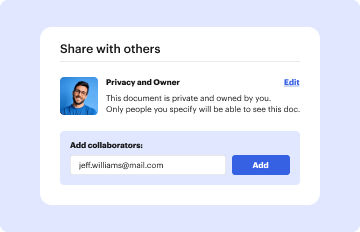
Save the finalized copy in DocHub or in platforms like Google Drive or Dropbox, or create a new Settlement Letter. Send out your form via email or get a public link to reach more people.
