
Create your Mississippi Civil Action Form from scratch
Start Building Now




Here's how it works
A simple guide on how to create a professional-looking Mississippi Civil Action Form
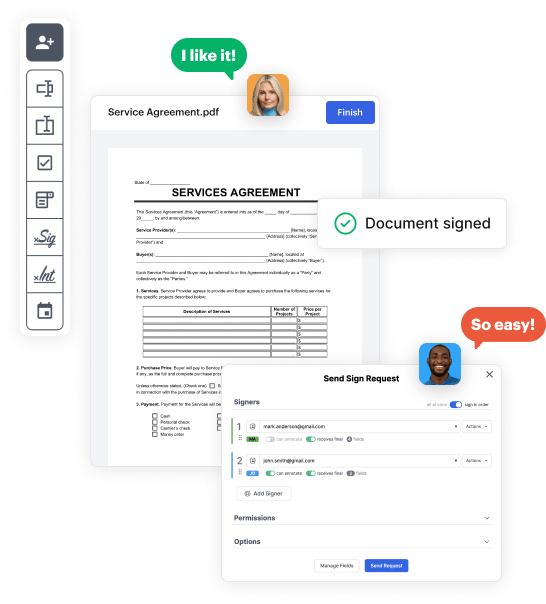
Step 1: Sign in to DocHub to create your Mississippi Civil Action Form.
First, sign in to your DocHub account. If you don't have one, you can easily sign up for free.
Step 2: Navigate to the dashboard.
Once you’re in, access your dashboard. This is your central hub for all document-based tasks.
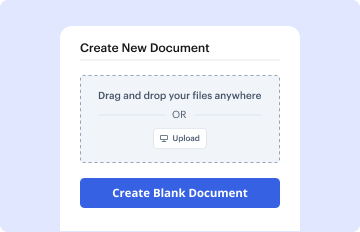
Step 3: Launch new document creation.
In your dashboard, hit New Document in the upper left corner. Select Create Blank Document to craft the Mississippi Civil Action Form from the ground up.
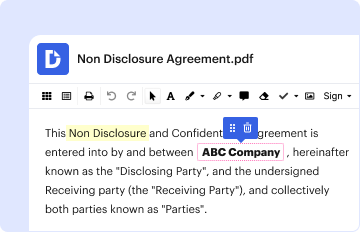
Step 4: Add template elements.
Place numerous fields like text boxes, images, signature fields, and other elements to your template and designate these fields to certain users as needed.
Step 5: Personalize your form.
Refine your form by including directions or any other crucial tips leveraging the text tool.
Step 6: Go over and adjust the form.
Carefully go over your created Mississippi Civil Action Form for any discrepancies or necessary adjustments. Make use of DocHub's editing capabilities to enhance your form.
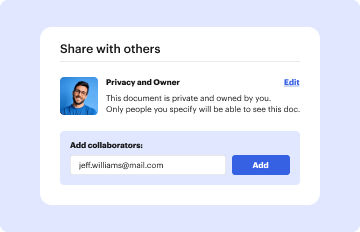
Step 7: Send out or export the form.
After finalizing, save your work. You can select to retain it within DocHub, transfer it to various storage services, or forward it via a link or email.
