
Letter Templates - Page 2

Create a new Letter Template
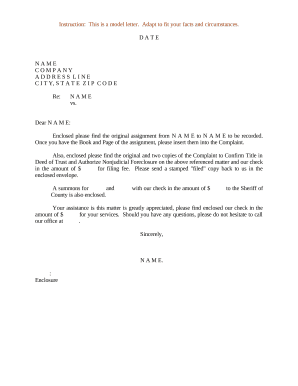
Letter of assignment template
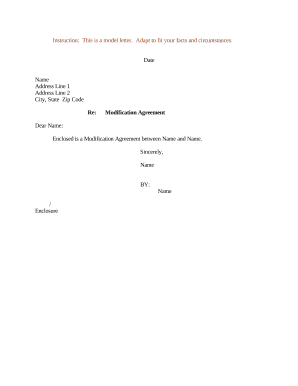
Regarding modification
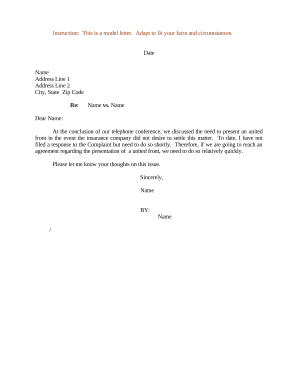
Sample letter suggestion
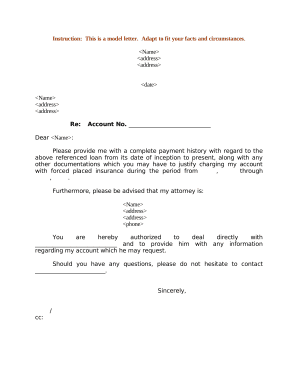
Sample letter loan

Letter jury
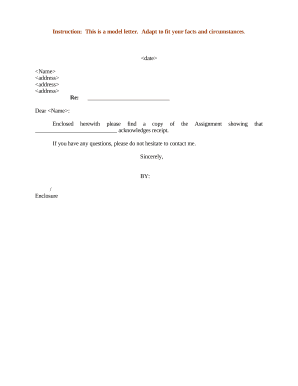
Letter assignment
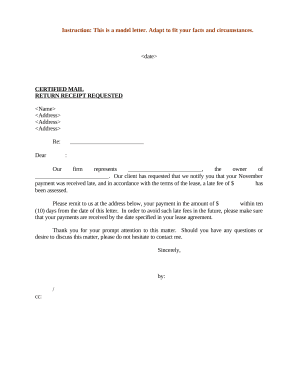
Late fee

Sample letter legal
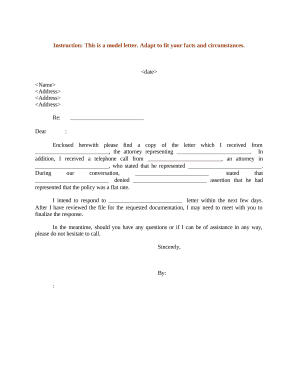
Sample letter client
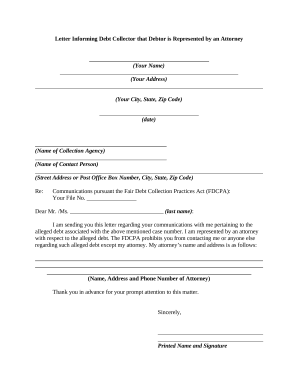
Debtor
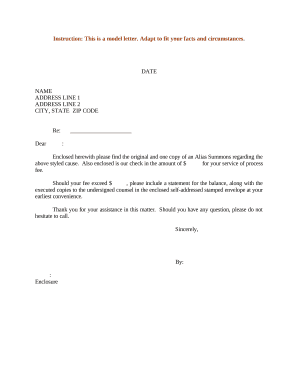
Alias summons

Sample land paper
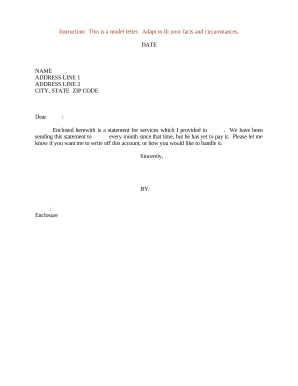
Statement letter template word
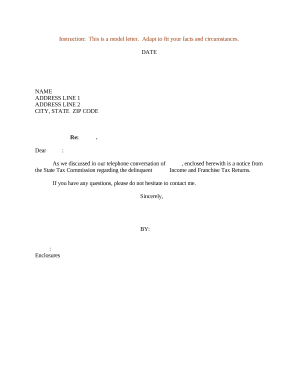
Sample letter tax
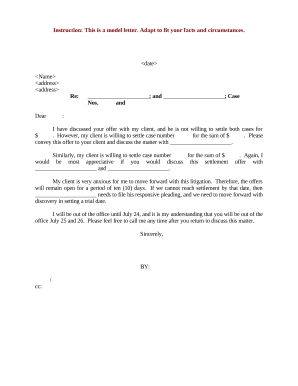
Declining settlement offer
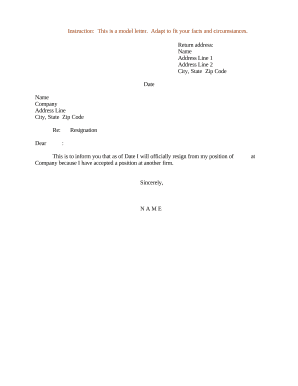
Letter of resignation
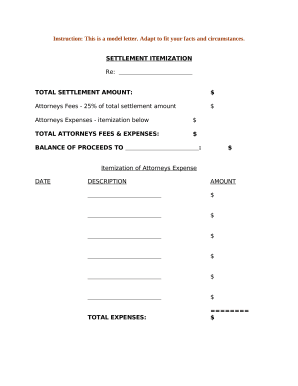
Sample letter settlement

Sample letter to judge asking for compassionate release letter sample
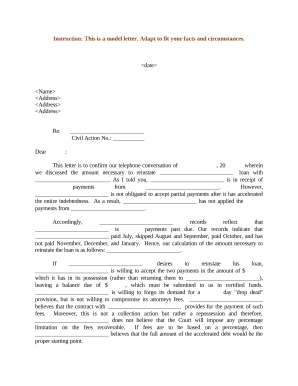
Sample of letter
- 1
-
2
Enhance your file managing with Letter Templates
Your workflows always benefit when you can discover all of the forms and files you need on hand. DocHub supplies a huge selection of templates to alleviate your day-to-day pains. Get a hold of Letter Templates category and quickly browse for your form.
Start working with Letter Templates in a few clicks:
- Browse Letter Templates and discover the document you need.
- Click Get Form to open it in the editor.
- Start adjusting your form: add more fillable fields, highlight sentences, or blackout sensitive information.
- The application saves your changes automatically, and after you are all set, you can download or distribute your form with other contributors.
Enjoy fast and easy document administration with DocHub. Check out our Letter Templates online library and find your form right now!
Commonly Asked Questions about Letter Templates
How do you write a simple letter format?
What to include in an official letter A heading that lists your address and the recipients address. A formal salutation. One paragraph stating your reasons for writing the letter. Another paragraph expanding further on the introduction paragraph. A final paragraph concluding the letter. Closing letter signature.
Does Microsoft Word have letterhead templates?
When you launch Microsoft Word, you should see a selection of the most popular templates. If you enter letterhead into the template search bar, you will find all the templates available through the application. If you do not see any there that you like, you can go to Templates.Office.com to find even more options.
Is there a letter template in Microsoft Word?
Click File Options Mailings Faxes. This will bring up a window where you can select which type of document you want to add a template to. For now, lets choose Letter. Once selected, click Add Document Template on the next menu down.
Are there letter templates in Word?
Tip: If youre already in Word for the web, get to the letter templates by going to File New, and then below the template images click More on Office.com. Youll be on the Templates for Word page. In the list of categories, click Letters. As you work on the letter, youll probably want to rename it.
How do I Create personalized Letters in Word?
Add personalized content to your letter Add name, address, and other fields in your database through Merge Fields. Go to Mailings Insert Merge Field and select the field you want to add. Continue adding fields until youve added all the information you want on your letter. Choose OK.
Does Microsoft Word have cover letter templates?
If you need help creating a resume or cover letter, start with one of the dozens of professionally-designed resume and cover letter templates that are available in Word. Go to File New. In the search box, type Resume or Cover Letter. Double-click the template you want to use.
Where can I type a letter for free online?
Grammarlys free AI letter generator makes it easy to create high-quality, mistake-free letters for any purpose, from business to school and beyond.
How to create a free letter?
How to create a letter in 5 easy steps: Sign up for Venngage using your email, Gmail or Facebook account. Choose free letter template or upgrade to access premium letter examples. Customize your chosen letter template by editing and adding visual elements for a memorable impact.