
Create your Personal Donation Form from scratch
Start Building Now




Here's how it works
A quick guide on how to set up a polished Personal Donation Form
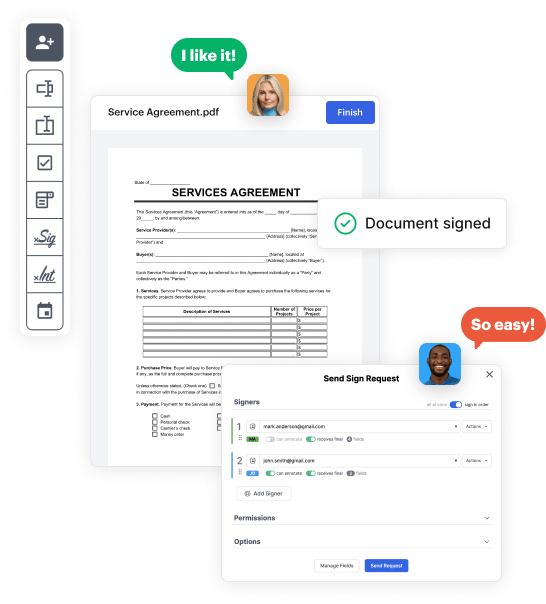
Step 1: Sign in to DocHub to create your Personal Donation Form.
First, log in to your DocHub account. If you don't have one, you can simply register for free.
Step 2: Navigate to the dashboard.
Once you’re in, access your dashboard. This is your primary hub for all document-related operations.
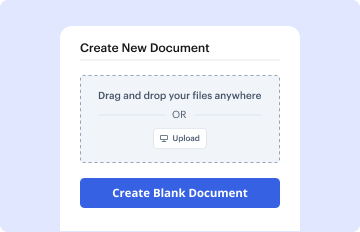
Step 3: Initiate new document creation.
In your dashboard, choose New Document in the upper left corner. Pick Create Blank Document to put together the Personal Donation Form from scratch.
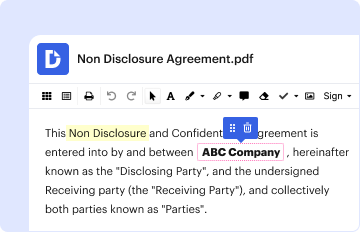
Step 4: Incorporate template elements.
Place different fields like text boxes, images, signature fields, and other fields to your template and designate these fields to intended users as needed.
Step 5: Customize your form.
Personalize your form by adding instructions or any other essential tips utilizing the text feature.
Step 6: Review and adjust the form.
Thoroughly review your created Personal Donation Form for any mistakes or required adjustments. Utilize DocHub's editing features to fine-tune your form.
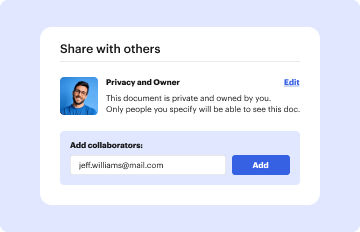
Step 7: Send out or download the form.
After finalizing, save your file. You may choose to save it within DocHub, transfer it to various storage solutions, or forward it via a link or email.
