Custom Business Forms

Get started with a comprehensive catalog of Custom Business Forms. Pick, modify, complete, and send your business documents without issues.

Create a new Custom Business Form
Build form
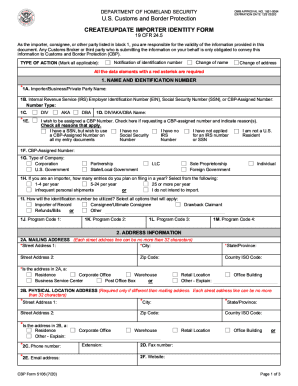
Cbp form 5106 pdf
Cbp form 5106 pdf
Get form
Lease business form
Lease business form
Get form
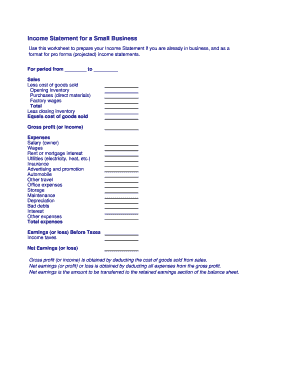
Business income statement
Get form
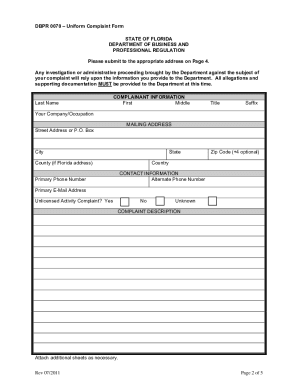
Dbpr complaint
Dbpr complaint
Get form
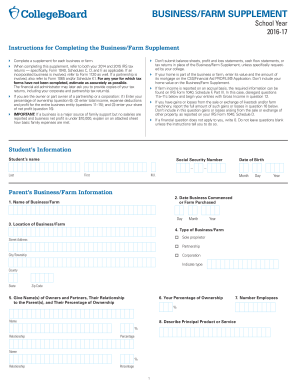
Supplement farm business
Get form
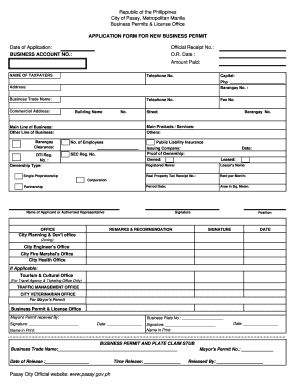
Business permit application form
Get form
Cf 7507 2009 form
Cf 7507 2009 form
Get form
Fillable business plan pdf
Get form
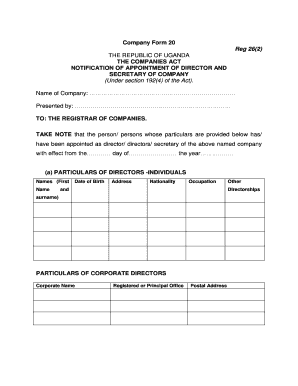
Company form 20
Company form 20
Get form
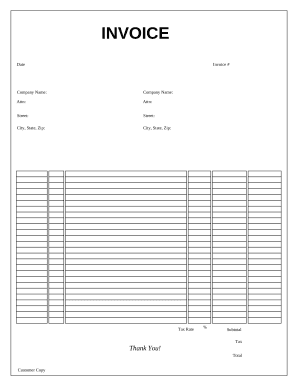
Business form
Business form
Get form
Staples advantage custom stamp order form
Get form
Form dt company
Form dt company
Get form
South carolina small business administration
Get form
Statement vendor business
Get form
Customs number application for an individual person
Get form
Fictitious business name fillable form
Get form
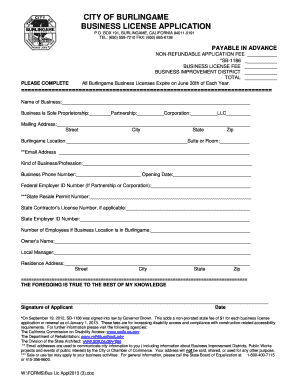
City of burlingame business license
Get form
Business information template
Get form
Wbdc business loan application form printable
Get form
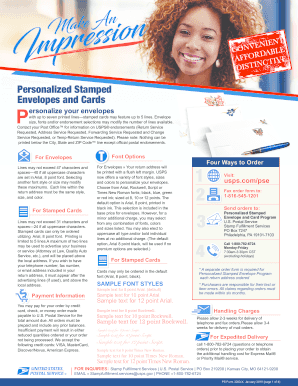
Personalized stamped envelopes order form
Get form
Limited liability company operating agreement form
Get form
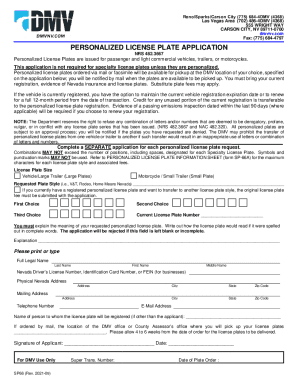
Personalized plates nevada
Get form
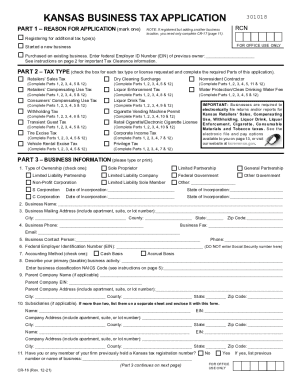
Ks business
Ks business
Get form
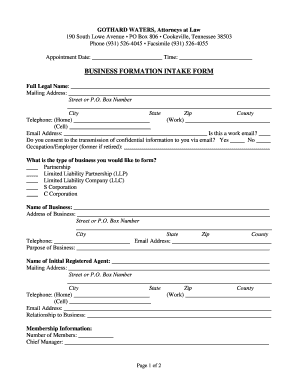
Business formation intake form - Gothard Waters
Get form
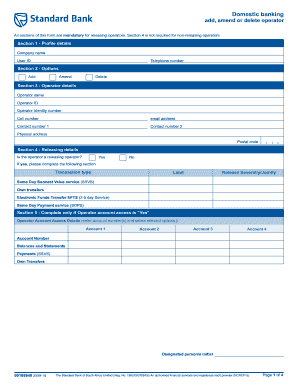
Business application form of fnb
Get form
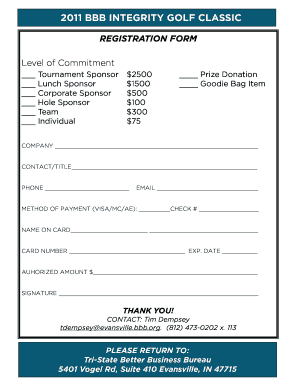
Registration, sponsorship form - Better Business Bureau - evansville bbb
Get form
USA Customs form CI28 (supplemental declaration)
Get form
Custom Flashing Order Form - rollfab metal products
Get form
Business reference form
Get form
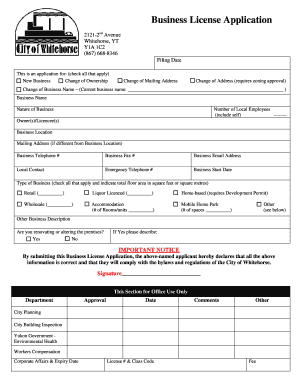
Yukon business license
Get form
Purchase form business
Get form
Business purposes
Business purposes
Get form
Ok company form
Ok company form
Get form
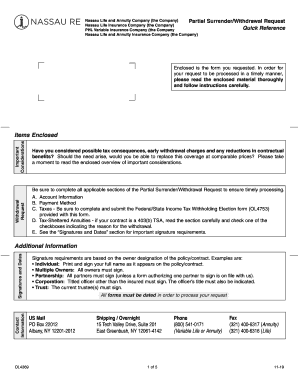
PHL Variable Insurance Company (the Company
Get form
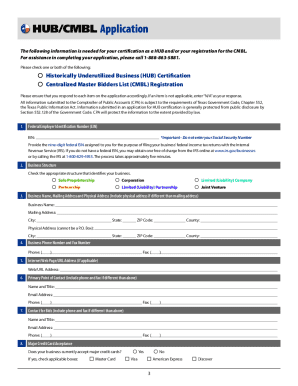
Historically underutilized business certification
Get form
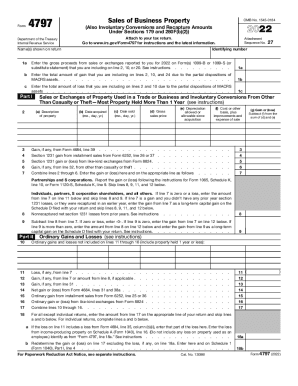
About Form 4797, Sales of Business Property - IRS tax forms
Get form

Transform your document operations with Custom Business Forms

Your workflows always benefit when you can easily locate all of the forms and documents you need on hand. DocHub delivers a a large collection templates to relieve your daily pains. Get a hold of Custom Business Forms category and quickly browse for your form.

Begin working with Custom Business Forms in a few clicks:

  1. Gain access to Custom Business Forms and discover the form you need.
  2. Click on Get Form to open it in our online editor.
  3. Begin changing your form: add fillable fields, highlight sentences, or blackout sensitive information and facts.
  4. The application saves your modifications automatically, and after you are ready, you are able to download or distribute your file with other contributors.

Enjoy effortless file managing with DocHub. Explore our Custom Business Forms category and find your form right now!

Video Guide on Custom Business Forms management

video background

Commonly Asked Questions about Custom Business Forms

If you know what form or publication you need, call the IRS toll-free forms number at 1-800-TAX-FORM (1-800-829-3676). If youre not sure what to order, get Publication 910, Guide to Free Tax Services, which lists publications and related forms, with descriptions and a subject matter index.
Simply include a copy of the form inside the package, then attach the short form or label to the outside package. Make sure you use transparent tape (or put it in the plastic envelope attached to the package) so that the form can be clearly read. Dont forget to keep your senders copy with you for future reference.
Each individual arriving into the United States must complete the CBP Declaration Form 6059B. Explanations and a sample declaration form can be found on the Sample Customs Declaration Form.
If you often create new forms, make changes to your forms, or simply wish to print your own forms immediately from your printer, our inkjet and laser carbonless paper provides an immediate solution. These are pre-collated and sheet-fed (not continuous) for easily printing forms on an as-needed basis.
Customs Forms are important documents used by foreign customs authorities to clear mail for entry into their country and, when appropriate, to assess duty and taxes. When you mail a package to another country, the contents and value of an item must be declared on the customs form.
Custom forms are used to collect specific information from visitors on your website. For example, most websites have a contact us form where they allow visitors to send a message via the website. This form typically has fields such as name, email, phone, and message.
The most common types of business forms include sole proprietorship, partnership, limited liability company (LLC), and corporation. Each type of business form has its own advantages and disadvantages, and the choice of form often depends on the size and scope of the business.
Login to your Canva account and search for form templates. Pick a design or start with a blank template. Choose a pre-made form template design. Customize your form. Edit your form by adding text, labels, logos, and other graphic elements. Download and print. Publish and share your form.