
Create your Flyer artists Booking Template from scratch
Start Building Now




Here's how it works
A simple tutorial on how to set up a polished Flyer artists Booking Template
Step 1: Log in to DocHub to create your Flyer artists Booking Template.
First, log in to your DocHub account. If you don't have one, you can easily register for free.
Step 2: Go to the dashboard.
Once you’re in, access your dashboard. This is your main hub for all document-focused tasks.
Step 3: Start new document creation.
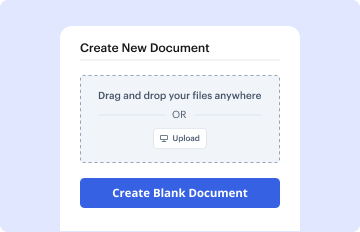
In your dashboard, click on New Document in the upper left corner. Pick Create Blank Document to put together the Flyer artists Booking Template from the ground up.
Step 4: Incorporate template fillable areas.
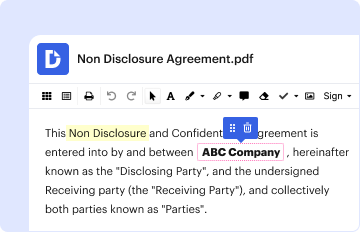
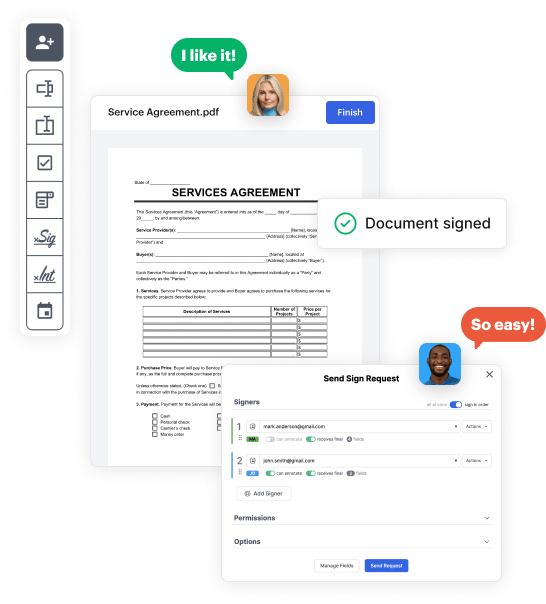
Add numerous elements like text boxes, photos, signature fields, and other elements to your template and designate these fields to intended recipients as necessary.
Step 5: Personalize your template.
Customize your template by including walkthroughs or any other required tips utilizing the text option.
Step 6: Go over and modify the document.
Attentively check your created Flyer artists Booking Template for any discrepancies or required adjustments. Make use of DocHub's editing features to polish your template.
Step 7: Send out or export the template.
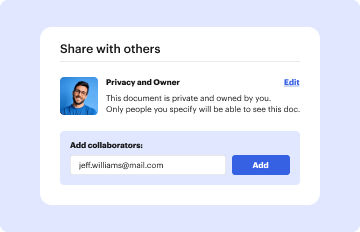
After completing, save your file. You may choose to keep it within DocHub, transfer it to various storage solutions, or send it via a link or email.
