
Reconcile bank Balance Sheet Templates
Get the best up-to-date Reconcile bank Balance Sheet Templates with DocHub online catalog. Personalize and collaborate on your balance sheets with your team in real-time without losing crucial details.

Create a new Reconcile bank Balance Sheet Template
13 1 financial statement

Ma statement short
Form 13 1 financial statement
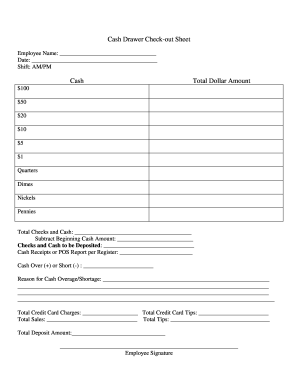
Cash drawer reconciliation template
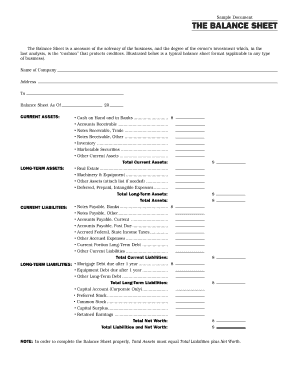
Interim ytd balance sheet pdf
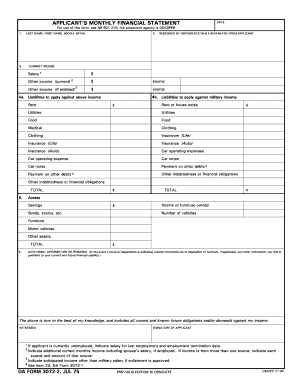
Monthly financial statements

Financing report
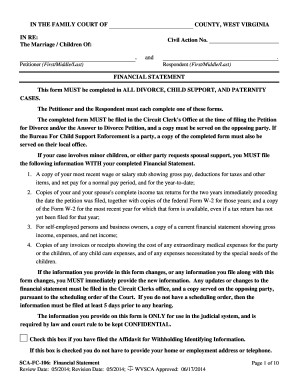
Wv financial statement
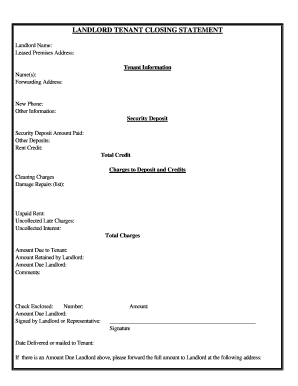
Arizona Landlord Tenant Closing Statement to Reconcile Security Deposit

Reconciliation worksheet

Checkbook worksheet form blank

Calculate reconcile your checkbook answer key
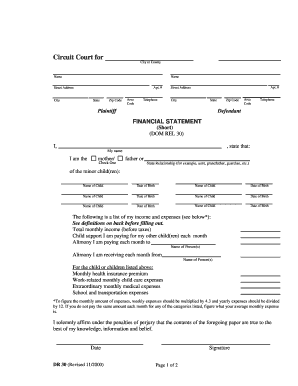
Financial statement short dr 30 form
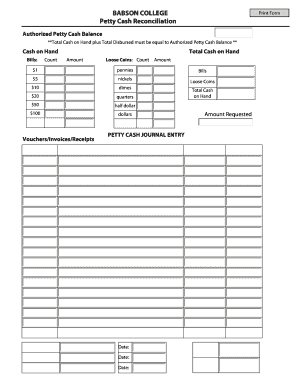
Cash reconciliation
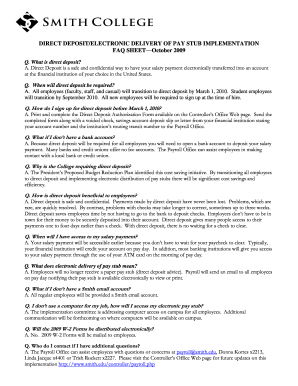
Deposit electronic sheet
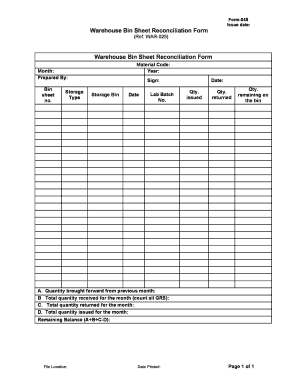
Form-045 Warehouse Bin Sheet Reconciliation Form
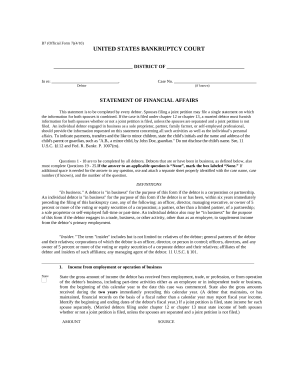
Statement financial form
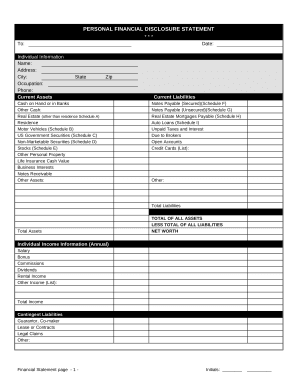
Financial statement form
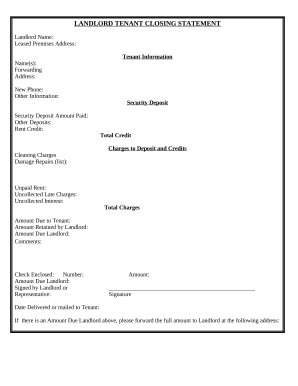
Landlord Tenant Closing Statement to Reconcile Security Deposit - Hawaii
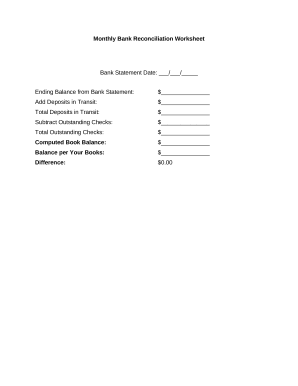
Bank reconciliation worksheet
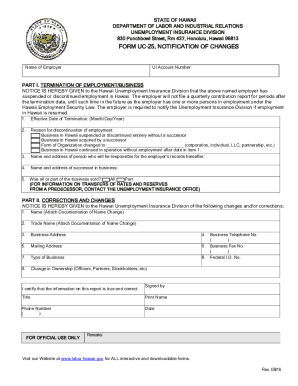
D2l2jhoszs7d12.cloudfront.netstateHawaiiINSTRUCTION SHEET FOR FORM UC-25, NOTIFICATION OF CHANGES
Generic Account Authority form - Bankwest
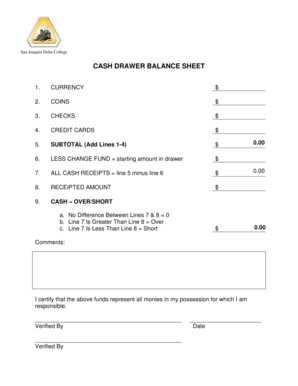
Cash drawer balance sheet
Retained vehicle
Handle Reconcile bank Balance Sheet Templates effortlessly online
Document managing can stress you when you can’t find all of the documents you require. Luckily, with DocHub's vast form collection, you can get everything you need and easily take care of it without switching among applications. Get our Reconcile bank Balance Sheet Templates and begin working with them.
Using our Reconcile bank Balance Sheet Templates using these easy steps:
- Examine Reconcile bank Balance Sheet Templates and choose the form you require.
- Preview the template and click Get Form.
- Wait for it to upload in the online editor.
- Modify your document: include new information and images, and fillable fields or blackout certain parts if needed.
- Fill out your document, preserve alterations, and prepare it for sending.
- When ready, download your form or share it with other contributors.
Try out DocHub and browse our Reconcile bank Balance Sheet Templates category easily. Get your free account today!
Video Guide on Reconcile bank Balance Sheet Templates management

Commonly Asked Questions about Reconcile bank Balance Sheet Templates
How do you show bank reconciliation on a balance sheet?
How to Reconcile Balance Sheet Accounts: 6 Key Steps Step 1: Identify the accounts to be reconciled. Step 2: Gather the necessary account information. Step 3: Compare the information. Step 4: Investigate any differences. Step 5: Make adjustments to the general ledger. Step 6: Complete account reconciliation and document.
Does Excel have a bank reconciliation template?
Our free, customizable bank reconciliation Excel template helps you match financial data on your bank statement and cash book and identify mismatches and erroneous entries.
What is the structure of a bank reconciliation?
The bank reconciliation process involves checking the entries and the closing balance in the Cashbook (also called the Bank Book) with the entries and closing balance on the bank statement for the same period, to make sure the closing balances agree and to explain any differences.
How to do a bank reconciliation template?
Bank Reconciliation Procedure Using the cash balance shown on the bank statement, add back any deposits in transit. Deduct any outstanding checks. This will provide the adjusted bank cash balance. Next, use the companys ending cash balance, add any interest earned and notes receivable amount.
How to format a bank reconciliation?
8 Steps To Perform Bank Reconciliation Acquire bank statements. Aggregate business records. Match deposits and withdrawals to the balance sheet. Check income and expenses. Identify errors with check deposits. Check for other transactions. Adjust balances. Final check.
What are the four steps in the bank reconciliation?
The four steps in bank reconciliation are (1) accessing and comparing deposits between a companys bank statement and its internal systems of record, (2) normalizing the bank statement as needed, (3) formatting of data from internal systems of record, and (4) comparing the bank statement and internal records to confirm
How to do a bank reconciliation step by step?
How to do bank reconciliation Get bank records. You need a list of transactions from the bank. Get business records. Open your ledger of income and outgoings. Find your starting point. Run through bank deposits. Check the income on your books. Run through bank withdrawals. Check the expenses on your books. End balance.
How do you do a bank reconciliation balance?
How to Do Bank Reconciliations Step by Step Compare the bank account balance to the cash balance on your books. Scrutinize your bank statement. Scrutinize your cash book. Adjust the balance of your bank account. Adjust the balance of your books. Record the reconciliation.
What are the 5 steps to reconcile your account?
Step-by-step guide to reconciling your bank statement Compare balances. Gather your accounting records for the time period covered by the bank statement. Identify differences. Resolve any issues. Adjust balances. Compare balances. Book adjusting journal entries.
How to do bank reconciliation in Excel format?
Key Takeaways To create a bank reconciliation template, you must first label all fields and set formulas ingly. Prepare reports by sorting rows. You can automate bank reconciliations in Excel with functions such as VLOOKUP, SUMIF and COUNTIF to match transactions, check deposits and identify duplicate records.
Related Templates
NonstandardTestingAccommodationNTAform-updated docx
The document outlines the process for applicants requesting nonstandard testing accommodations (NTA) for the Illinois ba ...
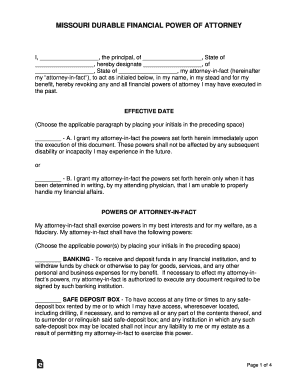
Missouri Durable Financial Power of Attorney Form
The document is a Missouri Durable Financial Power of Attorney, which allows the principal to designate an attorney-in-f ...

Attorneys at Law, Corporate Transactions, Business and
The document discusses Alabama's new Restrictive Covenants Act, effective January 1, 2016, which replaces the previous s ...
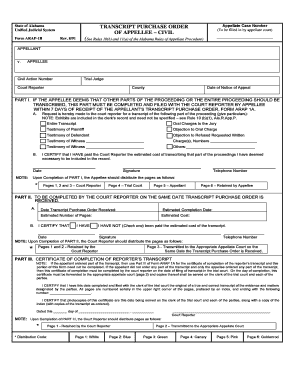
Alabama appellee form
The document is a Transcript Purchase Order for an appellate case in Alabama, detailing the process for the appellee to ...
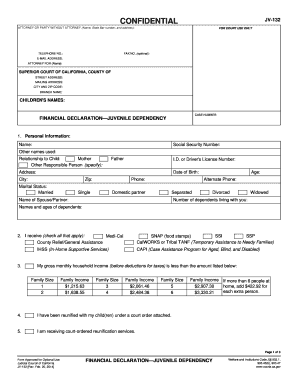
JV-132 FINANCIAL DECLARATION?JUVENILE DEPENDENCY Judicial Council forms - courts ca
The document JV-132 is a Financial Declaration form used in juvenile dependency cases in California. It collects persona ...
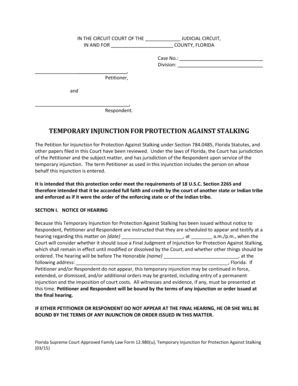
Temporary injunction against
The document is a Temporary Injunction for Protection Against Stalking issued by a Florida Circuit Court. It outlines th ...
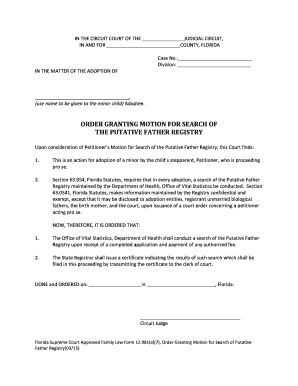
Granting motion
The document is a court order from the Circuit Court of Florida regarding a stepparent's petition for the adoption of a ...
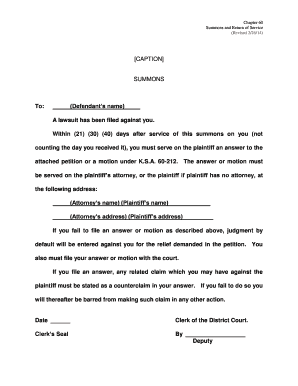
Kansas summons service
Chapter 60 outlines the procedures for summons and return of service in civil lawsuits, detailing the requirements for d ...