
Apply Application Forms
Discover and handle case-specific Apply Application Forms forms with DocHub. Fill out, handle, and share your document without losing any significant information along the way.

Create a new Apply Application Form
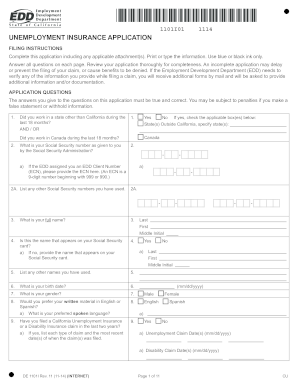
California unemployment application
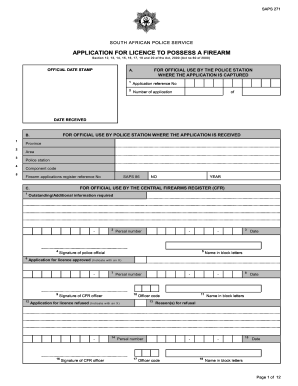
Saps application form
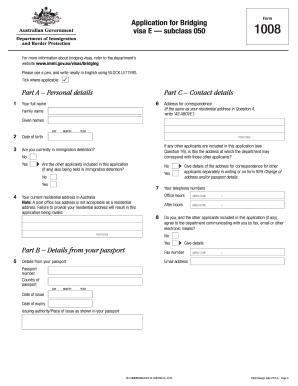
Bridging visa e
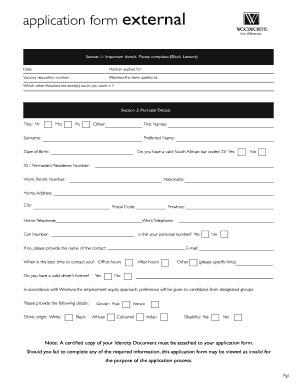
Woolworths application form
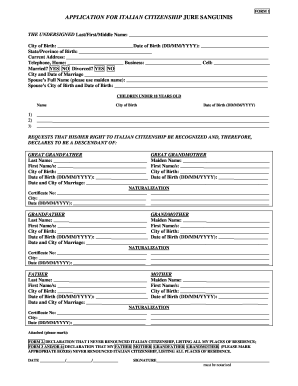
Application for italian citizenship
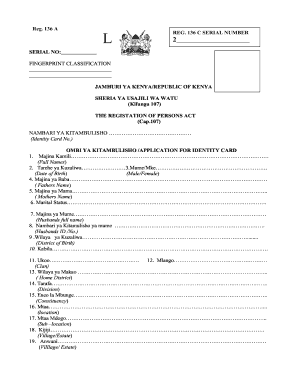
Huduma center id application
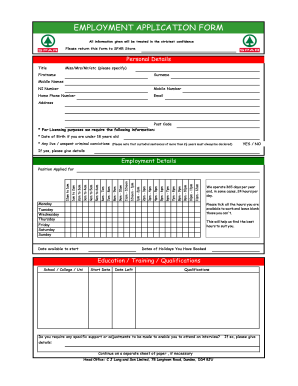
Spar sms number for job application

Canada pension plan application
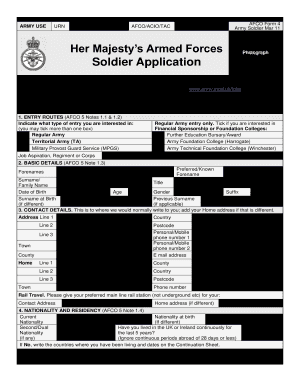
British army application form

Des application
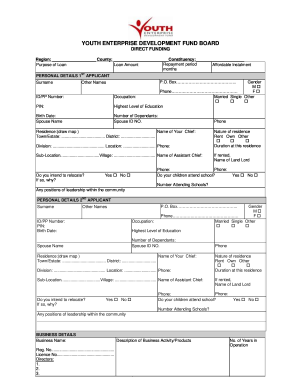
National youth empowerment fund
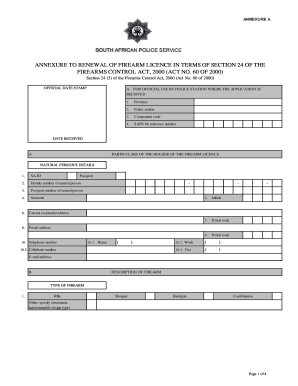
How to fill saps application form
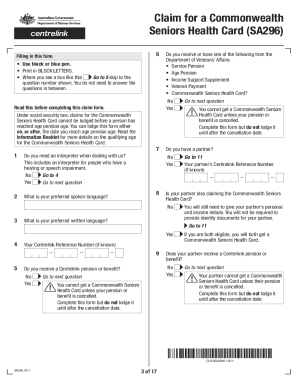
Commonwealth Seniors Health Card Online Application Form ...
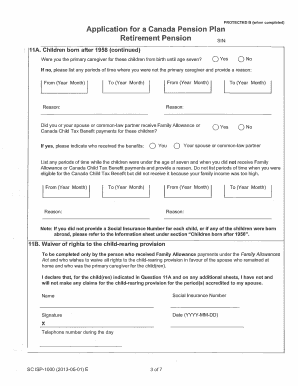
Cpp application form printable

Nis application form
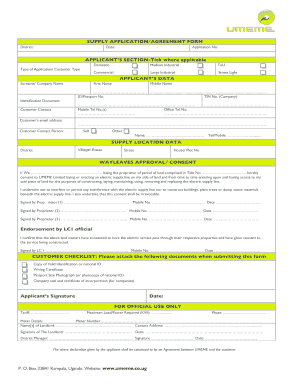
Umeme job application forms

Kaizer chiefs academy application forms 2022
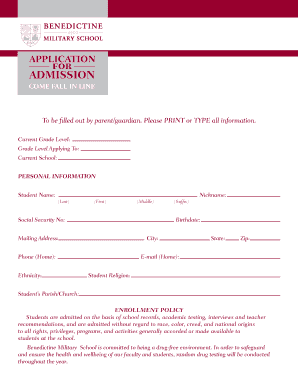
Military school application form 2022
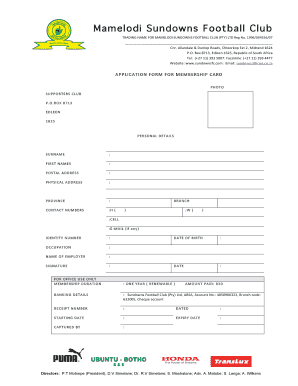
Sundowns academy application forms 2022
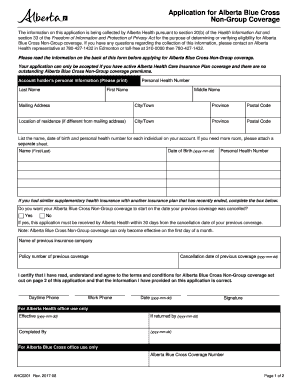
Blue cross forms alberta
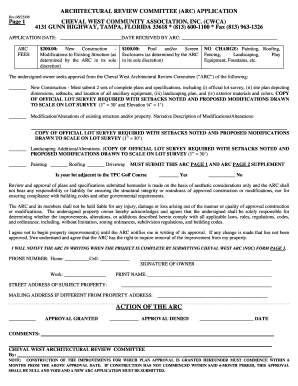
Arc application form
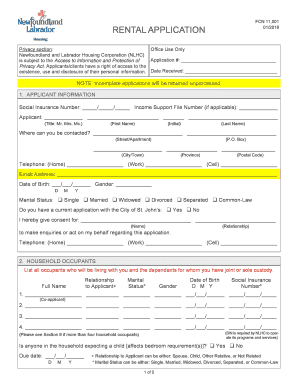
Nl housing application
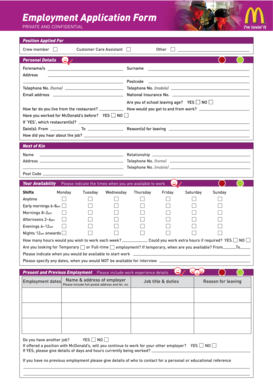
Download job application form for McDonald's - application-form.org - images pcmac
Nyda funding application forms 2021
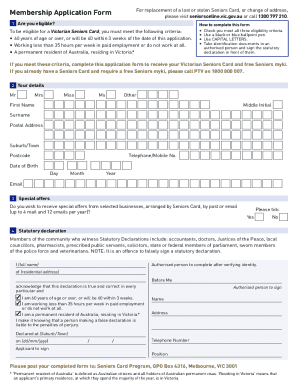
Victorian seniors card application form pdf
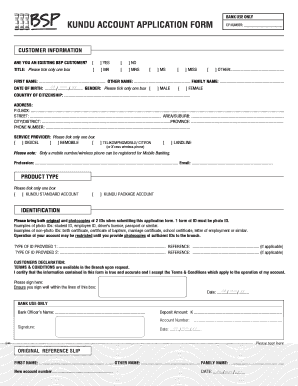
Bsp new account application form pdf
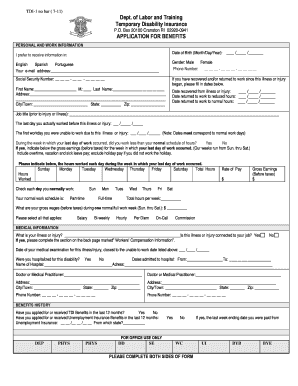
Ri tdi application form

Form sa002
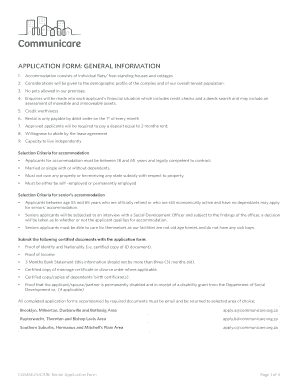
Communicare application forms
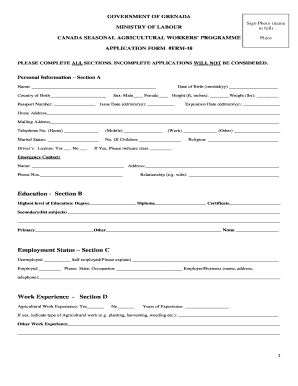
Canadian farm work program application form
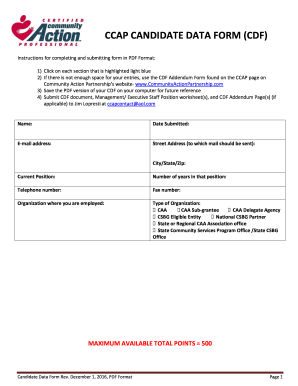
Cdf forms
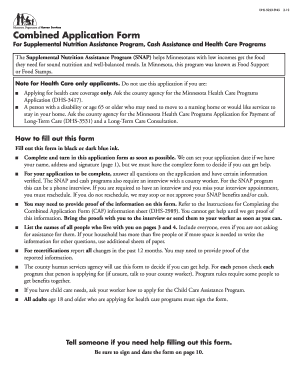
Combined application form mn
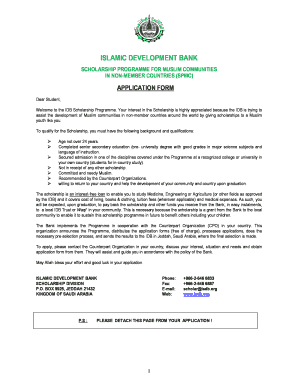
Isdb scholarship application form

H 2b visa application forms

Patient care assistant application form
Hestony driver application form 2022
-
1
- 2
Enhance your efficiency with Apply Application Forms
Form managing occupies to half of your business hours. With DocHub, it is simple to reclaim your time and effort and enhance your team's productivity. Get Apply Application Forms category and explore all form templates relevant to your daily workflows.
The best way to use Apply Application Forms:
- Open Apply Application Forms and utilize Preview to obtain the suitable form.
- Click on Get Form to begin working on it.
- Wait for your form to open in our online editor and start editing it.
- Add new fillable fields, icons, and images, adjust pages, and many more.
- Fill your document or set it for other contributors.
- Download or deliver the form by link, email attachment, or invite.
Speed up your daily file managing with our Apply Application Forms. Get your free DocHub account right now to discover all forms.
Video Guide on Apply Application Forms management

Commonly Asked Questions about Apply Application Forms
What is a sample application form?
A sample application form is filled out by an applicant to apply for a specific job, course, or other opportunities. Sample applications can be used by employers and educational institutions to recruit and screen applicants.
How to create an online order form for free?
Google Forms is a popular tool that allows users to create order forms quickly and easily using pre-made templates or by designing their own forms. PDFs with fillable forms are also an option for creating order forms, which can be filled out and submitted electronically.
How to create an application form?
Application Form Best Practices Be straight to the point. Dont waste applicants time with unnecessary questions or wordy statements. Think about the information you need. Use personalization. Create an organized form structure. Use automation.
How to make an online application form on Google?
In just 5 steps, you can create your free online form. Create forms. app an account or log in. Choose a template and use forms. app AI, or start from scratch. Add custom questions to your job application form. Adding questions and fields to your job application form. Customize the look of the form. Embed it on your website.
How to make an online application form free?
Login to your Canva account and search for form templates. Pick a design or start with a blank template. Choose a pre-made form template design. Customize your form. Edit your form by adding text, labels, logos, and other graphic elements. Download and print. Publish and share your form.
How do I create a simple online form?
How to use Google Forms Step 1: Set up a new form or quiz. Go to forms.google.com. Step 2: Edit and format a form or quiz. You can add, edit or format text, images or videos in a form. Step 3: Send your form for people to fill in. When you are ready, you can send your form to others and collect their responses.
How do I create a digital application form?
The easiest way to create a digital form is by using a web form builder with a drag drop interface, like 123FormBuilder. No need to waste time with coding creating and embedding forms on your website is easier than ever (and even more so if you use a form template.)
How to fill an application form online?
You can use a Word document or a Google document. This approach means that you can answer your application questions in long form. You can also edit them. When you have worked through all of the questions and youre happy, copy and paste them into the form.
Related Templates
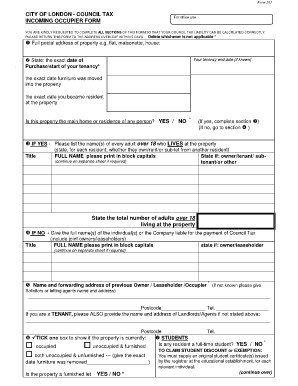
Council Tax Incoming Occupier Form - the City of London Corporation
The document is a Council Tax Incoming Occupier Form for the City of London, which requires new residents to provide inf ...
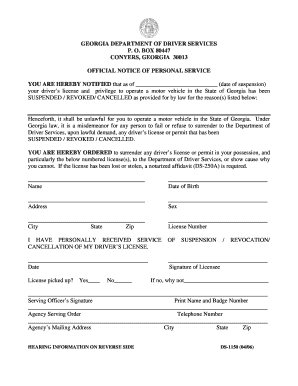
Dds 1150 form pdf
The document is an official notice from the Georgia Department of Driver Services informing an individual that their dri ...
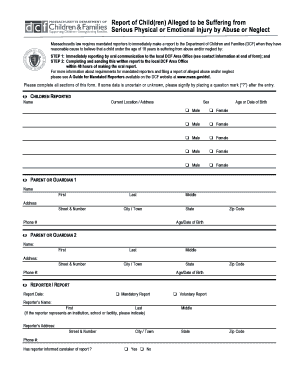
51a form
The document outlines the reporting process for mandated reporters in Massachusetts who suspect a child under 18 is suff ...
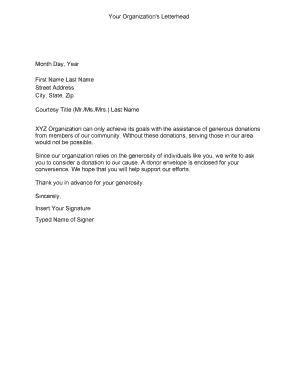
Donation letter
The document is a template for an organization's letterhead used to solicit donations from community members. It emphasi ...
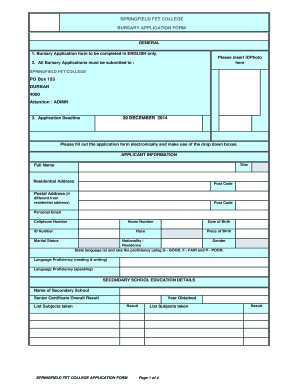
Does springfield college have nsfas
The document is a Bursary Application Form for Springfield FET College, outlining the necessary information and requirem ...
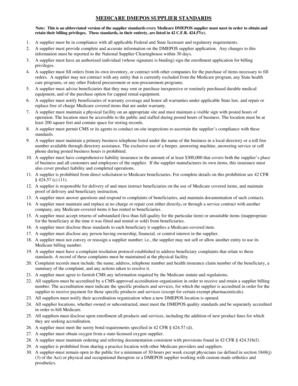
Printable dmepos supplier standards
The document outlines the Medicare DMEPOS supplier standards that suppliers must comply with to obtain and retain billin ...
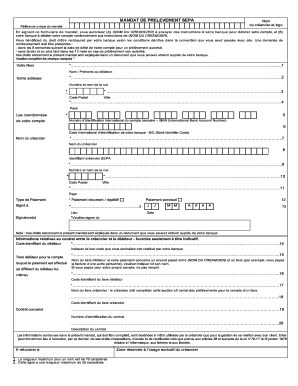
Mandat sepa amv
The document is a SEPA Direct Debit Mandate form that authorizes a creditor to debit a debtor's bank account. It outline ...