




01. Edit your saps forms apply online online
Type text, add images, blackout confidential details, add comments, highlights and more.

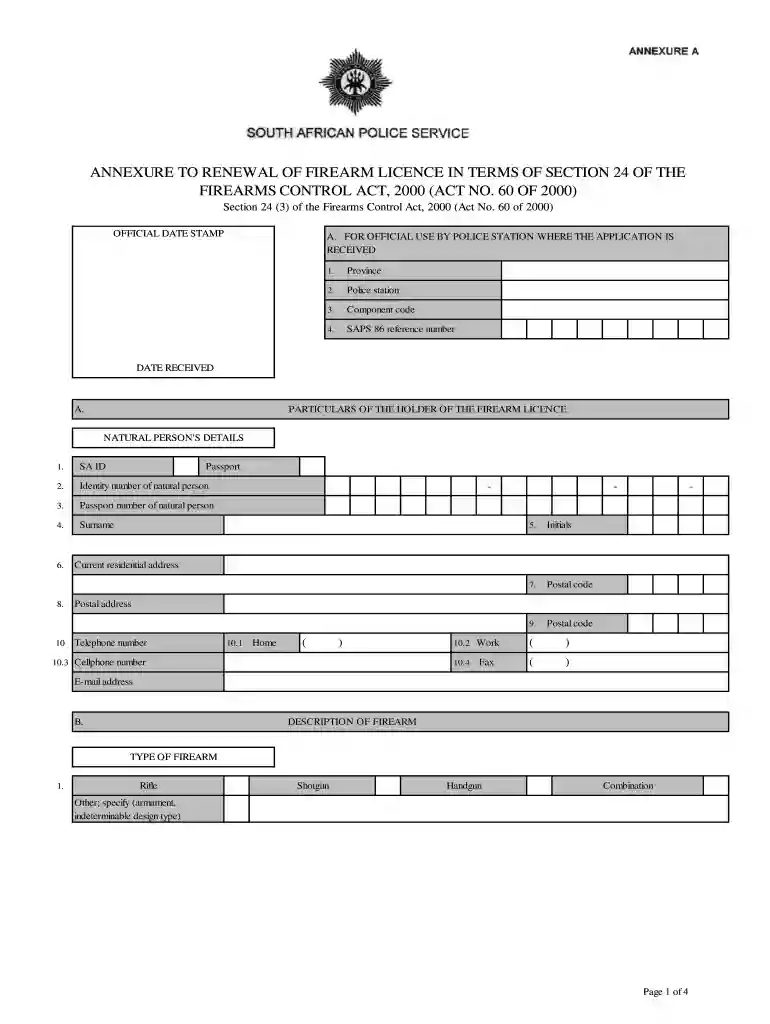
Type text, add images, blackout confidential details, add comments, highlights and more.

Draw your signature, type it, upload its image, or use your mobile device as a signature pad.

Send saps application form via email, link, or fax. You can also download it, export it or print it out.

Start using our platform today for free to streamline your SAPS application process!
At DocHub, your data security is our priority. We follow HIPAA, SOC2, GDPR, and other standards, so you can work on your documents with confidence.
Determine if there are gaps in the in- dustry-supplied data, and whether these gaps should be filled by conducting field sampling and analysis or by requesting.Read more
by RT Wilkin The purpose of this Issue Paper is to provide scientists and engineers responsible for assessing remediation technologies with background information on MNA.Read more


