
Create your An mills Application Form from scratch
Start Building Now




Here's how it works
A quick tutorial on how to set up a professional-looking An mills Application Form
Step 1: Sign in to DocHub to create your An mills Application Form.
First, log in to your DocHub account. If you don't have one, you can simply sign up for free.
Step 2: Navigate to the dashboard.
Once logged in, go to your dashboard. This is your central hub for all document-related processes.
Step 3: Initiate new document creation.
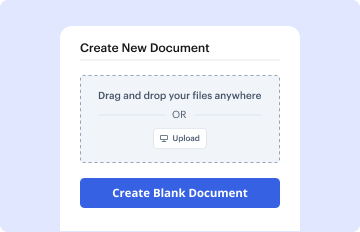
In your dashboard, click on New Document in the upper left corner. Pick Create Blank Document to design the An mills Application Form from the ground up.
Step 4: Add form elements.
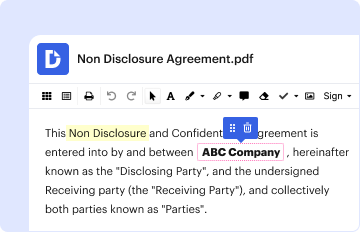
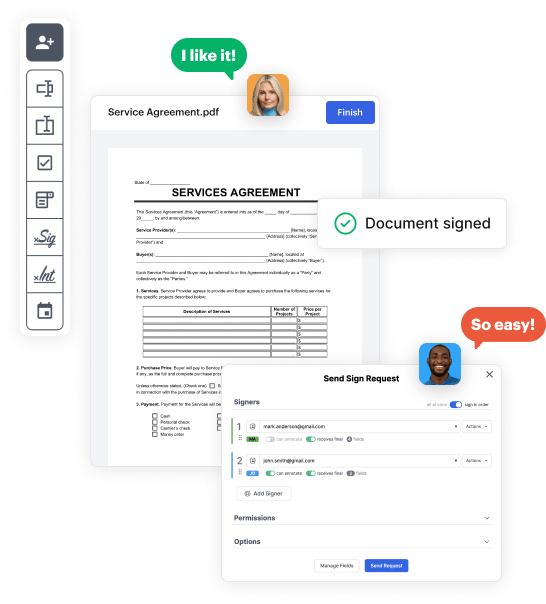
Place numerous elements like text boxes, images, signature fields, and other fields to your form and designate these fields to particular individuals as required.
Step 5: Fine-tune your form.
Personalize your form by adding directions or any other required information utilizing the text feature.
Step 6: Double-check and correct the form.
Meticulously go over your created An mills Application Form for any mistakes or required adjustments. Take advantage of DocHub's editing features to perfect your form.
Step 7: Send out or export the form.
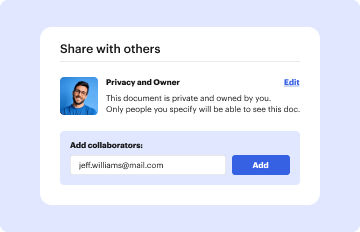
After completing, save your copy. You can choose to save it within DocHub, transfer it to various storage services, or send it via a link or email.
