
Report doc Abstract Templates - Page 2
Navigate and obtain appropriate templates from Report doc Abstract Templates. Select case-specific templates tailored to your specific case and effortlessly adjust and handle them.

Create a new Report doc Abstract Template
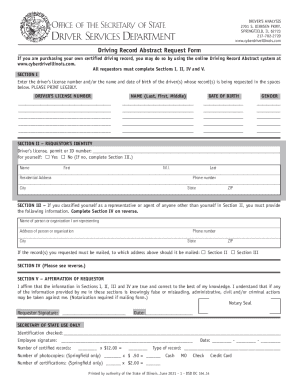
Illinois driving abstract
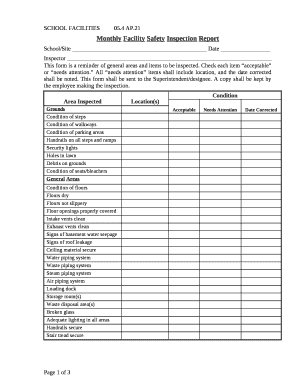
Monthly safety report format in word
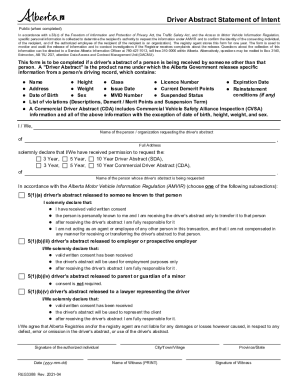
Alberta drivers abstract online
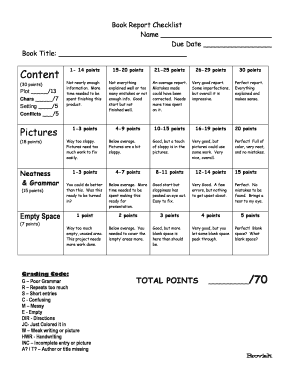
Book Report Checklist
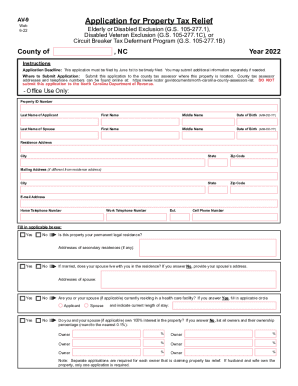
Statistical Abstract of North Carolina Taxes 2004 - NCDOR
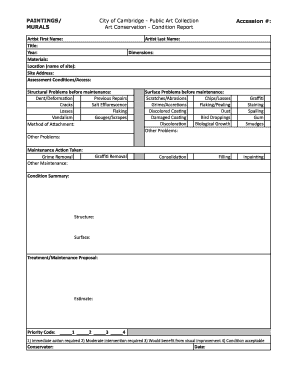
Sample condition report for artwork

Motor vehicle inspection report form sample
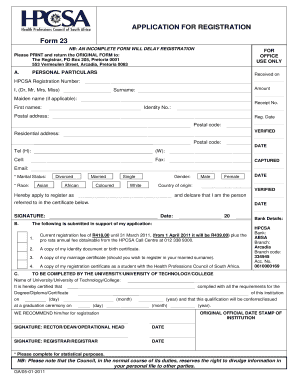
Hpcsa form 23
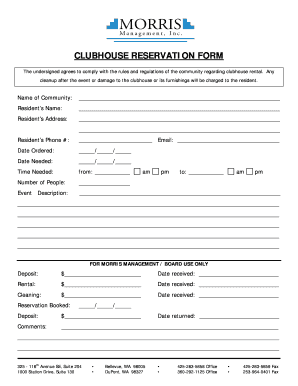
Clubhouse Reservation Form - Morris Management
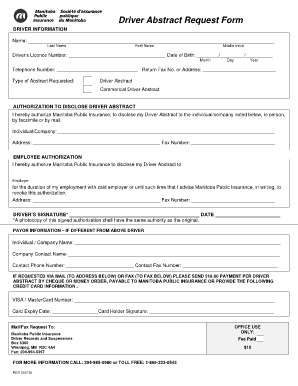
Mpi abstract request form
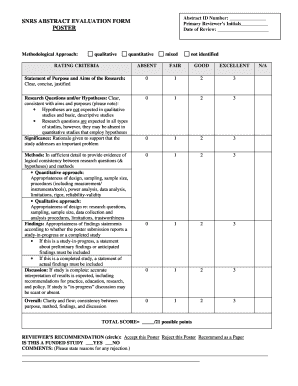
Abstract evaluation form

Pdi report format in excel

Laboratory report sample
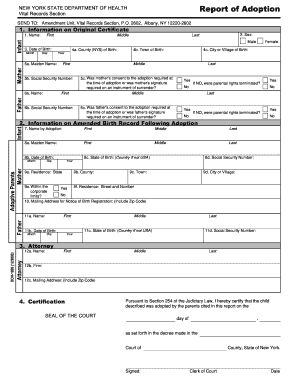
Report adoption template
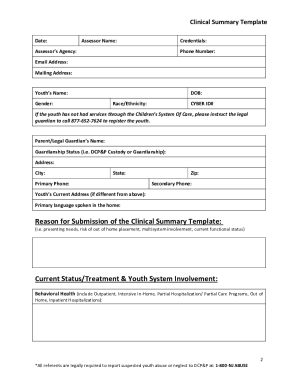
Clinical summary template
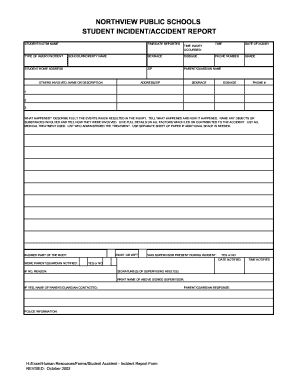
STUDENT ACCIDENT- INCIDENT REPORT FORM xls

Protocol Template - Clinical Research Resource HUB
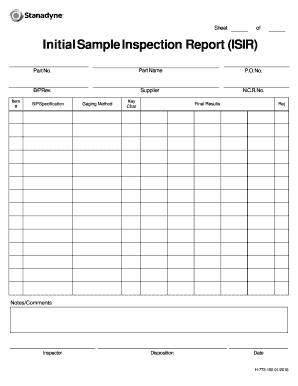
Initial sample inspection report template

Hospital Visit Report Form - First United Methodist Church
- 1
-
2
Raise your work productivity with Report doc Abstract Templates
Record managing takes up to half of your office hours. With DocHub, it is easy to reclaim your office time and boost your team's efficiency. Access Report doc Abstract Templates online library and discover all form templates related to your day-to-day workflows.
Effortlessly use Report doc Abstract Templates:
- Open Report doc Abstract Templates and apply Preview to find the appropriate form.
- Click on Get Form to begin working on it.
- Wait for your form to upload in our online editor and begin editing it.
- Add new fillable fields, symbols, and images, modify pages order, and many more.
- Fill your form or prepare it for other contributors.
- Download or deliver the form by link, email attachment, or invite.
Accelerate your day-to-day document managing using our Report doc Abstract Templates. Get your free DocHub account right now to explore all templates.
Video Guide on Report doc Abstract Templates management

Commonly Asked Questions about Report doc Abstract Templates
How do I create an abstract template?
SCIENTIFIC ABSTRACT TEMPLATE PROVIDE CONTEXT TO YOUR RESEARCH TOPIC. PROVIDE CONTEXT TO YOUR PARTICULAR STUDY. DESCRIBE THE SPECIFIC PROBLEM YOU SOLVE. STATE YOUR CENTRAL MESSAGE. SUMMARISE YOUR RESULTS. STATE THE BROAD PERSPECTIVE.
Is there a report template in Word?
To generate a report in Microsoft Word, open the template and choose Home Report Create Report. Many of the techniques for working with Word report templates are the same as those discussed previously for analysis workbooks including: Using the wizard to create a new template. Managing the associated data sources.
How do you write an abstract template?
Usually an abstract includes the following. A brief introduction to the topic that youre investigating. Explanation of why the topic is important in your field/s. Statement about what the gap is in the research. Your research question/s / aim/s. An indication of your research methods and approach. Your key message.
What is a good abstract for a technical report?
A good abstract enhances the value of a technical article for everyone concerned--author, reader, researcher, and indexer. It must be able to stand alone as a self- contained unit, a complete report in miniature. Superlatives should be omitted. It should not contain graphs, tables, or illustrations.
Does Word have a report template?
Use the Word report template to create a customized report. The template uses Word merge fields to get the data that you need.
Can you use Microsoft Word to write a report?
It is common for business analysts to use Microsoft Word for report writing, as it is a widely-available and familiar tool.
How do you write an abstract for an IT report?
Abstracts generally contain four main elements: Purpose: Clearly define the purpose and importance of your research. Methodology: State the research methods used to answer your question. Results: Summarize the main research results. Conclusion: What are the implications of your research?