
Get any PDF form from the DocHub library of ready-made templates - Page 979

Form 55 55 driller

Wyoming Revocable Living Trust Form

Wyoming wld liquor get

Camping campgroundsminnesotaCity of Spring Lake Park - Parks & Recreation Department
Mn seller
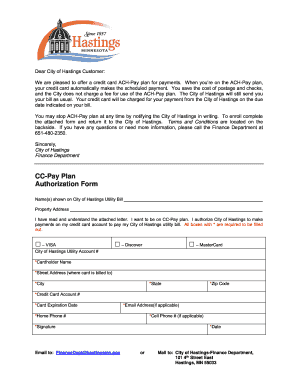
Cc plan authorization pdf

Find Fence Permit - Search Fence Permit

Biggs-ca documentsfence permitFence Permit Application - biggs-ca
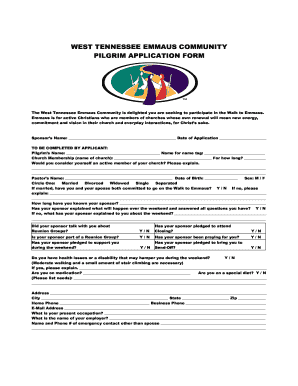
Tennessee emmaus
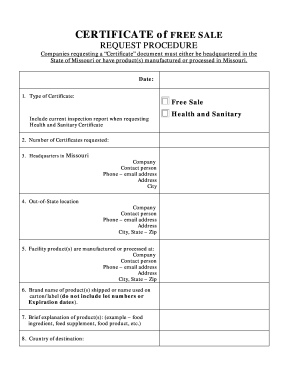
Certificate of sale missouri
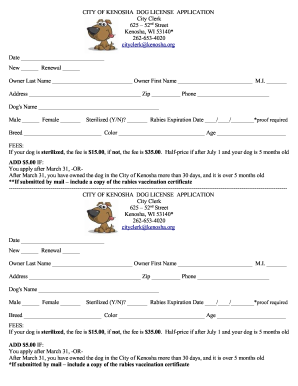
Kenosha dog license

Wi milwaukee chief inspector
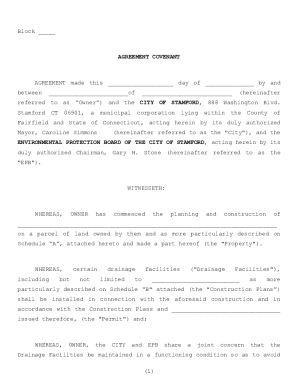
Covenant Agreement: Definition & Sample - ContractsCounsel
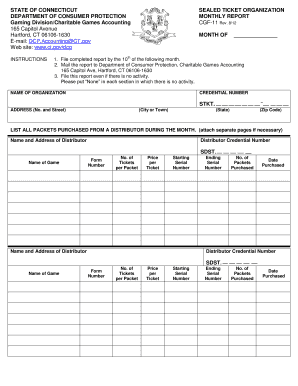
Ct cgf 11 sealed form
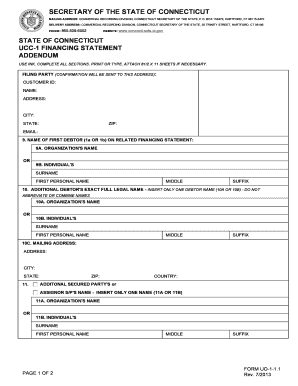
Ct ucc uo1 1 form
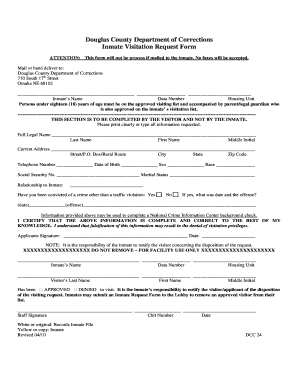
Douglas county nebraska jail
COPFCU Outgoing Wire Transfer Form
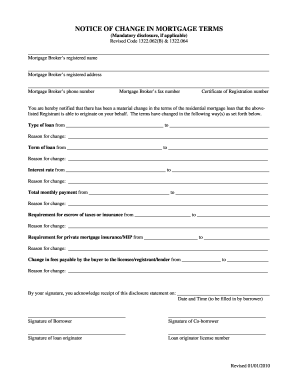
Ohio notice mortgage
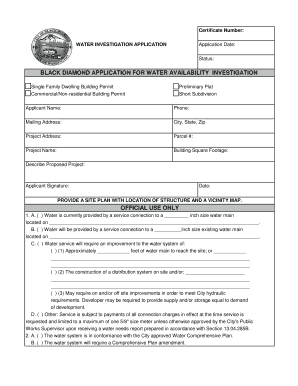
Water - City of Black Diamond
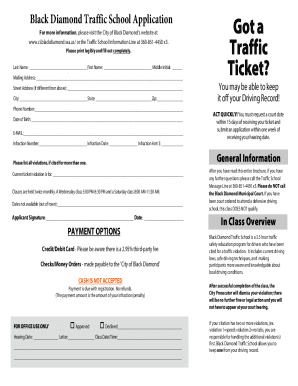
Blackdiamondwa filestraffic-schoolBlack Diamond Traffic School Application Got a Traffic Ticket?
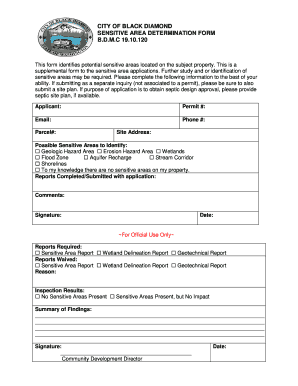
CITY OF BLACK DIAMOND SENSITIVE AREA DETERMINATION FORM B D M
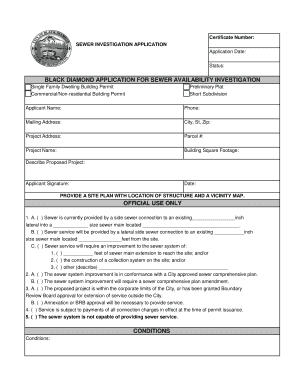
CONDITIONS BLACK DIAMOND APPLICATION FOR SEWER

2017 washington financial report no 1018770 get
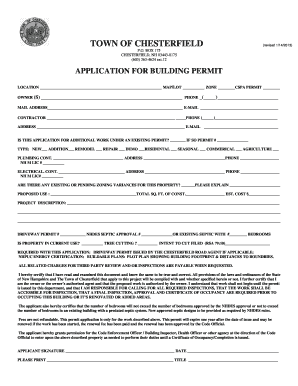
Nh application permit chesterfield
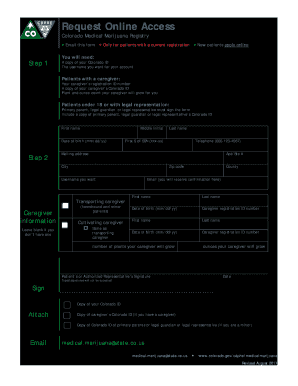
Cdphe request access medical get
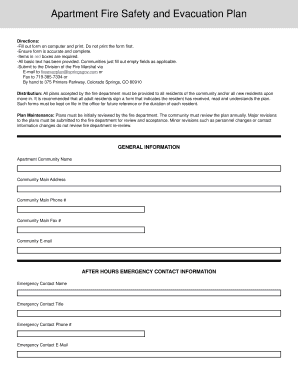
Fire safety evacuation form template
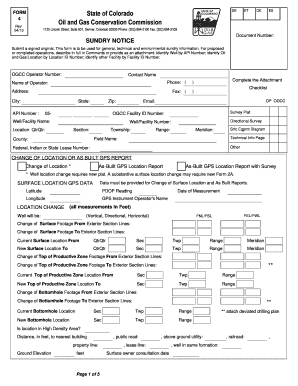
Colorado form 4 gas conservation sample
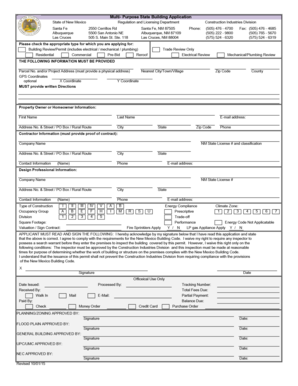
New mexico building application
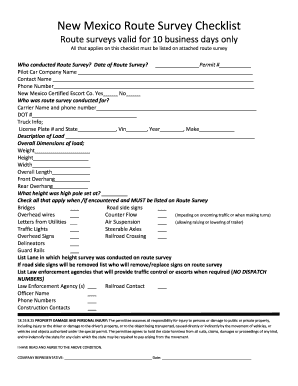
New mexico route survey

Nm only dps

Request release student

Music therapy referral form
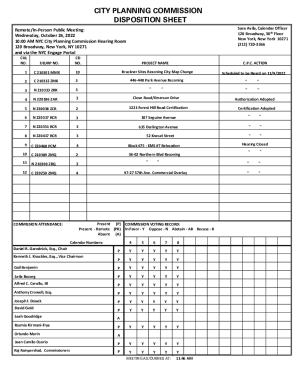
City Planning Commission Disposition Sheet
Cbs registration form
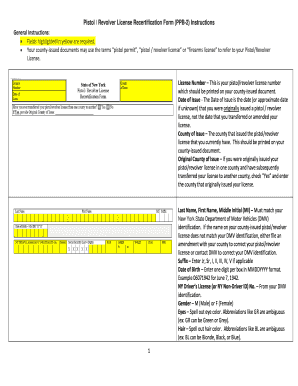
Pistol issued document form
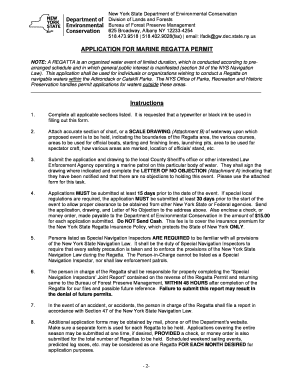
New york marine regatta permit form fillable
Maine compensation benefits
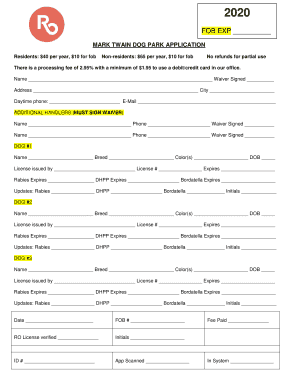
PDF royal oak dog park application - Downtown Royal Oak
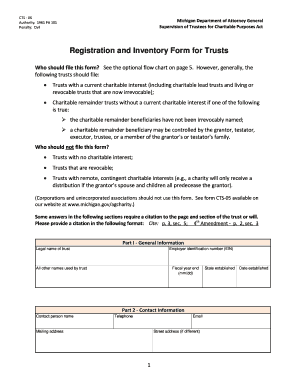
Form registration trust pdf
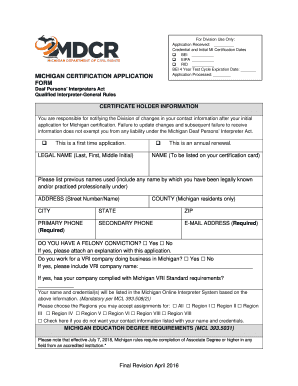
Michigan psychiatric certification form

Michigan form employee reporting

Michigan complaint inquiry form
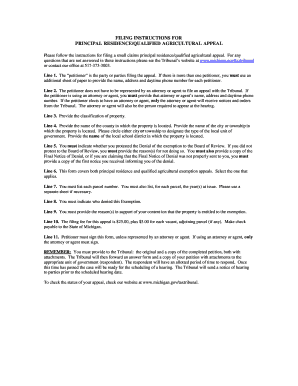
Principal residence agricultural template
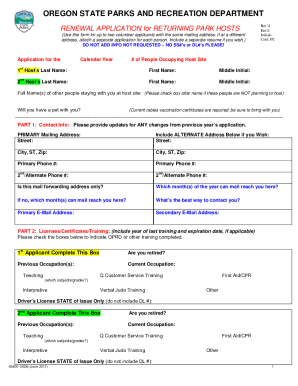
DocHub form-library153826-oregonOREGON STATE PARKS AND RECREATION DEPARTMENT - Fill and Sign
Portland writing units

Preschool - Bethlehem United Methodist Church Mission
Shiloh Baptist Church - York, PA - HomeFacebook
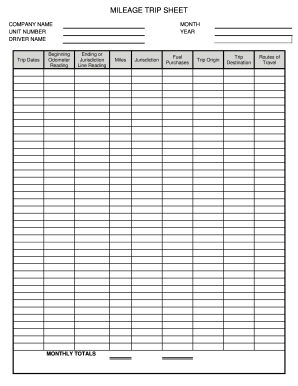
Mileage trip sheet template
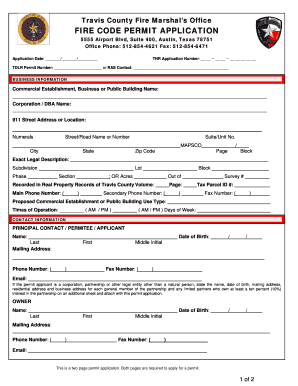
Fire prevention permit application
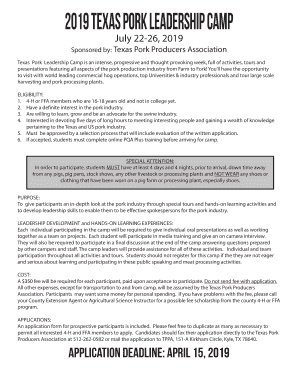
Pork camp producers
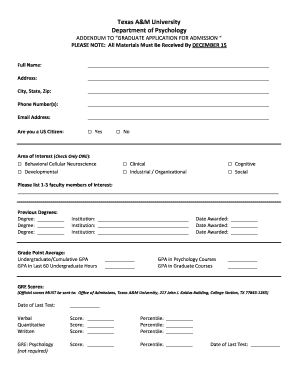
Texas am university addendum
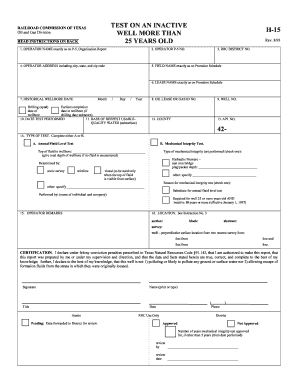
15 h form
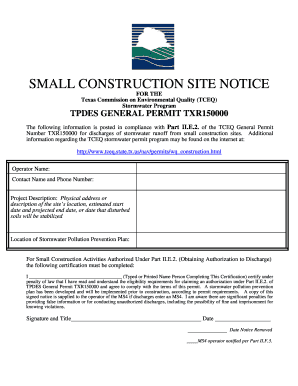
Tpdes site
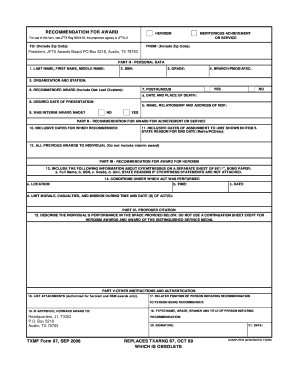
Txmf form 31

49 cfr part 391
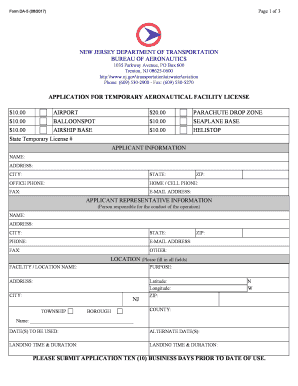
Registration jersey
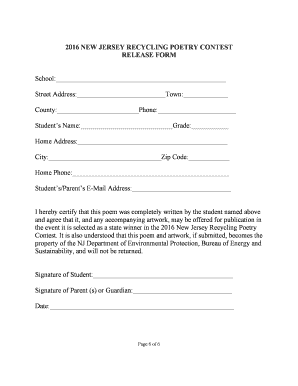
Poetry Contest - Alliance Franaise de Monterey
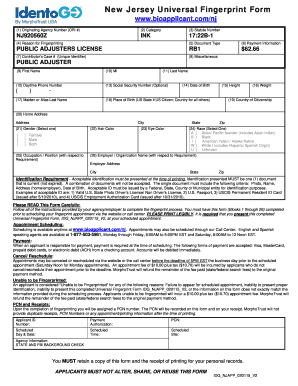
Cdl fingerprinting nj
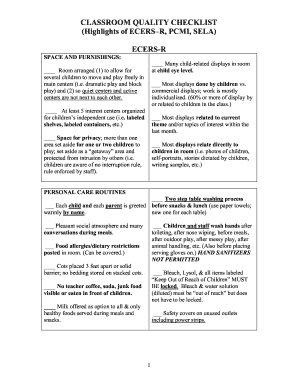
Nj checklist get
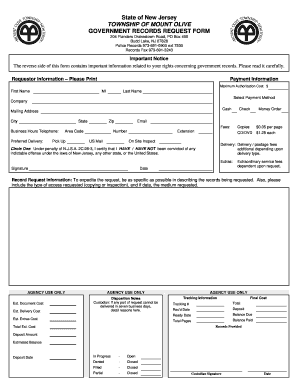
Mt opra form

New jersey permit carry handgun
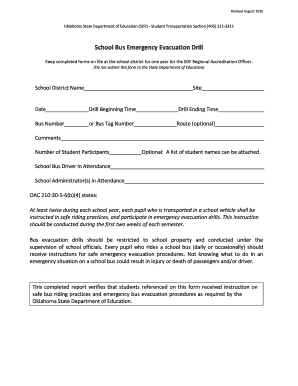
School bus evacuation drill form
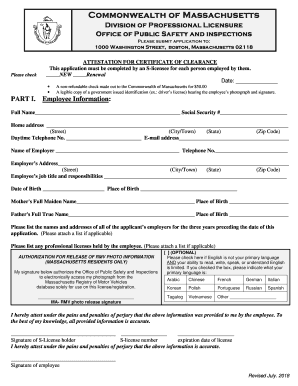
Massachusetts certificate clearance

Massachusetts agency form

RIGOM - General Office Personal data form

Forefront chicago area application form template
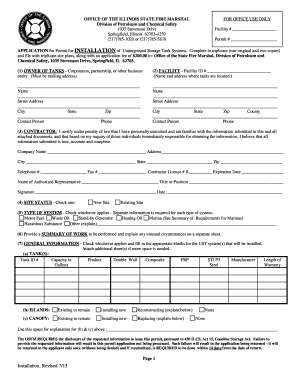
Illinois application underground storage tanks printable
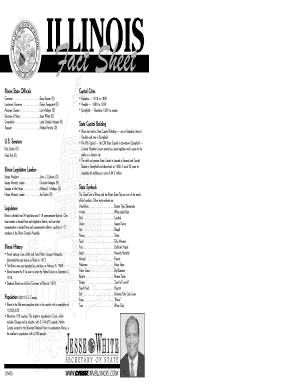
Illinois fact sheet
Il corporacion
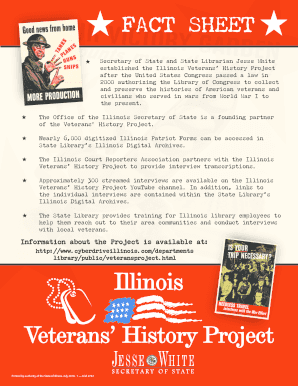
Illinois sheet project
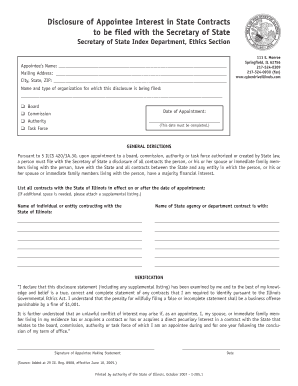
Illinois disclosure appointment form
Illinois governmental printable
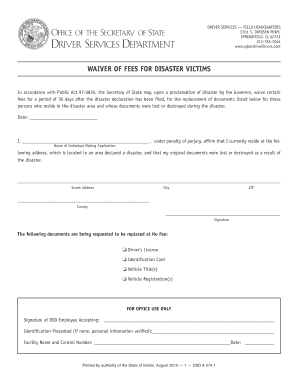
Waiver of Fees for Disaster Victims - Illinois Secretary of State
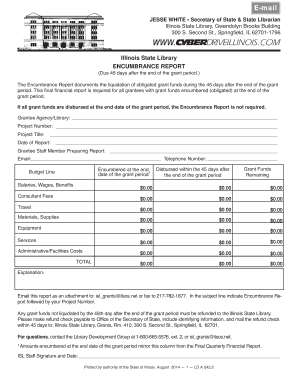
Illinois ld state
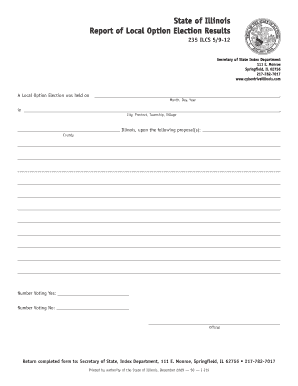
Illinois i219
Libro illinois search

Illinois municipalities
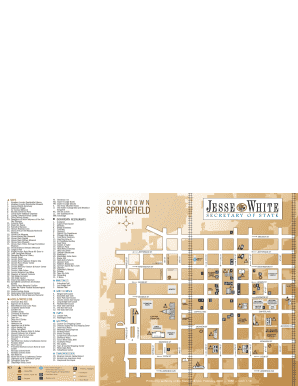
State 10m illinois
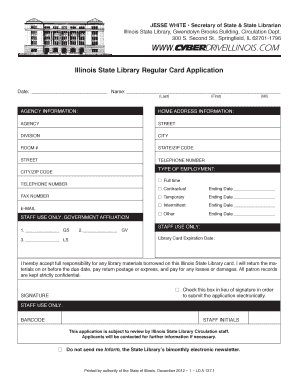
Illinois library card
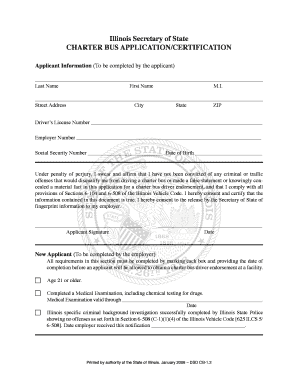
Illinois cb application

Certify illinois enforcement

Dsd sr

Lda reading family night form
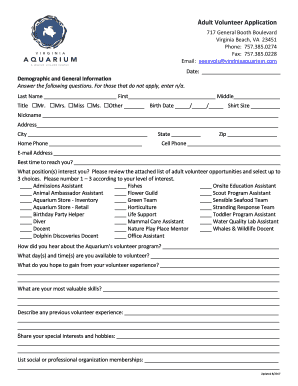
Volunteer virginia aquarium

Fcps request approval routine field trip

(PDF) Estimating the United States Population at Risk from
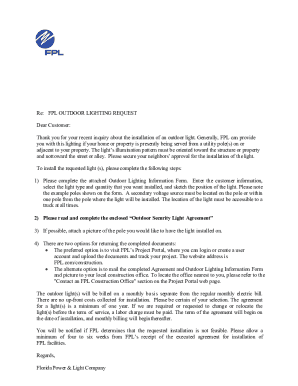
Fpl outdoor lighting request" Keyword Found Websites

Address change miami dade

Utility service application

CITY OF GAINESVILLE BUILDING INSPECTIONS DEPARTMENT 311 HENRY
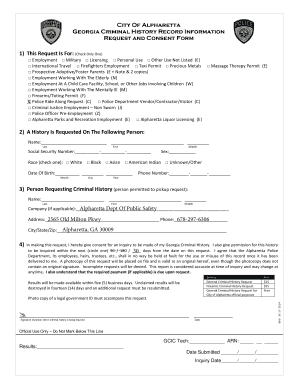
Public safety ride along form
Title applications lucindress processing salvage online
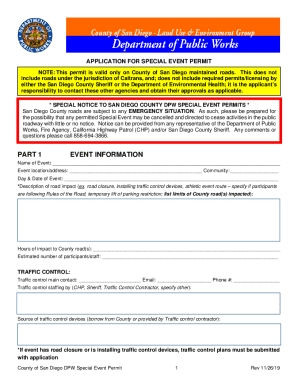
Traffic Engineering Contacts - San Diego County, California
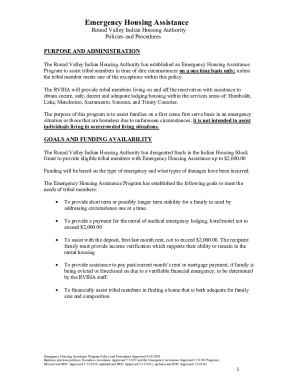
Rviha
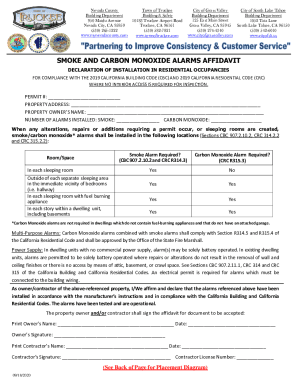
Truckee Building ClearanceNevada County, CAOnline Permits InspectionsTown of TruckeeBuilding Departm

Title: Taste of the Islands: Do You See What I See
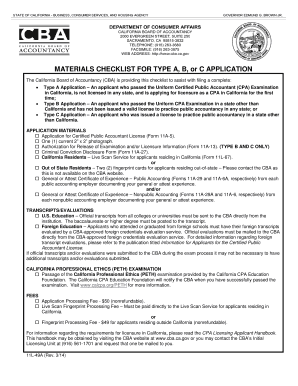
In california how do you obtain information from the dca
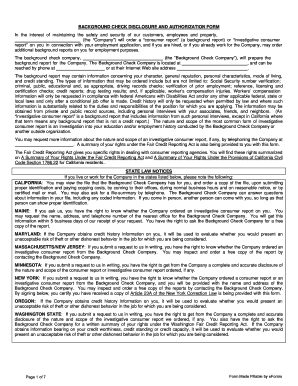
California background authorization form
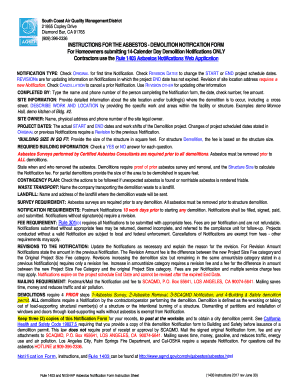
Aqmd rule 1403 form
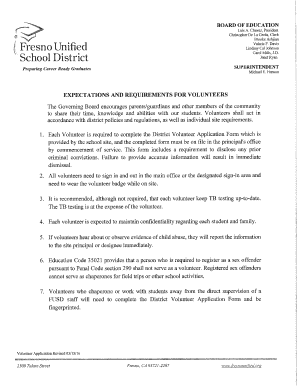
Fresno school volunteer
Benefit from the DocHub online library of fillable PDF forms
Searching the PDF forms doesn't have to be a tedious and time-consuming process. With the DocHub online library, it has become easier to find the fillable PDF forms and modify them in your browser. The service allows you to adjust the document to your needs using powerful editing tools.
You can use online document editing features to modify almost any type of document with ease. You just need to find the template of your choice, open it in the editor, and use the toolbar to make the necessary corrections.
Follow this guide to get your document done with DocHub:
- Find the PDF template you need.
- Click the Get Form button to open the file in the editor.
- Use the toolbar to fill out and edit the document.
- Easily add and highlight text, insert images, checkmarks, and symbols.
- Drop new fillable fields, and rearrange or delete pages from your file.
- Save changes and download your record.
DocHub empowers everyone to streamline document editing, signing, and distribution, and form completion. Create an account and benefit from our well-organized PDF Forms library and comprehensive editor.