
Get any PDF form from the DocHub library of ready-made templates - Page 901
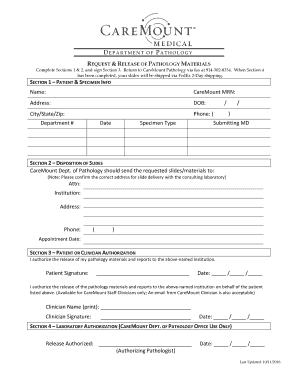
Request & Release of Pathology Materials - CareMount Medical
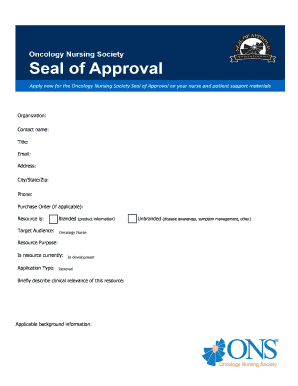
How to Define Your Target Audience - Healthcare Success

EVZIO Intake Form - AllCare Plus Pharmacy
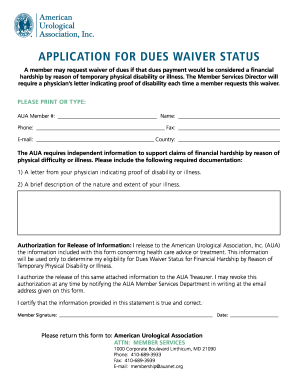
If you wish to request a waiver or deferral of dues, please
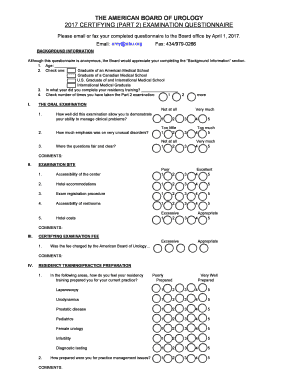
Certifying (Part 2) ExaminationABU - American Board of
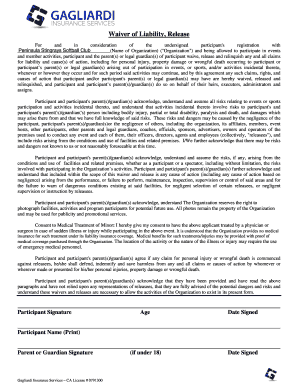
Peninsula Stingrays Softball Club
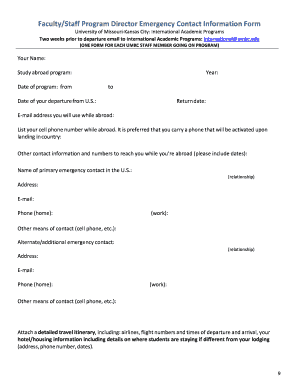
Roles and Responsibilities of Faculty - University of Iowa
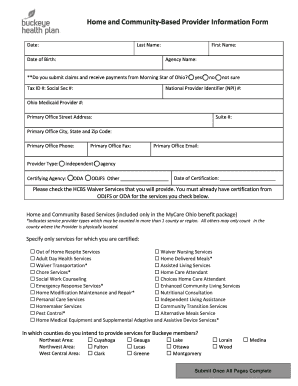
Provider instructions
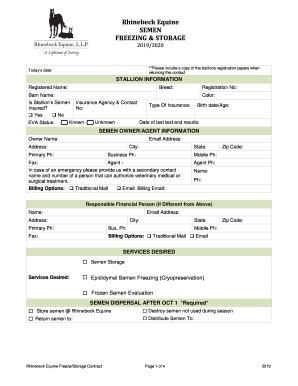
Medical office registration form
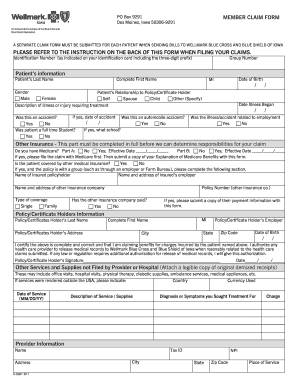
C 5321

Guardian fml
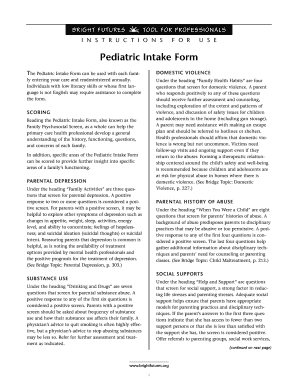
Pediatric intake form
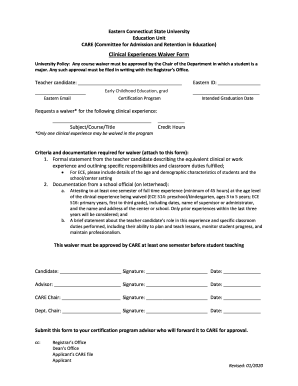
Experiences waiver
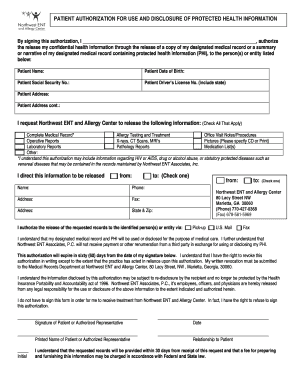
I request Northwest ENT and Allergy Center to release the
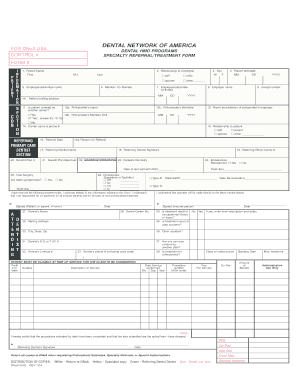
Dental network referral form
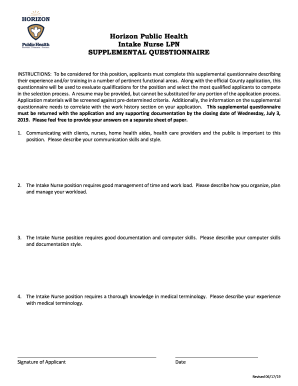
Hospice of Douglas County Horizon Public Health Hospice
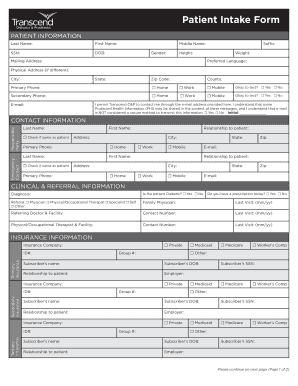
Confidential information

Medical service questionnaire

Declaration of conformity templates (medical devices
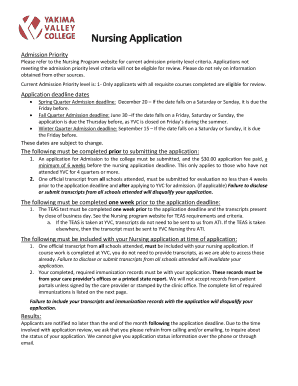
2019 nursing application
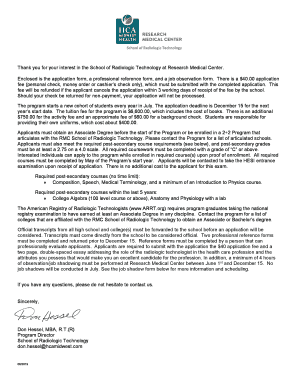
Fillable Online School of Radiologic Technology at Research

Interdepartmental communication template

Kidney and or Pancreas Referral Form Montana - wkhs
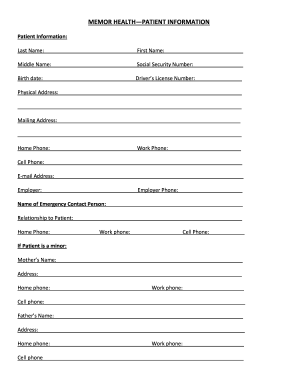
Marital Status MDSW Patient's Full Legal Name Birthdate
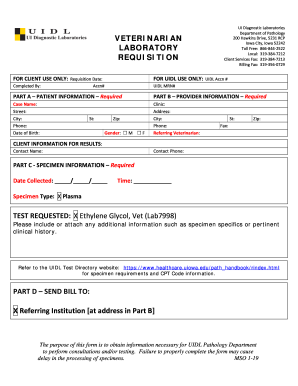
Department of Pathology Iowa City, Iowa - UI Health Care
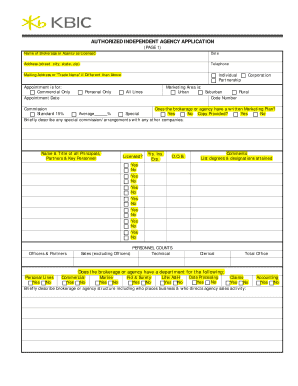
LIGApptQuestionaire revised
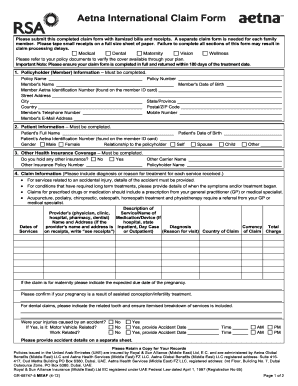
Aetna dental reimbursement form
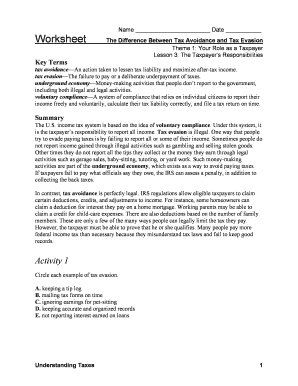
Internal revenue service tax form
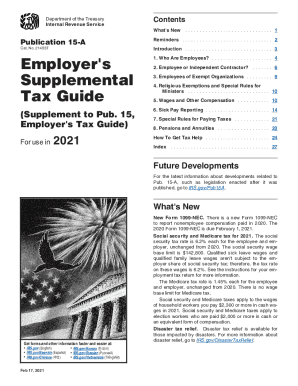
Internal revenue service tax form
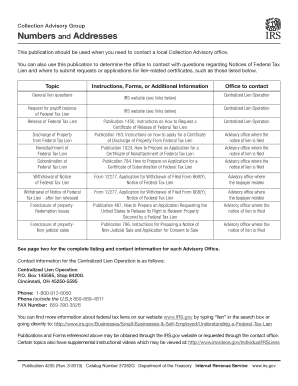
Irs form 4235
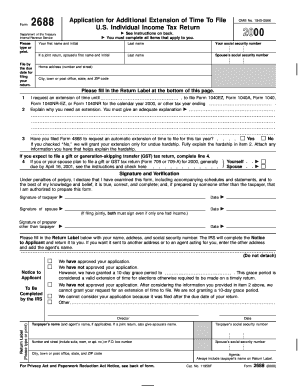
Irs file tax return form
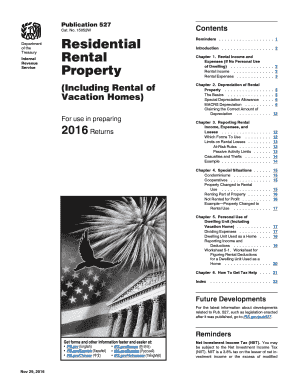
Publication 527

Irs form 8846
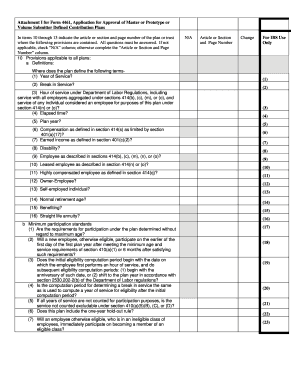
Form attachment i
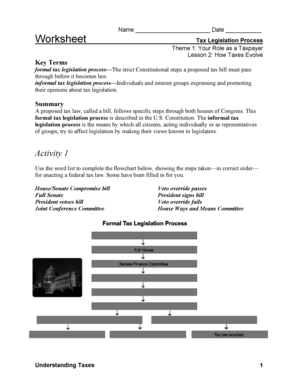
Tax legislation process worksheet

2015 Form 8824 - irs
What is fax number to submit form 1310
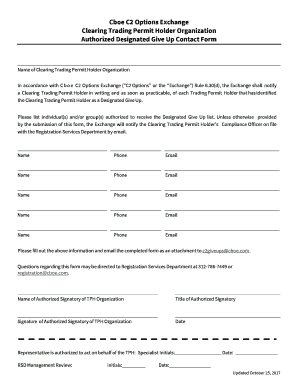
Clearing Trading Permit Holder Organization
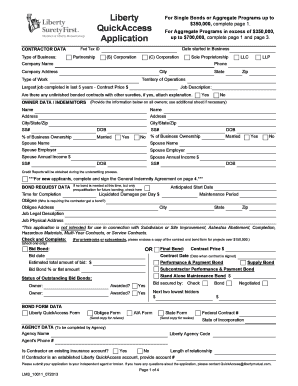
Liberty QuickAccess Application 2013-2021 - US Legal Forms
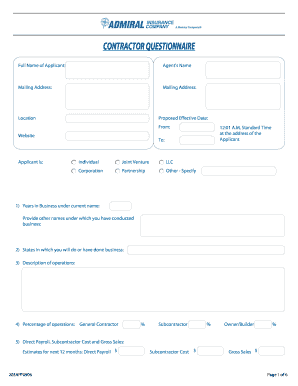
Contractors questionnaire
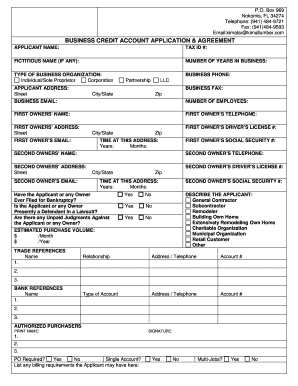
Credit application cover
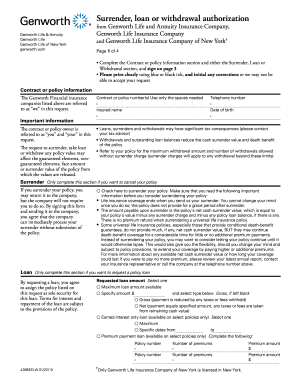
Genworth withdrawal form
Tufts school veterinary form

Policy Renewal Form

Veritiv application

PERSONAL DEBIT CARD APPLICATION PERSONAL DEBIT CARD APPLICATION

Personal Deposit Account Application Sage Capital Bank

Vendor Information Form - Parkway School District
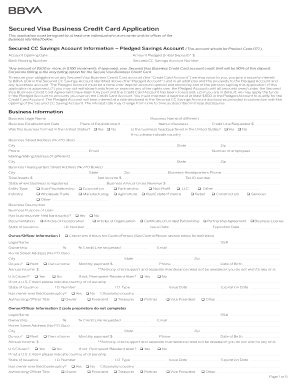
Credit application
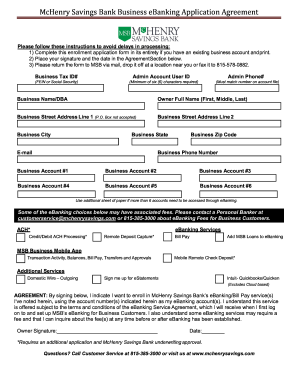
Disclosure & Agreement for Savings and Transaction Accounts

OMSNIC Individual New Business Application - Email Disclaimer
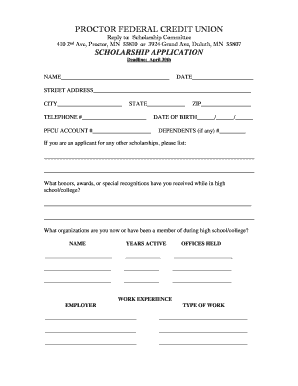
Proctor credit scholarship form
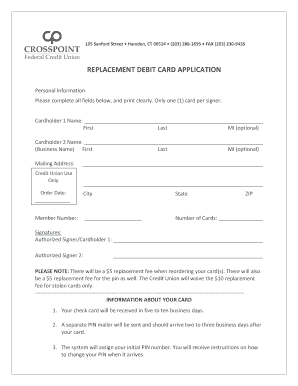
Replacement debit card form
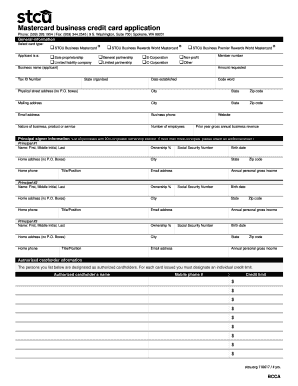
VISA Credit CardResponders Emergency Services Credit

The Medical Assisting (MA) program is accredited by the Commission on Accreditation of Allied Health
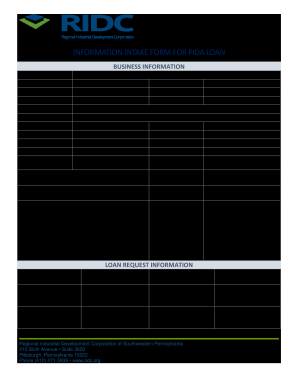
INFORMATION INTAKE FORM FOR PIDA LOAN

IMPORTANT: Check (X) the appropriate boxes below and complete the applicable sections

Additional card application form
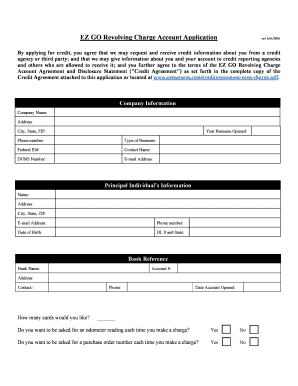
Application (business) 2016-0806 EZ GO Charge
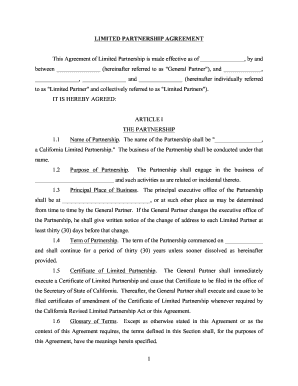
Partnership deed sample

Do you currently purchase cyber insurance
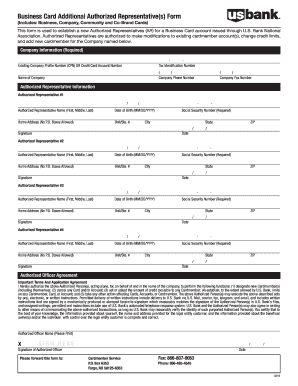
Card representative form

Credit application with personal guarantee sample
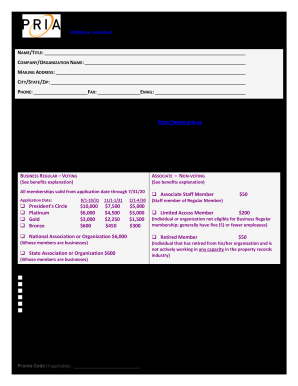
Why the UK must associate to Horizon Europe - Royal Society

Payment justification
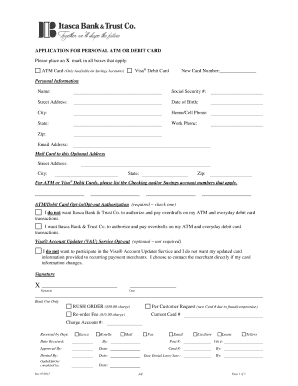
Personal Bank ServicesThe Citizens Bank
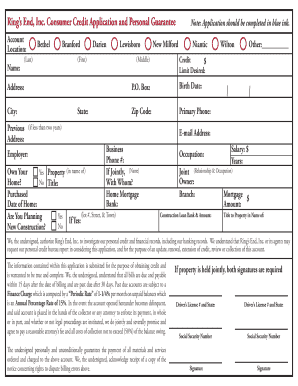
Rings End, Inc
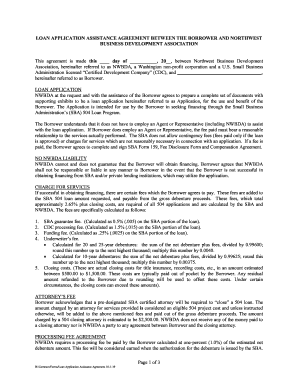
LOAN APPLICATION ASSISTANCE AGREEMENT BETWEEN THE BORROWER AND NORTHWEST BUSINESS DEVELOPMENT COMPAN

Nslsc bank

Torrey Pines Reservation - Credit Card Authorization Form NGEM GSD
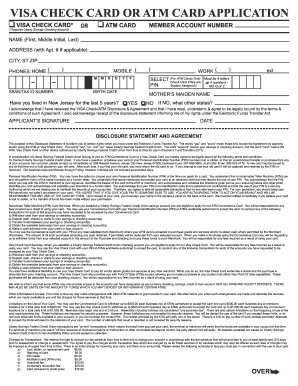
Federal atm application form

Credit Application - Worth Higgins & Associates
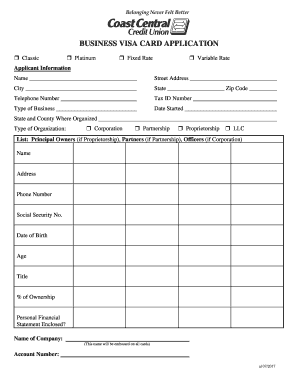
BUSINESS VISA CARD APPLICATION - Coast Central Credit
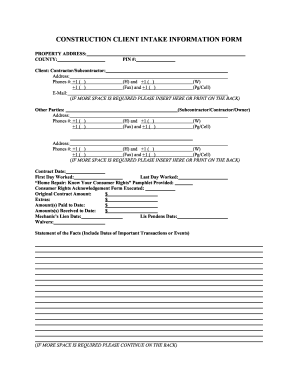
Construction client form

BUSINESS INFORMATION (Please complete all areas of this section)

GS Goldman Sachs CFD Goldman Sachs
Small administration 7a
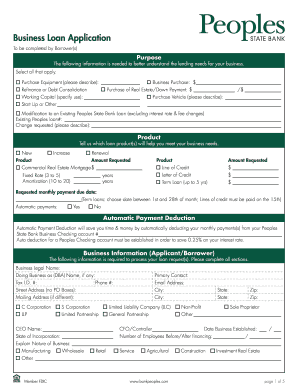
Loan tax

Orco block credit app ication
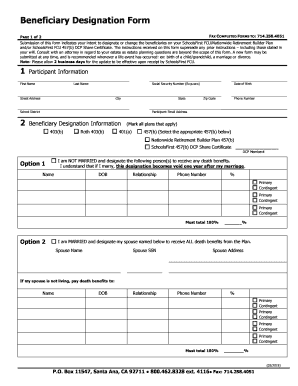
Schoolsfirst beneficiary
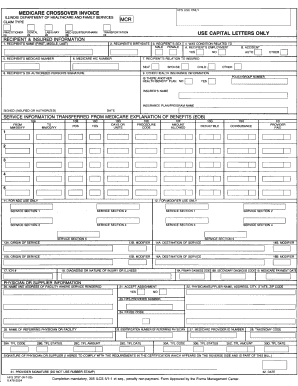
Hfs 3797
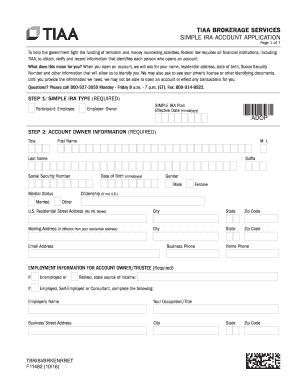
Tiaa brokerage application
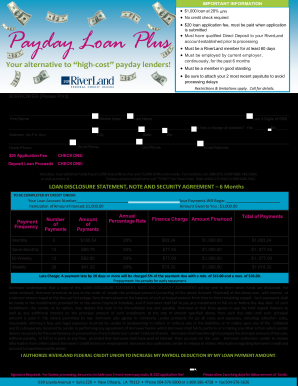
Payday Loan Plus - RiverLand Federal Credit Union
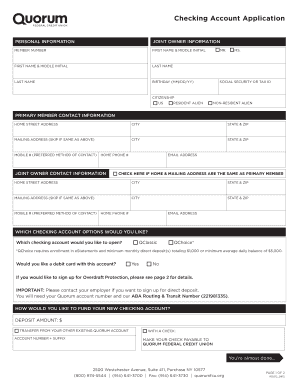
Checking account application online
Tsp 60r form
Alliance Spine and Pain Centers With Locations All Over
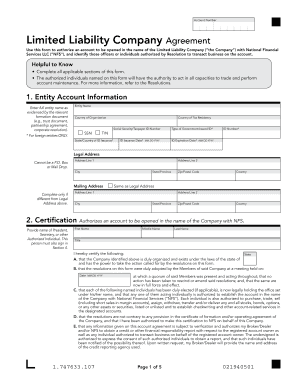
LLC Agreement - Seaport Securities

Davita w2 request
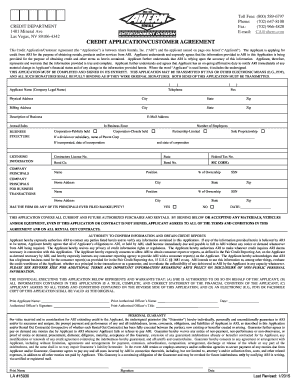
Ahern rentals credit application
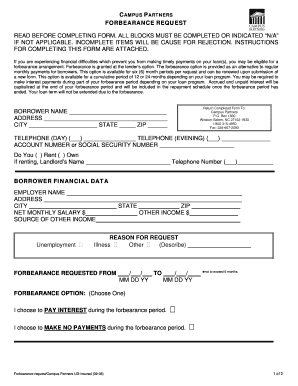
Forberance forms
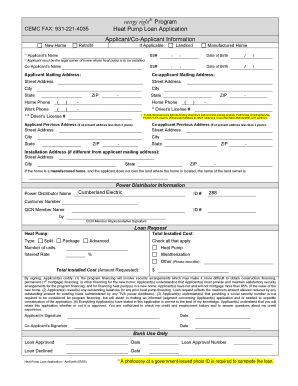
Energy right program heat pump
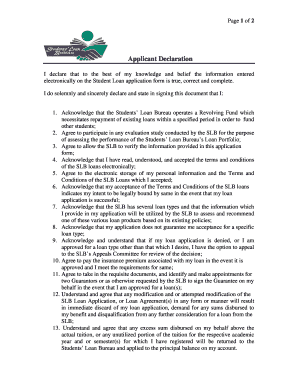
Declaration slb form
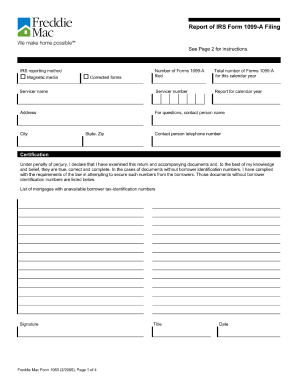
Mac 1065
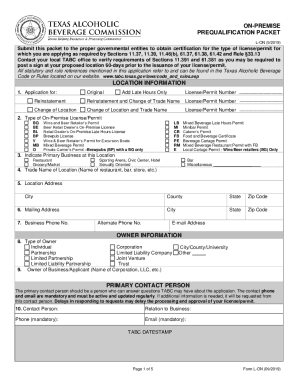
Tx
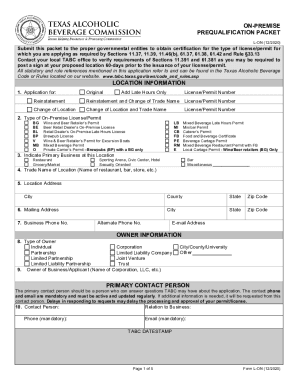
Tx form
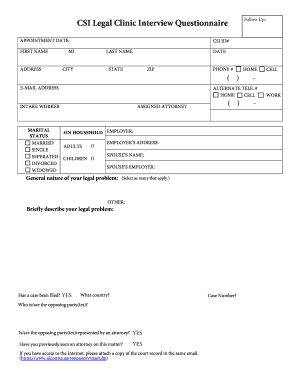
Free Job Application Form - Standard Template - Word PDF
Life Insurance and Annuity ClaimsGenworth

Contractor waiver and release form
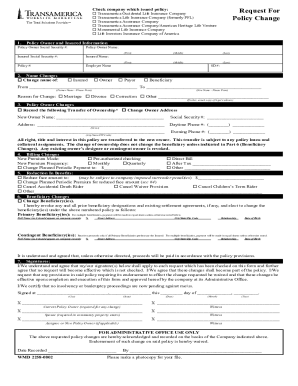
Transamerica policy change form
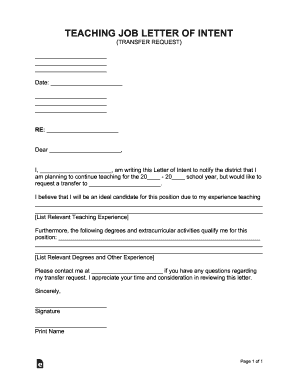
Writing a Strong Job Transfer Request Letter (with Samples
Benefit from the DocHub online library of fillable PDF forms
Searching the PDF forms doesn't have to be a tedious and time-consuming process. With the DocHub online library, it has become easier to find the fillable PDF forms and modify them in your browser. The service allows you to adjust the document to your needs using powerful editing tools.
You can use online document editing features to modify almost any type of document with ease. You just need to find the template of your choice, open it in the editor, and use the toolbar to make the necessary corrections.
Follow this guide to get your document done with DocHub:
- Find the PDF template you need.
- Click the Get Form button to open the file in the editor.
- Use the toolbar to fill out and edit the document.
- Easily add and highlight text, insert images, checkmarks, and symbols.
- Drop new fillable fields, and rearrange or delete pages from your file.
- Save changes and download your record.
DocHub empowers everyone to streamline document editing, signing, and distribution, and form completion. Create an account and benefit from our well-organized PDF Forms library and comprehensive editor.